Instructions

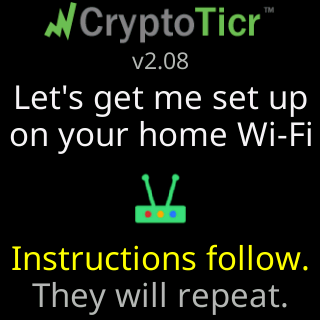
Everything below is the manual, in the order most owners need it.
Watch it instead
Set up your CryptoTicr with an iPhone: the whole thing done once, start to finish. All the videos are on one page, from setup on a laptop to what to do when a phone goes a different way.
Start here
- Quick start: the whole setup on one page. Plug in, join the ticker’s
CTnetwork, pick your Wi-Fi, choose coins. - Unboxing and first power-up: what is in the box and what the first screen looks like.
Setting up, step by step
- Join the ticker's setup network, then the guide for your device: Setting up from an iPhone or iPad, Setting up from an Android phone, Setting up from a Windows PC, Setting up from a Mac.
- Choose your Wi-Fi and connect: the setup page, the password, and what the glass shows while it joins.
- Find the settings page after setup and Pick your first coins.
- Things to do in the first hour: the settings worth a look on day one.
Using it
- Coins: Choosing coins, One, two or four coins per screen, How long each screen stays.
- The screen: Title area, Price area, Charts and time ranges, Colorsets, Brightness, Nighttime quiet hours.
- The page itself: A tour of the settings page, Opening the settings page.
- Wi-Fi later on: Change to a different Wi-Fi network, Moving to a new home or a new router, Wi-Fi.
When something is odd
- What the screen is telling me: every message the glass can show, one line each.
- Support: what to have ready and how to reach Lee.