Wi-Fi setup in plain English
If setting up a gadget on your home Wi-Fi sounds like more than you signed up for, read this first. It is the back of the card in the box, and it explains what is about to happen without the technical words. Once it makes sense, the step-by-step is Quick start.
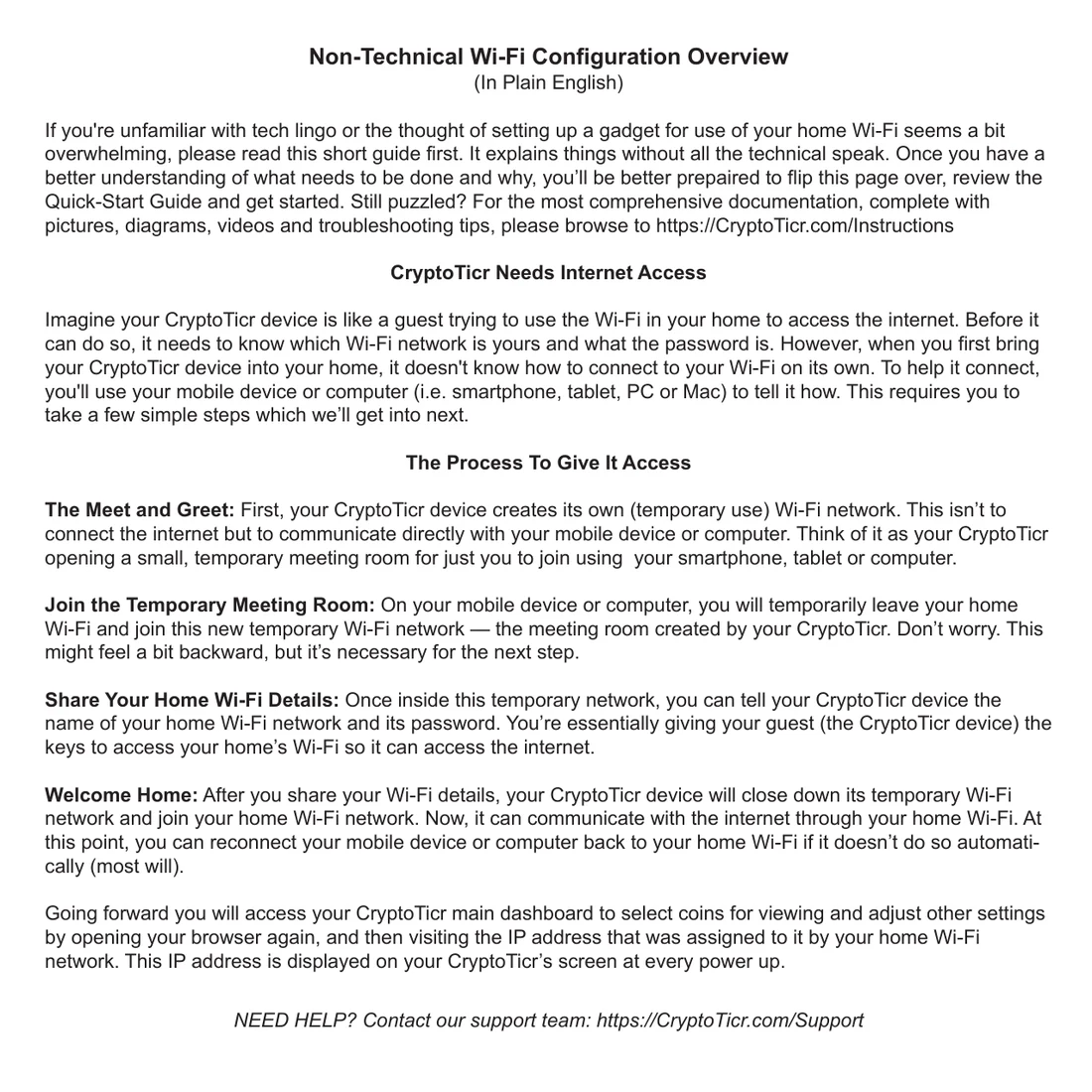
View or download this side of the card (PDF)
The ticker needs your Wi-Fi
Think of the ticker as a guest who has arrived and wants to use your Wi-Fi. Before it can, it has to be told which network is yours and what the password is. It cannot find that out by itself, and it has no keyboard for you to type on. So you tell it, using the phone or computer you already have.
How you tell it
It opens a room of its own. A ticker with no network makes a small Wi-Fi network of its own, named CT and three digits. That network reaches nothing but the ticker. It exists so your phone can talk to it directly, like a meeting room opened for one conversation.

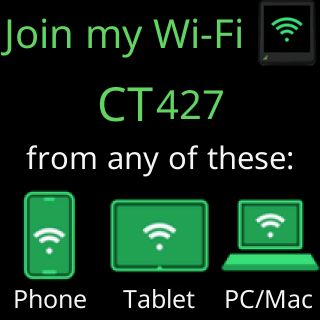
You step into that room. On your phone, you leave your home Wi-Fi for a minute and join the ticker’s network instead. This is the part that feels backwards, and it is normal. Your phone may warn that this network has no internet. That is true, and it is the point: the network is there for one exchange, not for browsing.
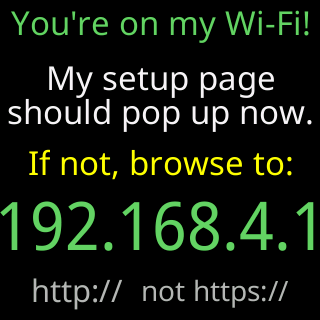
You hand over the keys. Once your phone is on it, a page opens on your phone. Most phones open it by themselves; if yours does not, the ticker’s screen shows the address to type. On that page you pick your home network from a list and type its password. You are handing your guest the key to the house.
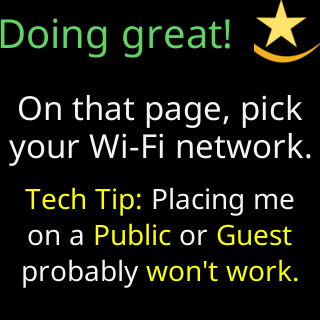
It moves in. The ticker closes its own little network, joins your home Wi-Fi, and from then on reaches the internet through your router like everything else you own. Your phone hops back to your home network by itself, on nearly every phone.
After that
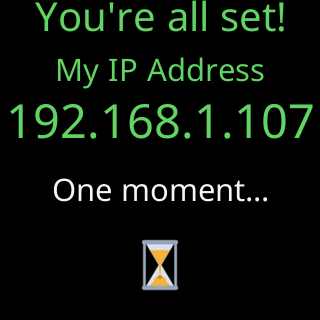
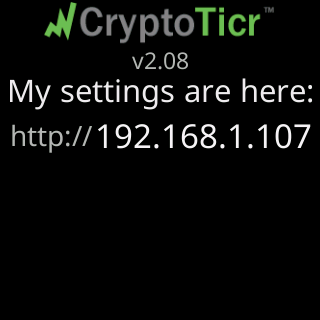
The ticker shows its address on your home network every time it starts. Open that address in a browser, from any phone or computer on the same Wi-Fi, and you reach its settings page: which coins it shows, how long each one stays, colors, brightness and the rest.
Nothing about this repeats. You do it once, and after a power cut the ticker rejoins your Wi-Fi on its own.
If it does not go to plan
The ticker says what went wrong in plain words rather than a code. Take it from Screen messages during setup, or start at What the screen is telling me and find the words you can see.