The setup network
 9:41192.168.1.107
The name
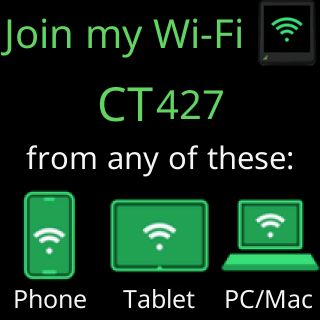
The setup network is named CT followed by three digits, CT000 to CT999. The digits come from the ticker’s own chip, so they never change for a given ticker, and two tickers in one home almost always have different names. The same name is the ticker’s hostname on your router while it is running, so an owner who can see one can find the other.
What it is
The network is open, no password, and it exists only to carry your Wi-Fi details from your phone to the ticker. It runs on channel 1 and accepts up to four devices at once, so if a laptop gets stuck mid-setup a phone can join alongside it. Nothing on it reaches the internet, which is why your phone may warn you about the network; the setup page’s first card says the same thing.

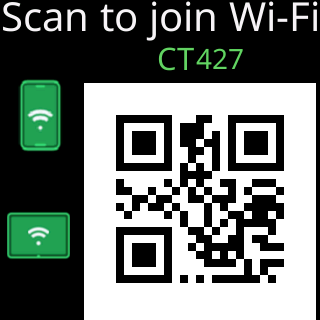
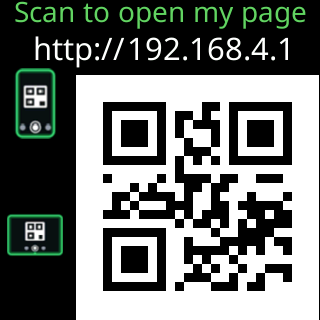
The ticker’s address on it is 192.168.4.1. The ticker answers every web address a device asks for on this network with its own page, and it answers the “is there a sign-in page here?” checks that iPhones, Android phones, Windows and Macs make when they join a new network, that is how the setup page opens by itself. Scanning the QR code gets there the same way.
When it appears
- A ticker that has never been on a Wi-Fi network turns it on at power-up, after the welcome screen.
- After
Erase Wi-Fion the settings page, and after a factory reset. - A ticker whose saved network refuses it four times in a row during its wait (the usual sign of a changed router password) opens it by itself, keeping every setting.
- A ticker holding a network it has never once connected to opens it after two failed tries.
- A ticker that has never completed setup, whose saved network cannot be reached, opens it after three restarts.
A ticker that has completed setup and whose network is merely off the air does not open it; it waits for the network to come back instead. See What happens when the Wi-Fi drops.
When it goes away
- The moment the ticker joins your Wi-Fi it shuts the setup network down and restarts. If nothing on the internet answers through that network, it first asks on the glass and the setup page whether to use it anyway, for up to 3 minutes. The phone drops back to its usual network by itself.
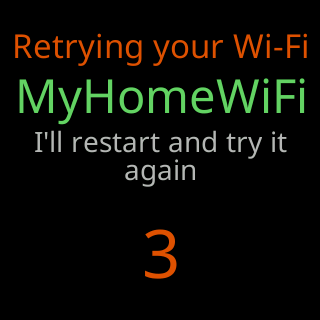
- On a ticker whose saved network has worked before, 15 minutes with nobody using setup brings a countdown:
Retrying your Wi-Fi, the network’s name,I'll restart and try it again. It restarts and tries that network again before reopening setup. A new ticker, or one whose Wi-Fi was erased, has nothing to go back to, so it waits in setup for as long as it takes.
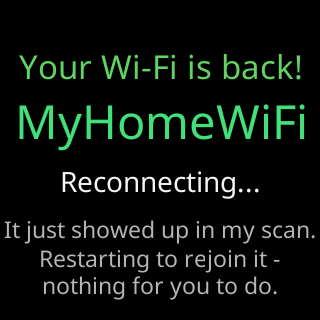
- On a ticker that opened setup because its saved network was missing, the ticker keeps scanning for that network in the background. When it reappears and nobody has used the setup page for three minutes, the glass shows
Your Wi-Fi is back!, the network’s name,Reconnecting...,It just showed up in my scan.,Restarting to rejoin it -,nothing for you to do., and the ticker restarts onto it. A phone or tablet left joined to theCTnetwork does not stop this; only someone using the setup page does.
A device counts as using the setup network while it is joined and for 45 seconds after it last spoke to the ticker, so reading a card or typing a long password never trips the idle restart.
While it is on
The glass cycles the setup cards until a device joins; then it shows what stage you are at. Prices are not shown while the setup network is up. See The setup cards on the glass and What the glass shows while joining.