Screen messages about Wi-Fi
A ticker that already knows a network says out loud how the joining is going, every time it starts up. The screens below are that commentary, plus what it shows while it waits, retries, or moves to a different network.
Starting up

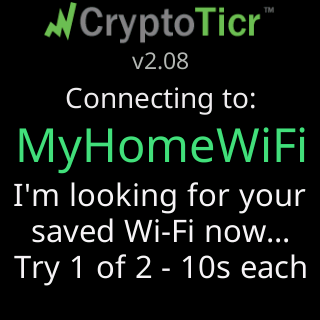
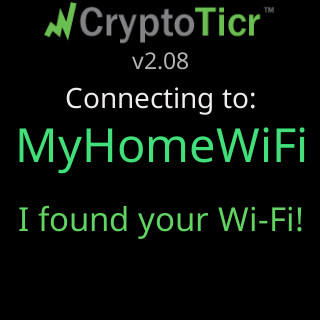
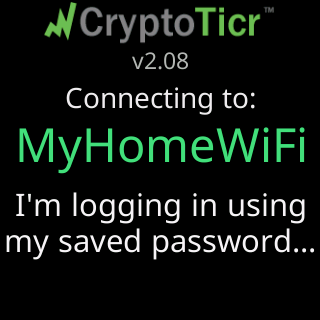
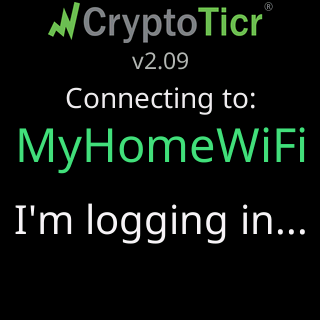
Connecting to: with the saved network’s name is the header for all of it. Under it, in order: the search, Try 1 of 2 - 10s each, then the sign-in (I'm logging in using / my saved password..., or I'm logging in... on a network with no password), then the address.
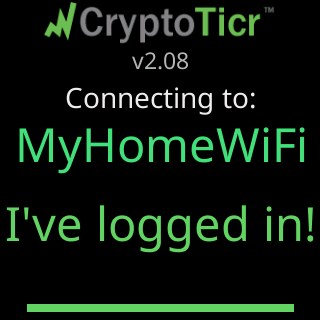
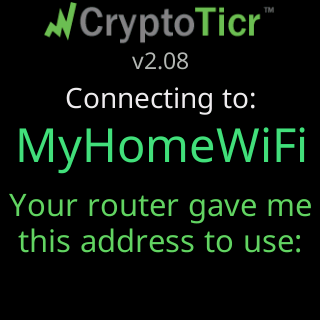
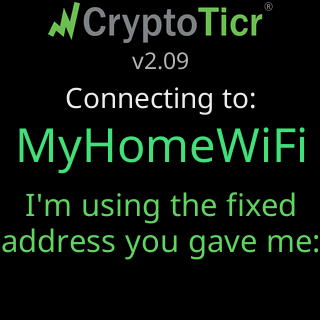
A ticker that was restarted specifically to retry adds This is restart #2 of 3 on a further row. A ticker that was given a fixed address says I'm using the fixed / address you gave me: instead. If that fixed address turns out not to reach anything, it says so and asks the router for one: That fixed address / isn't working. / Asking your router..., ending in either Your router gave me / one that works. or No luck either way. / Keeping yours.
Waiting for the saved network
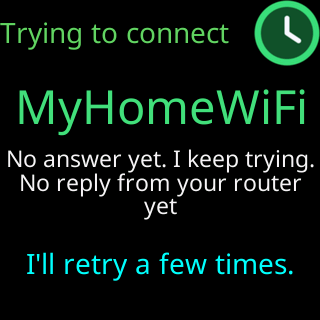
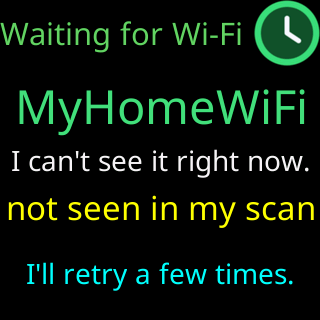
When the network does not answer at once, the ticker settles into a calm waiting screen rather than an alarm. The header states what it actually knows:
| Header | Under it |
|---|---|
Trying to connect |
No answer yet. I keep trying. |
Waiting for Wi-Fi |
I can't see it right now. when its scan missed the network, or It's there. I can't join yet. when the scan saw it |
Wi-Fi answered |
It's there. I can't join yet., or It rejected my password. |
Almost connected |
Wi-Fi is up. No IP address assigned yet., with DHCP server not responding, Is DHCP setup right? or the router’s own reply |
Wi-Fi rejected my password, or Can't join Wi-Fi when it cannot prove that |
Did the password change? / I'll keep trying, then / open my setup to fix it. |
Weak Wi-Fi signal |
Poor Wi-Fi signal. / Get me and the router / closer together. |
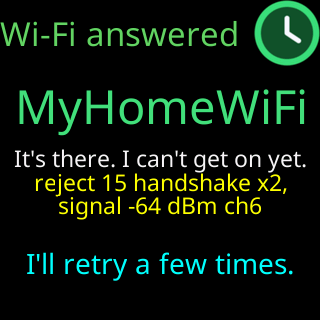
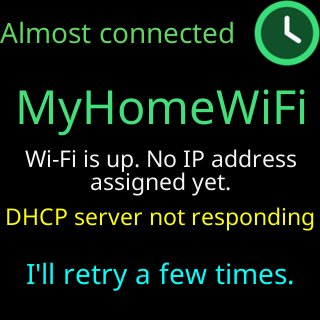
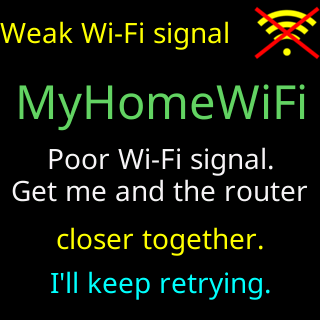
Under the header sits the network’s name, a reason line such as No reply from your router yet or the router’s own words, and a footer that rotates through I'll keep retrying., I retry every 15 seconds, / restart every 2 minutes., New Wi-Fi? Restart me / 5 times fast. Wipes me. and the router’s evidence, unless the reason line above it already shows that evidence. On a ticker holding details that have never once worked, the footer reads I'll retry a few times. and 1 more try, then I'll open my setup page.
A setup that never finished
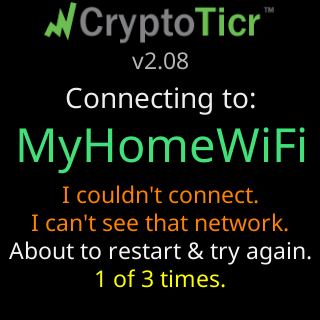
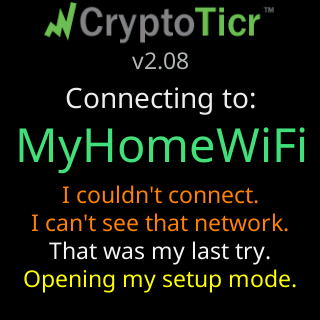
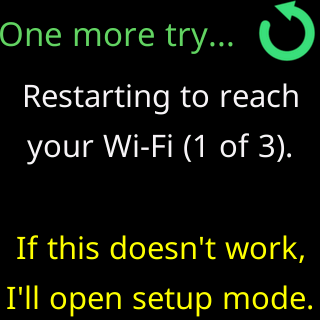
A ticker that has details but has never got onto the network runs through its own escalation, and narrates every stage of it.
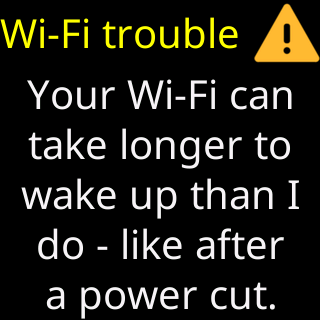
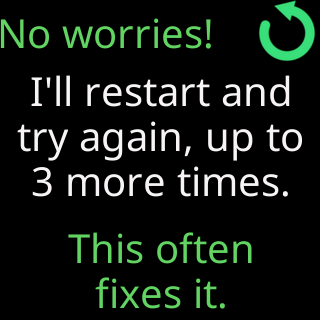
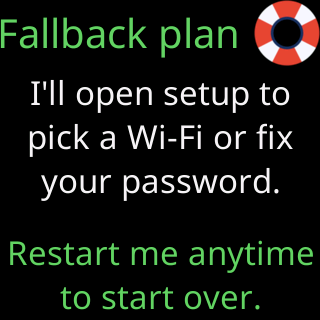
Wi-Fi trouble is the one that saves the most calls: after a power cut, a router can take minutes longer to come back than the ticker does, and the ticker knows to wait rather than declare a fault.
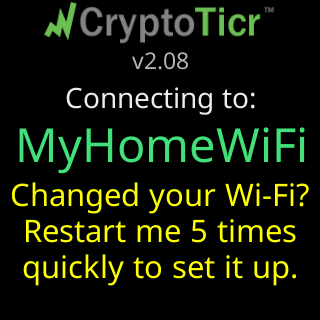
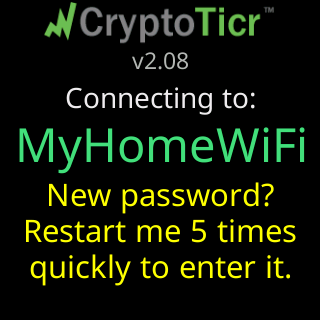
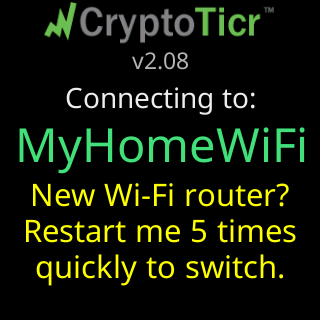
Alongside those, a yellow hint offers the way out, worded for what probably changed: Changed your Wi-Fi?, New password? or New Wi-Fi router?, each followed by Restart me and 5 times fast to set it up., 5 times fast to enter it. or 5 times fast to switch. That is Factory reset by switching it off and on five times, offered before it is needed.
While running
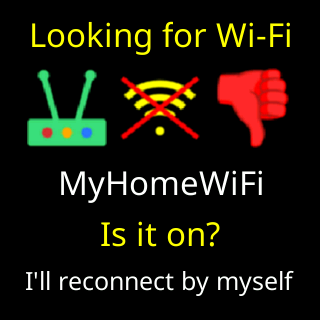
If the network disappears while the ticker is running, the signal card takes a turn titled Looking for Wi-Fi, with the network’s name, Is it on? and I'll reconnect by myself. After you have warned it that the password changed, that last line becomes I'll open my setup page instead.
When the router is on but turning the ticker away, most often after its password changed, the box over the coins says Wi-Fi refused. and this card does not appear. When the router let it on but gave no address, the box says No IP address from router., again without the card.
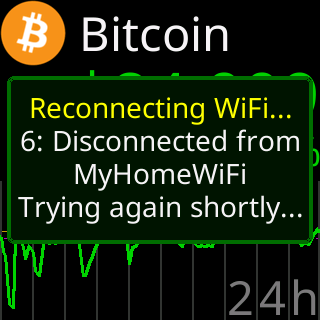
The radio’s own rejoining shows as a small box headed Reconnecting WiFi... with a code line, one of 1: SSID not found, 4: Join failed, 5: Disconnected from the network, 6: Handshake failed or 7: Disconnected, and Trying again shortly...
Changing Wi-Fi from the settings page
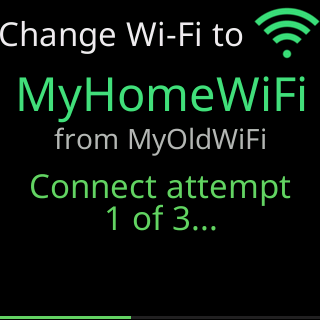
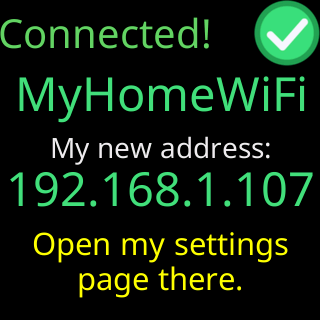
A change started from the settings page is narrated on the glass as a band of phases, in this order:
Looking for that network nearby...Found it (signal 78%). Connecting..., orNot in my scan - trying anyway (hidden?)Connect attempt/1 of 3..., and on a failed attempt the reason andRetrying... (1 of 3)Wi-Fi OK - checking the internet..., and if that part is missing,Joined, but no internet yet./Retrying...- Either the
Connected!card, withMy new address:and the address, orCouldn't join. Back on your saved Wi-Fi.
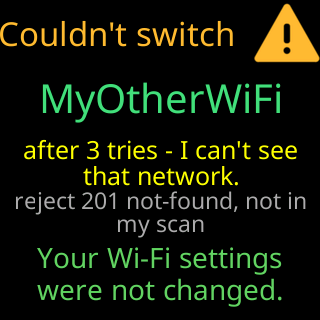
A failed change ends on the Couldn't switch card with the network’s name, the reason, the router’s own words, and the line that matters most: Your Wi-Fi settings / were not changed. The ticker goes back to the network it was on. When there was no network to go back to, the verdict is the shorter Couldn't join.
Two smaller variants use the same band. Changing only the address says Updating my address... and ends in the success screen or Couldn't apply that address. Going back to an automatic address waits up to 12 seconds for the router, with a thin line along the bottom. Saving a network for somewhere else says Saving this network... and then Saved. Leaving this network now.
The whole procedure from the page’s side is on Change to a different Wi-Fi network.