The settings page won't open
- This site can't be reached
- Safari can't open the page
- A search results page opens instead
- The page never loads
Symptoms
- You typed the address and got
This site can't be reached,Safari can't open the page, a search results page, or a spinner that never ends.
Cause
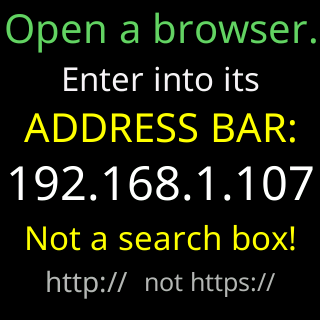
Four ordinary causes. The address went into a search box instead of the address bar. The browser turned http:// into https://, which the ticker does not speak. Your phone is on a different network from the ticker: mobile data, or a guest network. Or a VPN on the phone is sending local addresses away from your network. The ticker’s own screen warns about the first two, right where it shows the address to type.

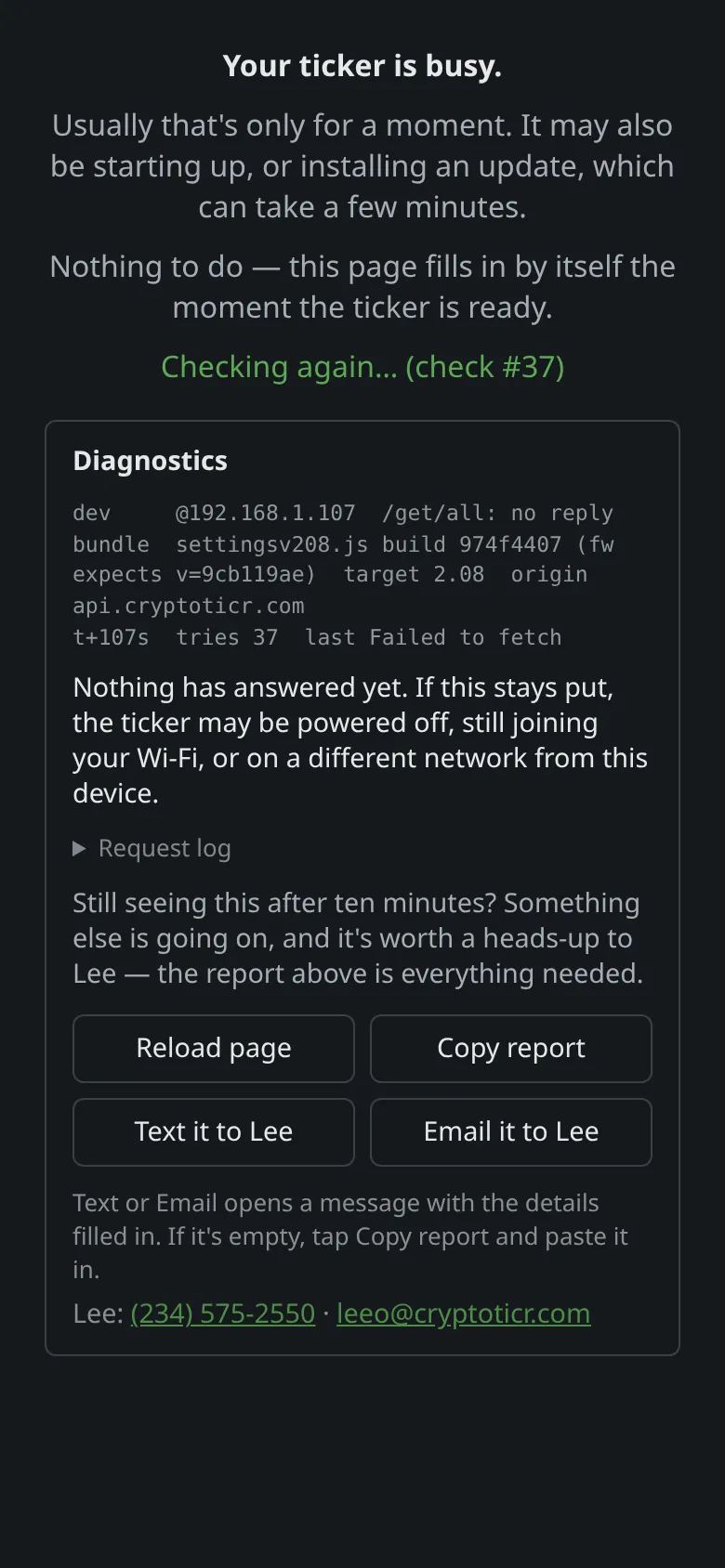
If the page starts to load and then stops, it shows its own report instead, with a way to send it to Lee:
 9:41192.168.1.107
Fix
- Read the address again off the ticker’s start screen,
My settings are here:. - Type it into the address bar at the top of the browser, with
http://in front, and press Go. If a list of search results appears, you typed into a search box; tap the bar at the very top. - Check the phone is on the same Wi-Fi as the ticker, not on mobile data or a guest network. Turn mobile data off for the moment if the phone keeps preferring it.
- Turn off any VPN on the phone and try again; see A VPN blocks the settings page.
- If the browser shows a security warning or
https://in the bar, see The browser turns http into https. - Try another browser on the same device, or another device.
If that didn’t work
- The address on the ticker’s screen has changed since you last looked: I lost the ticker's address.
- Two tickers in the house: Two tickers: which address is which?.
- Still nothing from any device: the router may be keeping devices apart; see Router issues and how to fix them.