The ticker keeps restarting to reach my Wi-Fi
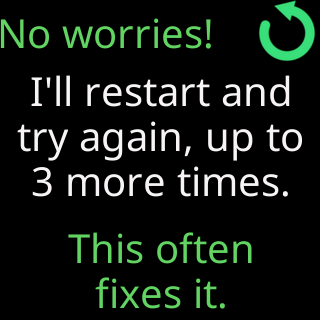
- Glass: `One more try...` / `Restarting to reach` / `your Wi-Fi (2 of 3).`
- Glass: `I couldn't connect.` then `About to restart & try again.` / `2 of 3 times.`
- Glass: `Changed your Wi-Fi?` / `Restart me` / `5 times fast to set it up.`
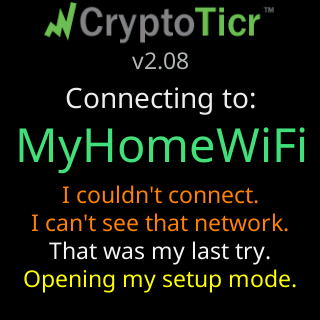
- Glass: `That was my last try.` / `Opening my setup mode.`
Symptoms

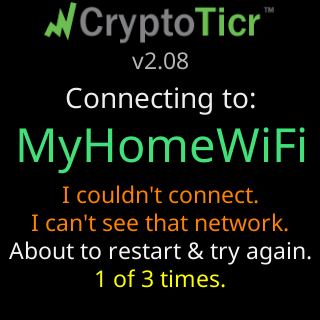
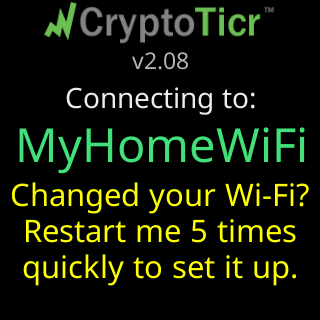
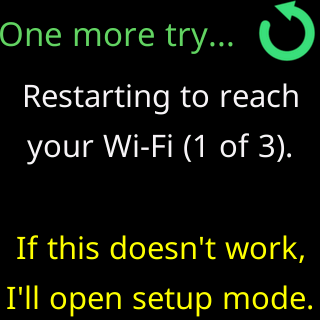
At start-up the ticker tries its saved network three times (Try 1 of 3 - 10s each), then shows I couldn't connect. with the reason and About to restart & try again. / 1 of 3 times., then a yellow hint, Changed your Wi-Fi? (or New password? / New Wi-Fi router?) / Restart me / 5 times fast to set it up., and then the story: One more try... / Restarting to reach / your Wi-Fi (1 of 3). / If this doesn't work, / I'll open setup mode. The first time it also explains, one card per restart:
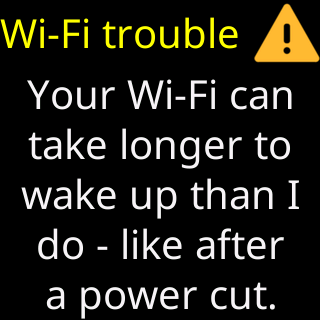
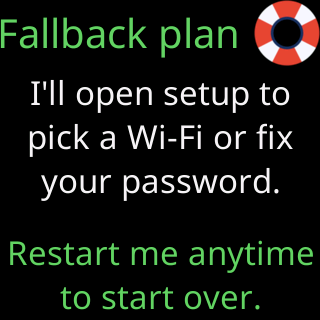
After the third restart: That was my last try. / Opening my setup mode., and the setup cards begin with Heads up / I can't find your Wi-Fi, or Your Wi-Fi refused me when the router turned down the saved password.
Cause
This is a ticker that has a saved network but never completed its setup on it: the join was interrupted before You're all set!, or the details were saved for a network that was not in range. Such a ticker does not wait indefinitely the way a set-up ticker does; it restarts to retry three times, because a router that is slow after a power cut usually comes back within that, and then opens setup so you can fix whatever is wrong. If the router answered and refused it, it skips the restarts and goes straight to setup, led by Heads up / Your Wi-Fi refused me.
Fix
- If your router is restarting or was off, do nothing. Each restart is another try, and the ticker joins when the router is back.
- If the router is on and the ticker still restarts, let it reach
Opening my setup mode.It then shows its setup cards withHeads upand the reason. - Join the
CTnetwork and enter the network and password again; the setup page’s first card names the network and what happened. See Join the ticker's setup network. - If the ticker joins the network and then fails in the same way every time, follow the reason it gives: The password was refused, No address was given to me, Setup says it can't get online.
If that didn’t work
- The yellow hint’s five fast restarts (power off and on five times) perform a factory reset, which erases your settings; use it only if setup never opens by itself: Factory reset by switching it off and on five times
- Contact