Wi-Fi
Every step with pictures, the phone and the ticker side by side: the Device page.

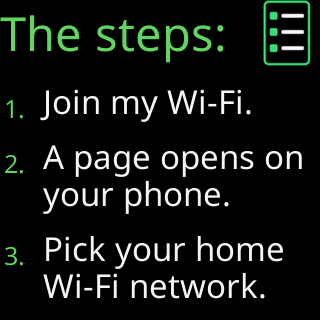
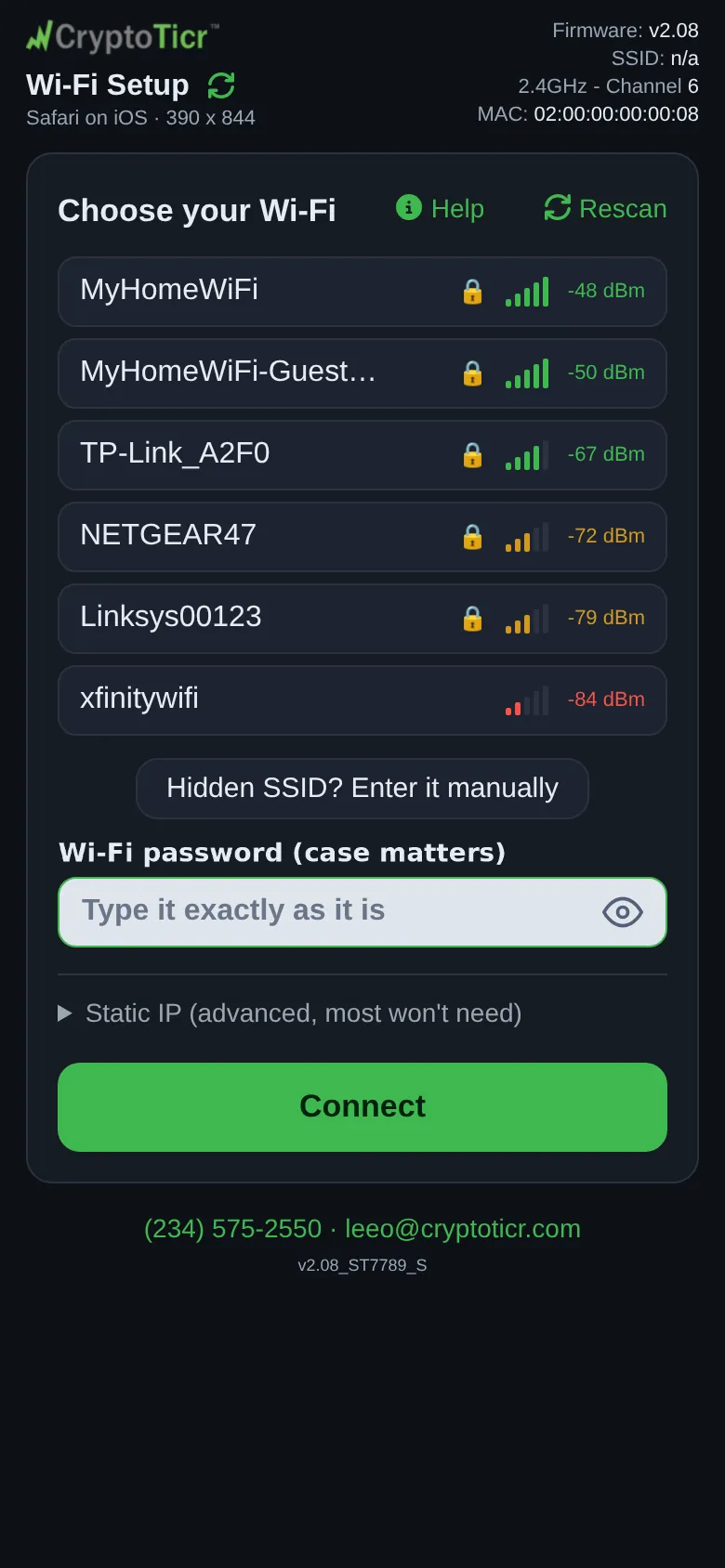 9:41192.168.4.1
What it needs
A 2.4 GHz network with a password, the ordinary home kind. Requirements and the cases that do not work (5 GHz only, sign-in pages) are on Wi-Fi requirements; the words are defined on Wi-Fi terms used by the ticker.
Getting on
- The setup network: the
CTnetwork the ticker makes for setup, and why it is open. - The setup page: the page that opens when you join it.
- Choose your Wi-Fi and connect, Join a hidden network, Give the ticker a fixed address.
Changing later
- Change to a different Wi-Fi network, Save a network for another place, Moving to a new home or a new router, Changing your router's Wi-Fi password, Erase the Wi-Fi and set up again, Using a phone hotspot.
Staying on
When it will not join
- The join failed and said why: Screen messages during setup lists every verdict with its page, from The password was refused to It failed and didn't say why.
- The ticker cannot find or keep the network: Glass says: I can't find your Wi-Fi, Glass says: Your Wi-Fi refused me.
- The router is the problem: Router issues and how to fix them.
- Guests, hotels and offices: Guest networks, Hotel, cafe and public Wi-Fi, Office and corporate Wi-Fi.