Moving to a new home or a new router
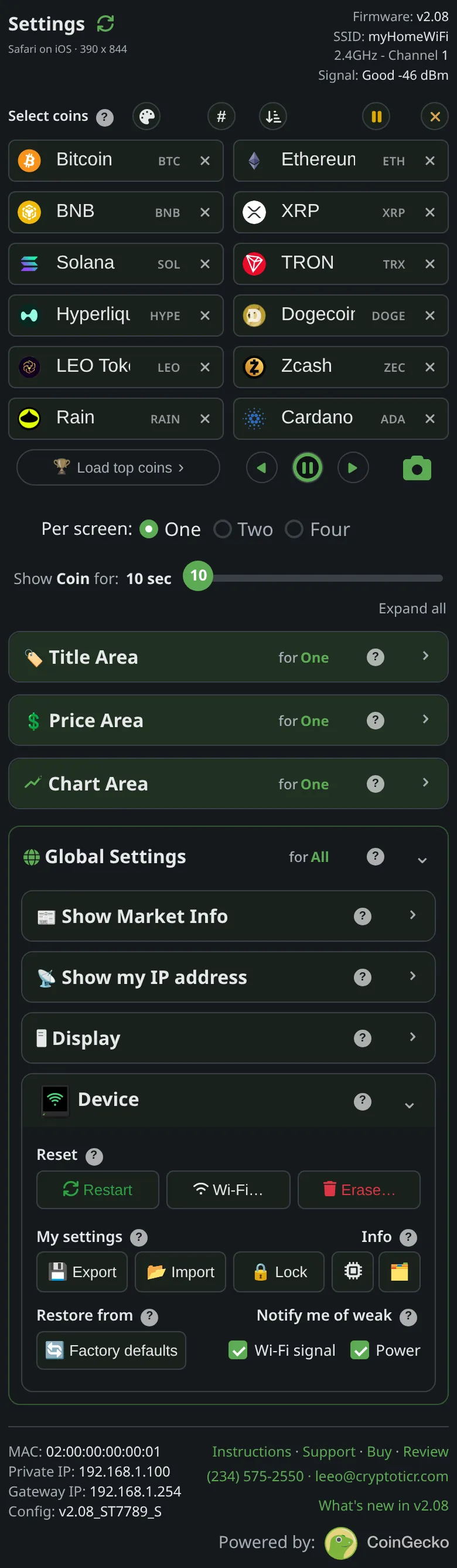 9:41192.168.1.107
Before you start
- A ticker that has completed setup and then cannot find its network waits for that network to come back, indefinitely, restarting every two minutes and trying again. It never opens setup by itself in that case, because a network that is off the air is far more often a power cut than a move. The waiting screen’s footer says
New Wi-Fi? Restart me/5 times fast. Wipes me., and that reset erases your coins and settings along with the network. - So the one thing to do before you unplug it for a move is to forget the old network first. That keeps everything else.
Steps
- Decide which case you are in:
- New home, or a router with a new network name: use option A or B below before you unplug.
- Same network name, new password (a replacement router set up with the old name): do nothing in advance. The ticker will be refused by the new router, and after four refusals it opens its setup network by itself, keeping your settings, see Changing your router's Wi-Fi password.
- Same name and password: the ticker joins the new router as if nothing happened. If it had a fixed address that does not fit the new router, it takes one from the router for the session and says
Your router gave me/one that works.
- Option A, forget the network before you go. On the settings page:
Device→Wi-Fi…→Erase Wi-Fi. The ticker restarts into setup and stays there, ready for the new place; see Erase the Wi-Fi and set up again. - Option B, store the new network in advance. If you already know the new network’s exact name and password:
Device→Wi-Fi…→Change Wi-Fi, enter it by hand, let the attempt fail, and useSave it anyway; see Save a network for another place. At the new place the ticker joins on its own if the details were right, and opens setup after a couple of failed rounds if they were not. If its setup screen comes up only because the network was not on yet, unplug it and plug it back in once the network is on. - If it is too late, the ticker is already at the new place, showing
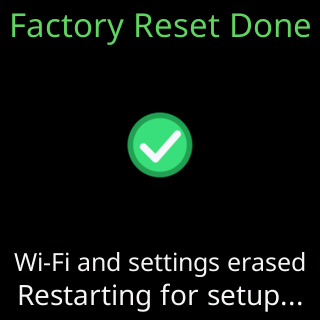
Waiting for Wi-FiorTrying to connectwith the old network’s name, the only way back to setup is the factory reset: power it off and on five times, quickly. See Factory reset by switching it off and on five times. Export your settings first if you still can reach the page from somewhere; otherwise re-pick your coins afterwards.

You’re done when
- The ticker is on the new network and cycling coins, and the settings page opens at its new address.
Problems?
- The
CTnetwork does not appear: The CT setup network is not in my phone's Wi-Fi list - The ticker keeps showing
Waiting for Wi-Fiat the new place: Glass says: I can't find your Wi-Fi