I lost the ticker's address
- The bookmark doesn't work any more
- This site can't be reached at the old address
- IP > 192.168.1.57
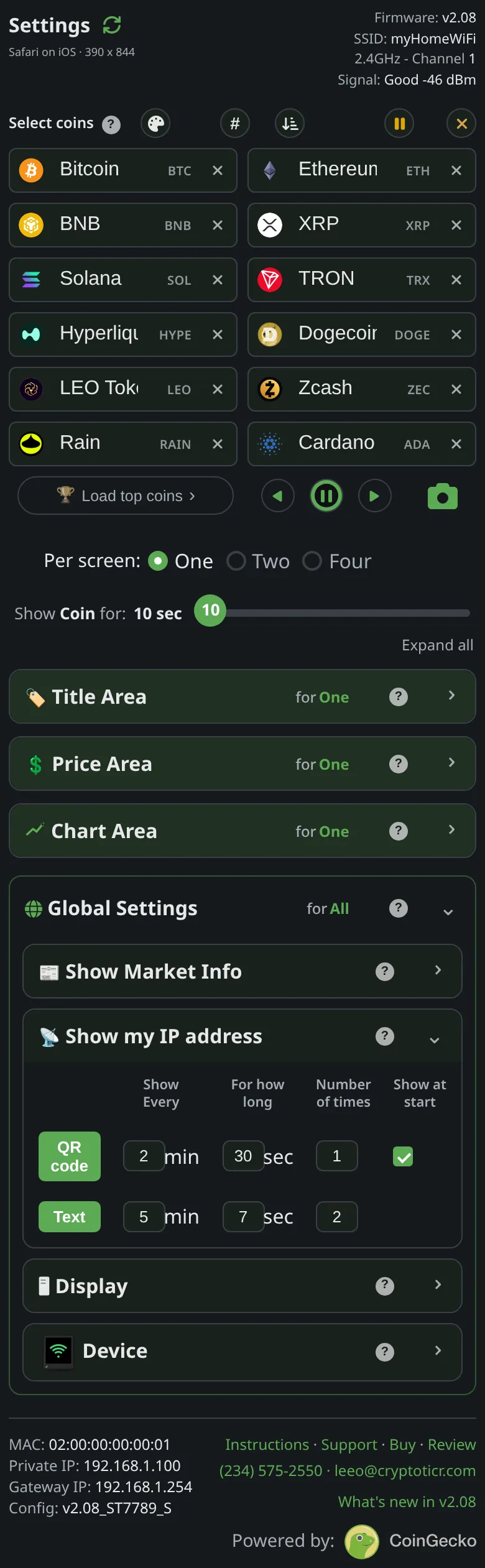 9:41192.168.1.107
Symptoms
- The address that used to open the settings page now fails, or you no longer have it.
Cause
The router gives the ticker its address, and can give a different one after a power cut, a router restart or a long time away. The page warns of this: The address isn't permanent, your router hands it out, and it can change on its own after a power cut or a router restart. If the one you wrote down stops working, the ticker simply tells you the new one. When the address moves, the ticker shows a small IP > note over whatever coin is on screen.

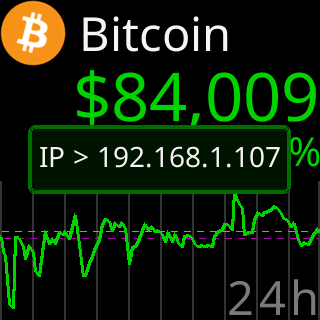
Then both forms of the address popup follow, once at the time and once at the next start.
Fix
- Look at the ticker. Unplug and replug it: the start screen shows
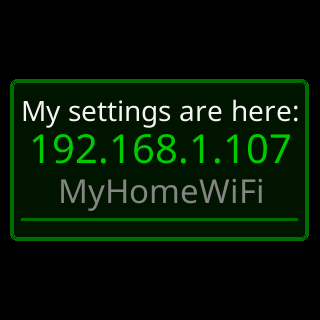
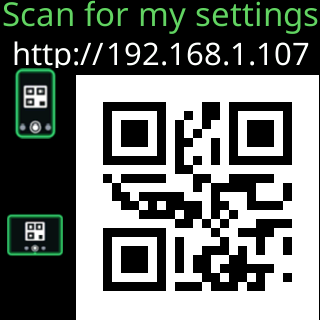
My settings are here:and the current address for a few seconds, and if the QR row’sShow at startis on, a QR code follows shortly after the first coin. - Or wait for the scheduled popup,
My settings are here:and the address, or the QR code.
- Type the new address with
http://, and update your bookmark. - To stop it moving, give the ticker a fixed address: Give the ticker a fixed address.
If that didn’t work
- The address on the screen does not load either: The settings page won't open.