Screen messages about restarts and recovery
A ticker that restarts itself says why on the way back up. None of these screens is a fault you have to act on, and every one of them is written so that a photograph of it answers the question “what happened?” without anything else.
The first screen after a restart

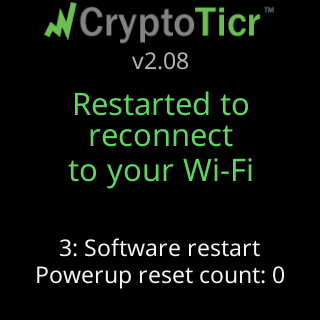
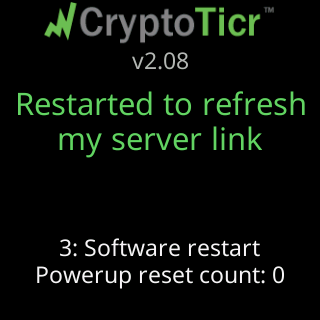
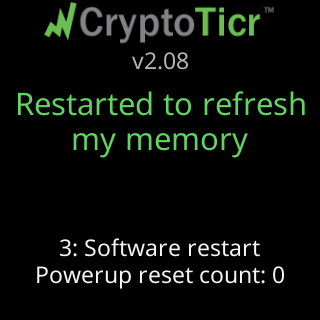
When the ticker restarted itself rather than being plugged in, the start screen carries two green lines saying which of these it was:
| The lines read | Because |
|---|---|
Restarted to reconnect / to your Wi-Fi |
the link had been gone a long time, or you changed networks |
Restarted to refresh / my server link |
a long stretch without a reply from the price server |
Restarted to refresh / my memory |
memory ran low, or was too low to start an update, and a fresh start was cheaper than struggling on |
Looking good! / Starting up... |
this is the restart that finishes setup |
Wi-Fi saved. / Starting up... |
the restart that finishes setup on a network used without internet |
Freeze recovery |
the ticker stopped responding and its watchdog restarted it |
Glitch recovery |
a fault restarted it |
Restarting... |
you asked for it, from the settings page |
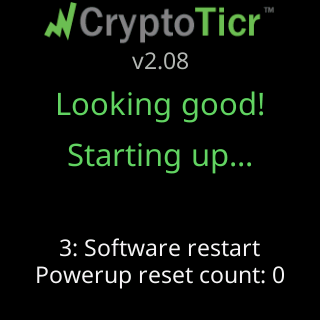
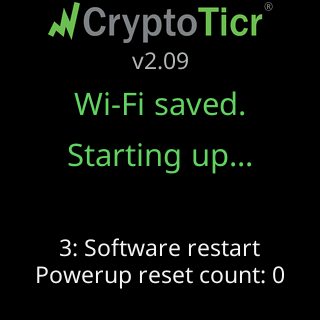
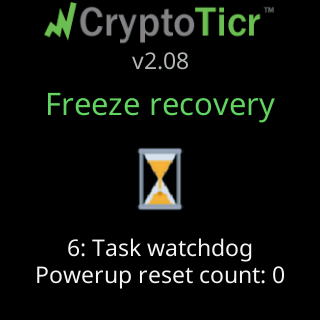
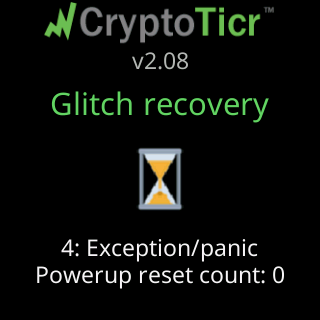
Under those lines sits a small technical row: the reset’s number and name, such as 3: Software restart or 4: Exception/panic, and where relevant | mid and what the ticker was doing at the time, one of settings save, defaults restore, icon update, a data fetch, a settings write, an icon draw, a screen draw, a network check, a settings-page request or a screen redraw. That row is for whoever is helping you. Nothing on it is addressed to you.
Repeated faults
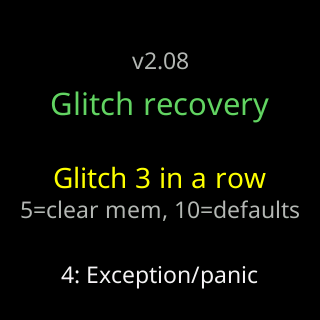
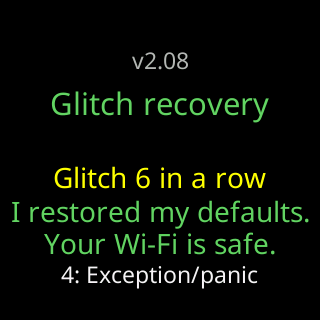
Glitch 2 in yellow counts faults that arrive without a healthy ten minutes between them. Before any cure has run, a dim row names the counts that trigger the first two: 5=clear RTC, 10=defaults. These screens hold for ten seconds, with a thin green line along the bottom near the end. As the count climbs, the ticker reaches for stronger cures and tells you which one it used:
| It says | What it did |
|---|---|
I cleared my memory / to try to fix this. |
wiped its working memory and started again |
I restored my defaults. / Your Wi-Fi is safe. |
put the settings back to the factory ones |
I refreshed my icons. / Your Wi-Fi is safe. |
fetched the coin artwork again |
I started over fresh. (in red) / Your Wi-Fi is safe. |
the deepest cure it has: everything is erased except the Wi-Fi and a fixed address |
Your Wi-Fi is safe. is on three of those four for a reason: the network you taught it, and a fixed address if you set one, is kept through all of them, so the ticker comes back by itself rather than asking you to set it up again.
The crash-report card

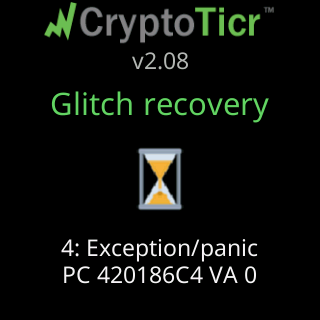
After a fault that left a record, the start screen shows a QR code for a minute, headed Crash report data with Scan and send to Lee under it, and a thin green line runs along the bottom while it is up. The code holds the technical record and nothing about you. There is a preview version on the settings page, headed Crash report or Crash report (sample), with a line such as 3: Soft watchdog or Exception and the time and memory at the moment of the crash.
The factory-reset countdown
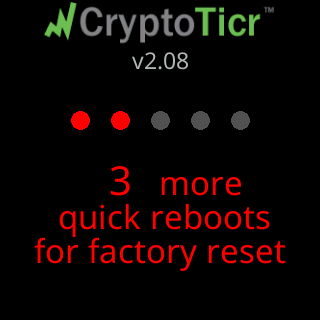
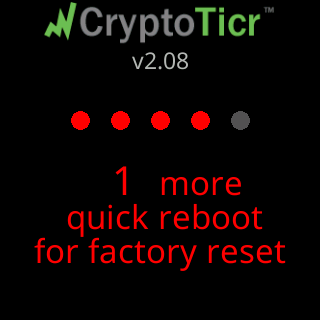
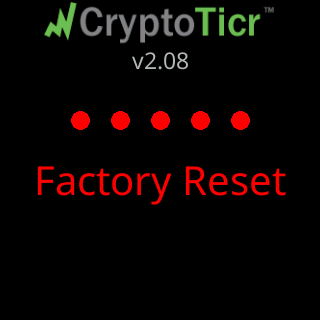
From the second quick restart in a row, the start screen shows a row of five circles with the ones already counted in red, 3 more / quick reboots / for factory reset, and a red line under it that grows through the window you have to restart again inside.
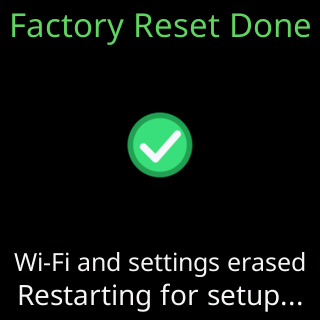
On the fifth, Factory Reset in red, and then the confirmation. The whole procedure, and how to avoid doing it by accident, is on Factory reset by switching it off and on five times.
The settings health card
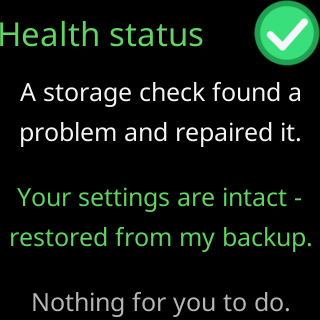
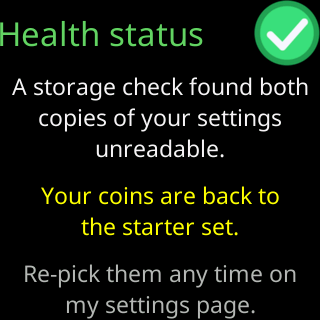
Health status reports on the ticker’s own storage, in one of four texts:
| It says | What it means |
|---|---|
A storage check found a / problem and repaired it. / Your settings are intact - / restored from my backup. |
the backup copy did its job; nothing for you to do |
A storage check found both / copies of your settings / unreadable. / Your coins are back to / the starter set. |
the settings were lost and rebuilt from the factory ones; re-pick your coins when convenient |
Both copies of my / settings storage failed / their check. / Your coins look intact. |
the check failed but the settings look right; worth a glance at the settings page |
I could not set up a / backup copy of your / settings on this unit. / Everything works normally |
the ticker is working, but without its spare copy, and Lee would like to know |
More on what to do about each is on A Health status card appeared at start-up.