The chart shows (No Data)
- (No 24h Data)
- (No 7d Data)
- (No 90d Data)
- The chart is empty
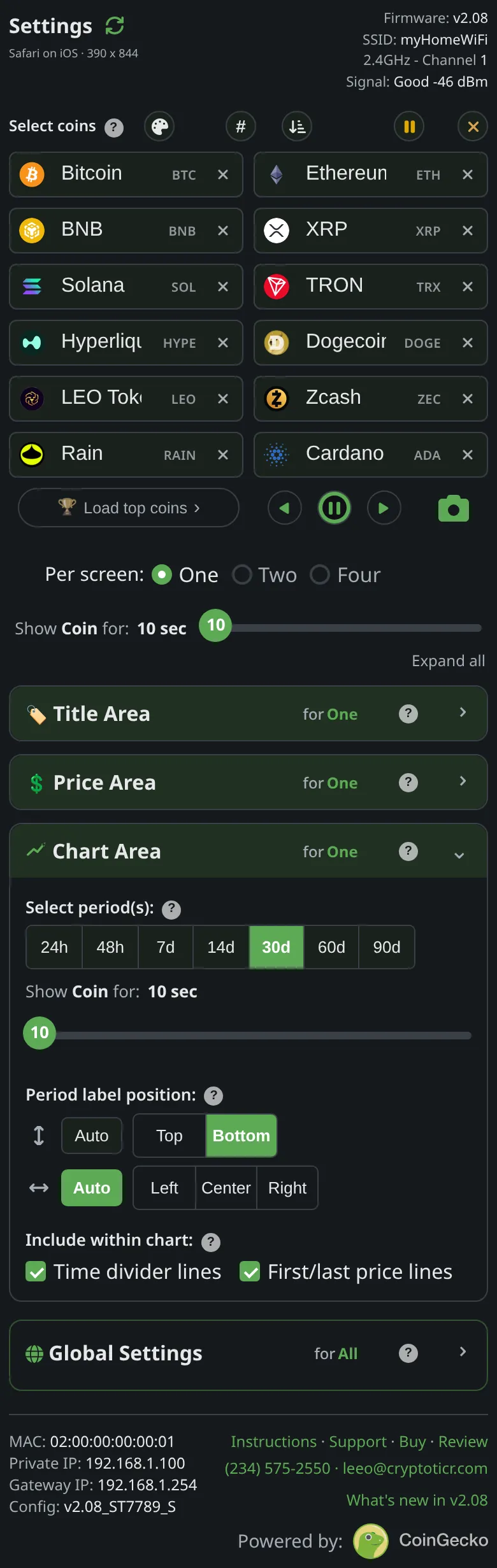 9:41192.168.1.107
Symptoms
- The chart area is an empty frame (with its divider lines if you have them on) and
(No 24h Data), naming whichever range was due. - The price above it may be fine, or
-.--.
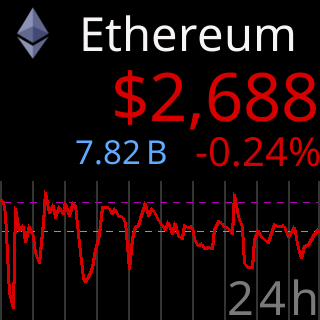
A chart that did arrive, for comparison
Cause
The ticker asked its server for that coin’s history over that range and got nothing back. Common reasons: the coin is new and has no history yet for a long range; the fetch failed on a poor Wi-Fi link or during a server outage; or the server does not carry that coin any more. When a coin’s fetch fails the ticker skips its remaining chart ranges and moves to the next coin, then tries again on its next turn.
A coin the server reports as no longer supported is removed from your list by the ticker itself, after a confirming second sighting, a few at most per power-up, so the rotation does not keep stopping on it.
Fix
- Wait for the coin’s next turn. A one-off failed fetch fills in on its own.
- If only the long ranges are empty for a new coin, select shorter ranges for now; see Charts and time ranges.
- If every coin’s chart is empty and prices are
-.--, the ticker cannot reach its server: Glass says I can't see my server. - If a coin vanished from your list, the server dropped it. Pick a replacement on the settings page.
If that didn’t work
- One coin never charts while the others do: tell Lee the coin’s name; see Contact.