Videos
Watch it, then do it
Every step of setting up your CryptoTicr, what to do when your phone or laptop goes a different way, and what the ticker can do. The ticker's screens and its setup and settings pages in them are the real ones.
How-to
One task per video, in order. Under a part, help videos cover the moments a phone or laptop goes a different way.
Part 1 of 7
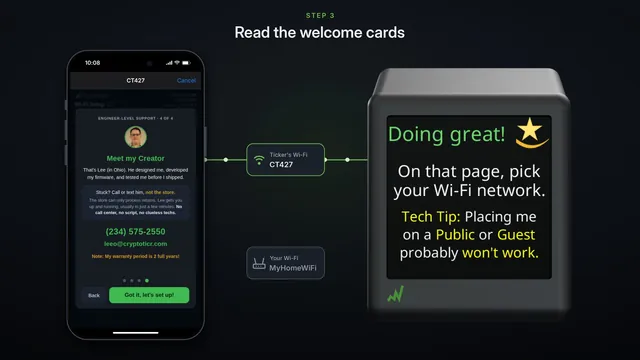 Set up your CryptoTicr with an iPhoneThe whole setup on an iPhone: join the ticker's own Wi-Fi, pick your home Wi-Fi on the page that pops up, then open your ticker's settings page.
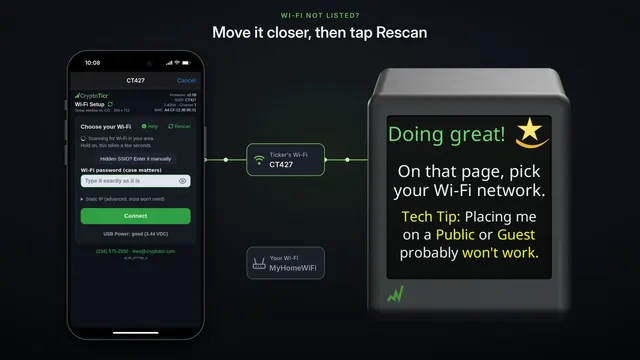
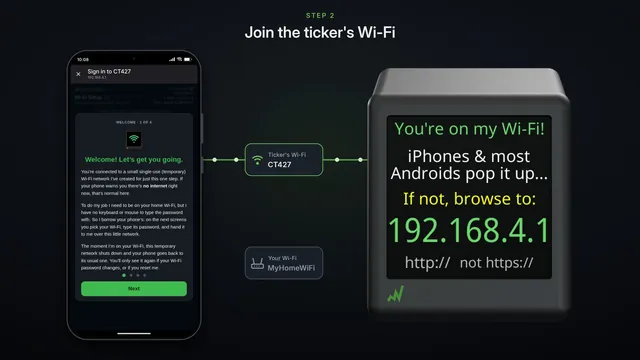 How to set up CryptoTicr with an Android phoneThe whole setup on an Android phone: join the ticker's Wi-Fi, tap the sign-in page, pick your home Wi-Fi, and open your ticker's settings page.
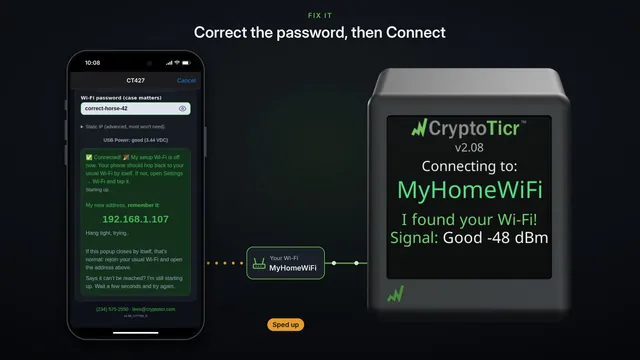
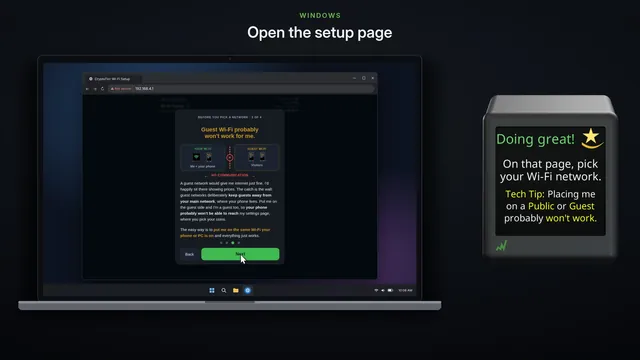 Set up from a Windows laptopSet the ticker up from a Windows laptop: join its Wi-Fi from the taskbar, pick your home Wi-Fi on the setup page, and the settings page usually follows.
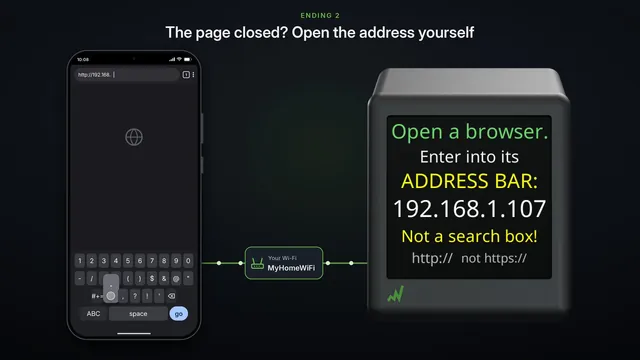
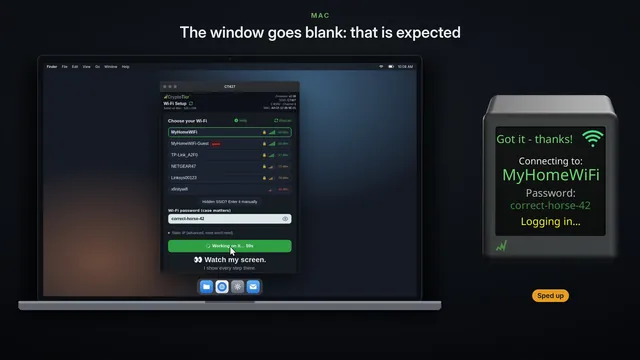 Set up from a MacSetting the ticker up from a Mac: pick its Wi-Fi in the menu bar, use the small sign-in window that opens, then open your ticker's settings page in Safari.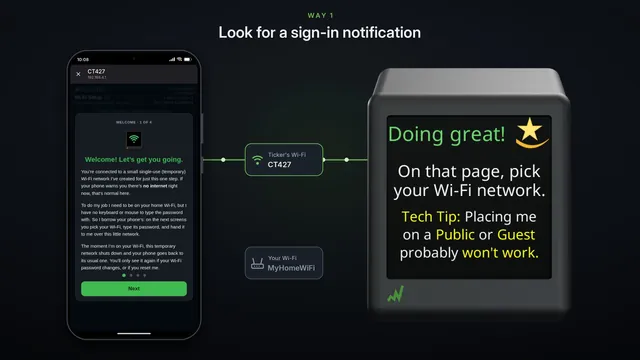
Looking after it
Finding your ticker again, a new Wi-Fi network or password, and starting over.
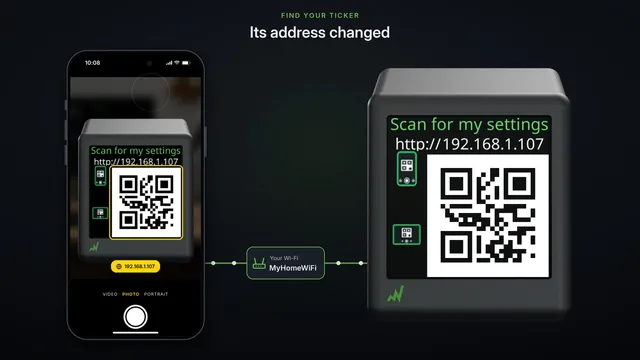 Find your ticker's settings page againThe settings page stopped opening? The ticker shows its address by itself, as words and as a code to scan. Where to look, and how to see it more often.
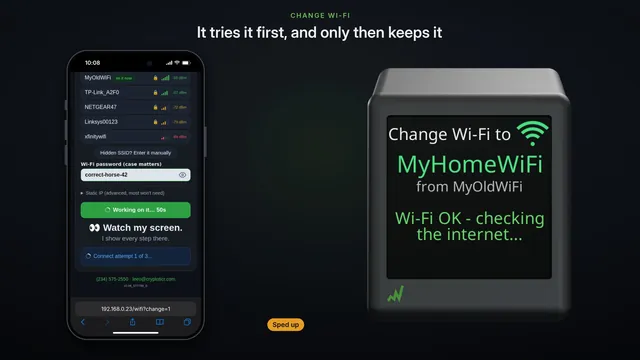 Move it to another Wi-Fi Change Wi-Fi on the settings pageSwitch the ticker to a different Wi-Fi from its settings page. It tries the new network first and only keeps it if it works.
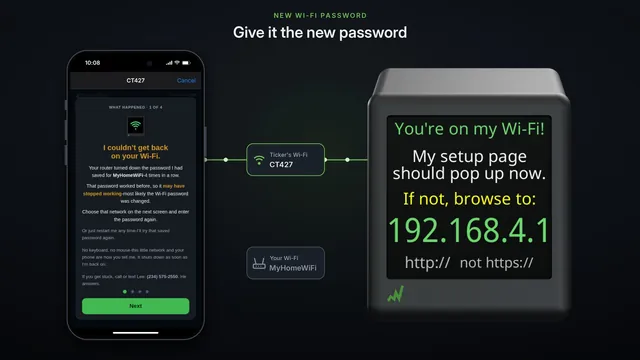 Changing your Wi-Fi password the ticker keeps all its settingsChanging your home Wi-Fi's password? Tell the ticker first, change it at the router, then give the ticker the new password. Every coin and setting is kept.
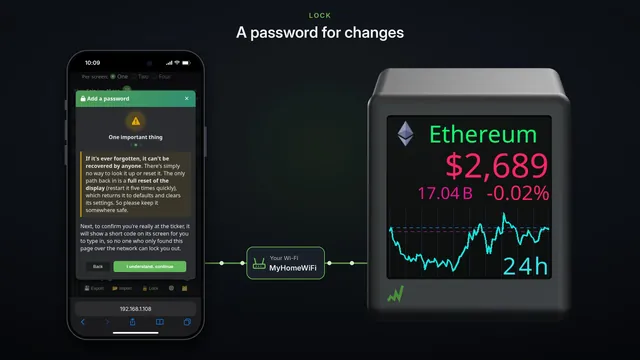 Back up, copy and lock your settings Export, Import and LockSave your ticker's settings to a file on your phone, copy them to a second ticker in one step, and lock the settings with a password.
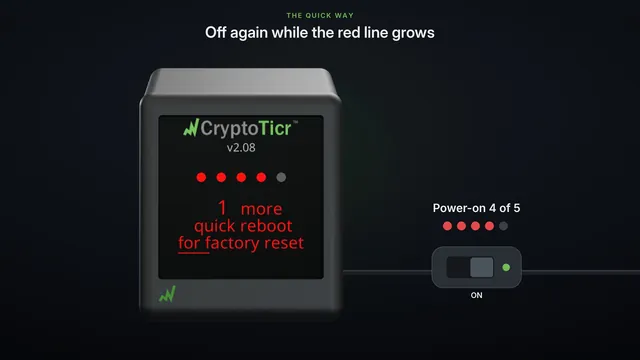 Factory reset start over from scratchPut your CryptoTicr back to how it shipped: five quick power cycles, or one tap on its settings page. It erases the Wi-Fi and every setting.
Features
Short films of what it can do, on its real screens.
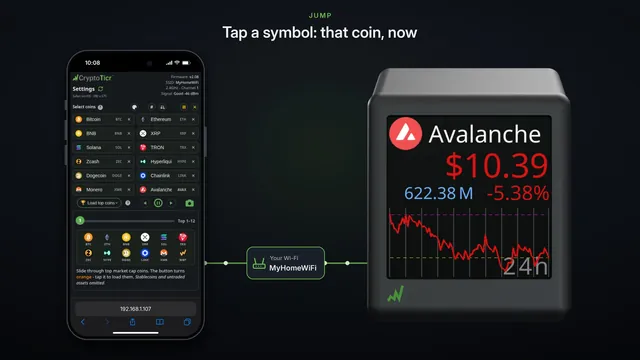
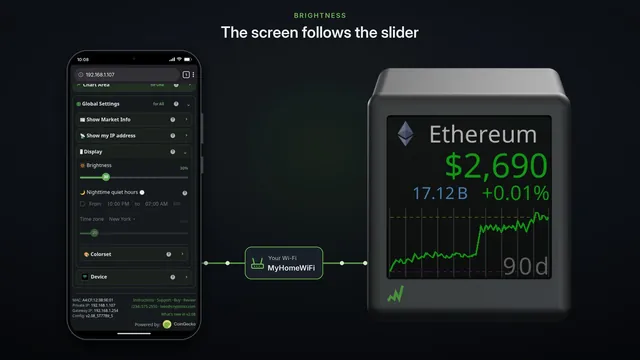
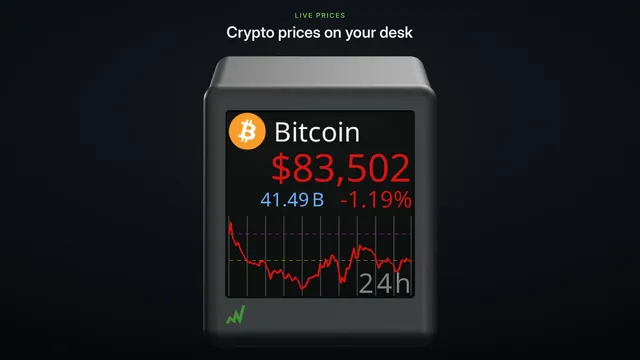 Meet CryptoTicr live crypto prices on your deskLive crypto prices on your desk: up to 12 coins, one, two or four to a screen, charts from 24 hours to 90 days, ten colorsets, all set from your phone.
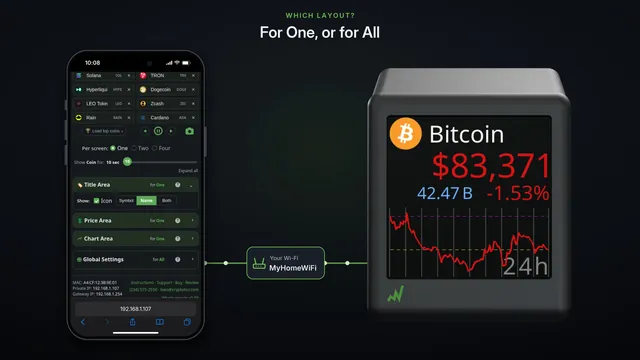
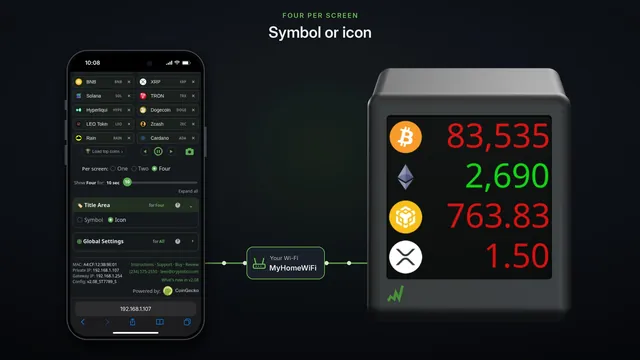
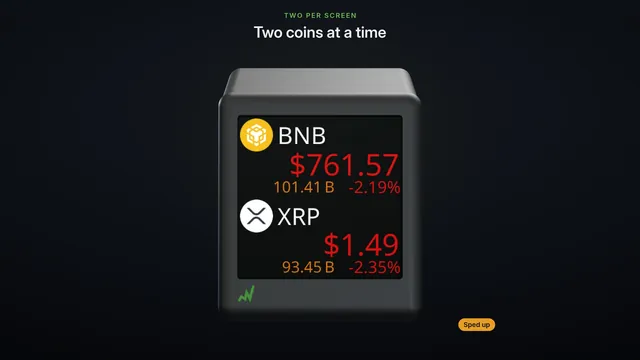 One, two or four coins per screen three ways to show your coinsOne coin with its chart, two with their figures, or four at a glance. See each layout go round, then switch with one tap on your phone.
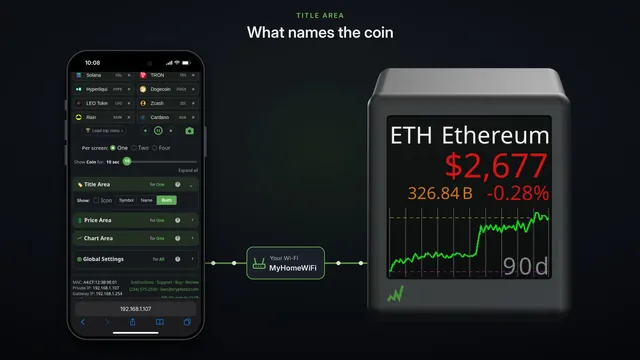
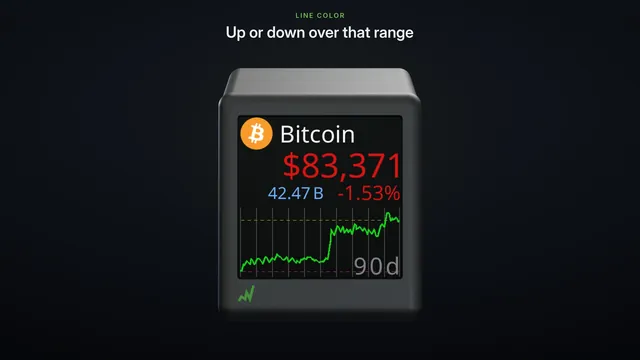 Charts from 24 hours to 90 days one coin, seven time rangesWith one coin per screen, each coin gets a price chart over any of seven ranges, from 24 hours to 90 days, or its 7, 30 and 90 day changes.
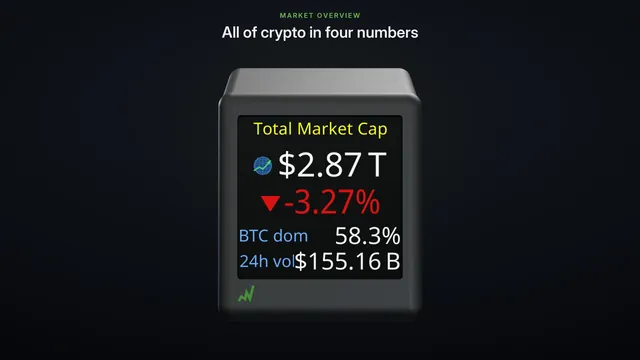 Market cards: the whole crypto market at a glance between your coinsBetween your coins, your CryptoTicr shows the whole crypto market: Market overview in four numbers, and Sector heat, the top family of coins over 24 hours.
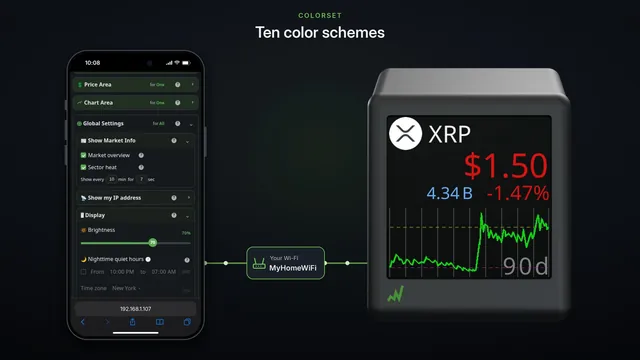
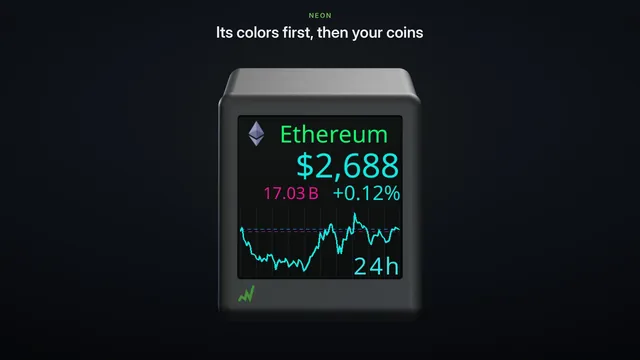 Ten colorsets your ticker in the colors you likeTen color schemes for your ticker, from the classic green and red to Colorblind, Amber and Neon. Pick one on your phone and the ticker changes at once.
More videos
The ticker at work.
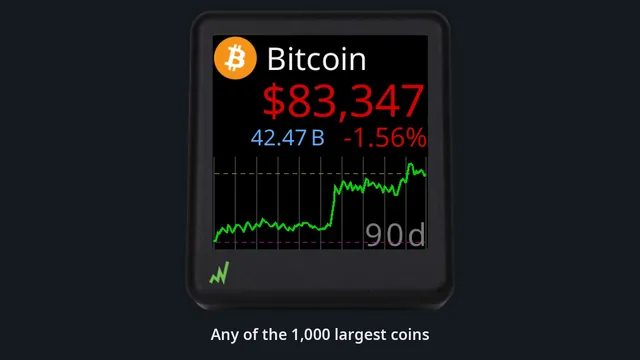 CryptoTicr in actionForty seconds of the ticker cycling real screens: coins, the whole-market cards, one, two or four coins per screen, and charts from 24 hours to 90 days.
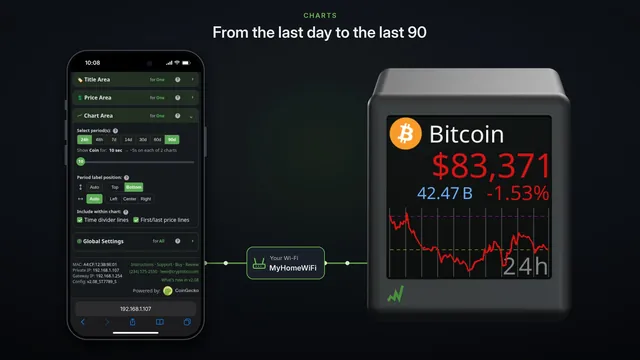 Make it yours coins per screen, charts and colorsOne, two or four coins per screen, chart ranges from 24 hours to 90 days, and ten colorsets. Change them on your phone and the ticker follows at once.
Earlier videos
From our YouTube channel, filmed on earlier firmware. The screens look different now; the videos above show them as they are today.
CryptoTicr Setup
The whole setup, start to finish, as it went on the first firmware. (11:54)
Filmed in August 2024 on earlier firmware (1.x). Your ticker, its setup page and this website look different now.
Configuring and playing around with the CryptoTicr settings
A long, relaxed walk through the settings and what the ticker can do. (13:42)
Filmed in June 2025 on earlier firmware (1.x). Your ticker, its setup page and this website look different now.
Latest firmware v1.11 CryptoTicr Wi-Fi Configuration Page
The Wi-Fi setup page as it looked on firmware 1.11. (1:13)
Filmed in June 2025 on earlier firmware (1.x). Your ticker, its setup page and this website look different now.