Screen messages about power and signal
Two cards report on the ticker’s own health rather than on the market: how strong its Wi-Fi is, and what its USB supply is doing. Both appear between coins, and both can be called up from the settings page.
The signal card

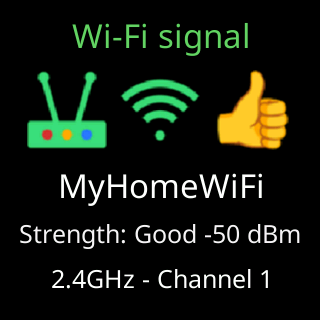
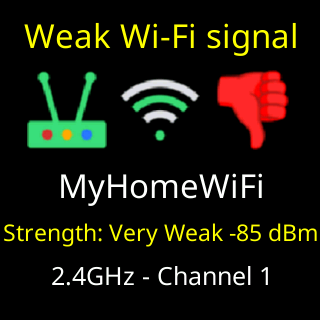
The title states the verdict. Wi-Fi signal is a fair or good reading shown because it was asked for. Weak Wi-Fi signal means the reading is below -79 dBm. Wi-Fi drops out means the link has dropped repeatedly, whatever the reading says. Looking for Wi-Fi means the link is down right now. The card skips its turn when the router is turning the ticker away or gave it no address; the box over the coins already says so.
Under it: a router icon, and outside the middle band a thumb up or a red thumb down. Then the network’s name, and Strength: with a grade word and the reading, one of Excellent, Strong!, Strong, Good, Fair, Weak, Very Weak, Useless or Dead!, followed by a figure such as -72 dBm. When the link is down the reading is replaced by Is it on?
The bottom line changes with the reason the card is up:
| The bottom line reads | Because |
|---|---|
2.4GHz - Channel 6 |
nothing is wrong; it is naming the band and channel |
All good, updating now or Not great, updating anyway |
the card is being shown ahead of a firmware update |
I'll reconnect by myself or I'll open my setup page |
the link is down, and this is what happens next |
Your internet looks down, This network is blocking me, Your Wi-Fi is fine, it's our end, The trouble is at our end, Try moving it closer, I can't reach my server yet |
the ticker cannot reach its server, and this is the part it believes is at fault |
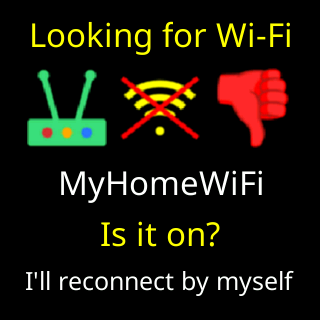
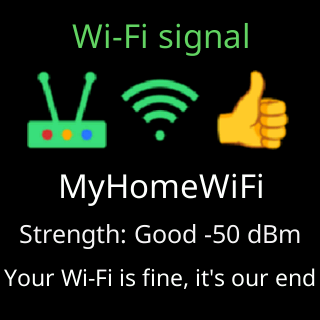
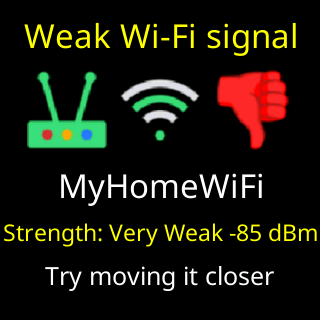
The difference between those three matters: the first is the ticker’s own link, the second says the fault is at our end and there is nothing to do, the third is the one case where moving the ticker helps.
When the card appears, and what a reading means, is on The Wi-Fi signal check.
The power card
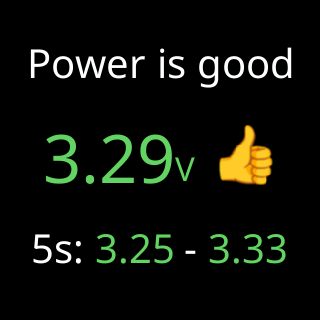
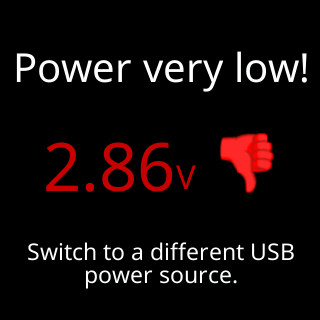
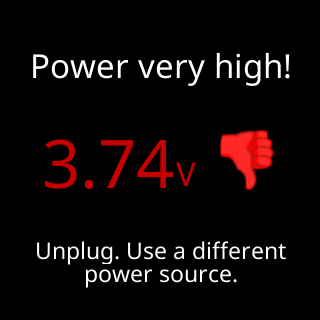
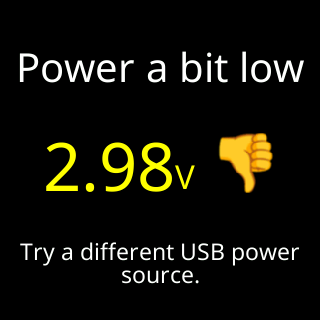
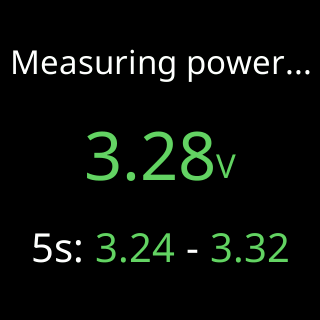
The title is the verdict, in seven states: Power very low!, Power a bit low, Power a bit high, Power very high!, Power is good, Power is good now (good at this moment, but not all session) and Measuring power... while there is no full reading yet.
Then the voltage itself, large, with a thumb beside it: up for good, down for a bit off, a red thumb down in the danger band.
The row underneath carries either the advice or the evidence:
| The row reads | Meaning |
|---|---|
Switch to a different USB power source. or Try a different USB power source. |
the supply is low, and the cable counts as part of the supply |
Unplug. Use a different power source. |
the supply is high enough to be a risk |
a colored range, for example 5s: 3.25 - 3.33 |
the reading is good, and this is how far it moved while it watched |
But 2.85V at startup! |
it is good now, and it was not at start-up |
Ready in under 2 min. |
it is still measuring |
Still measuring, updating now, All good, updating now or Not great, updating anyway |
the card is being shown ahead of a firmware update |
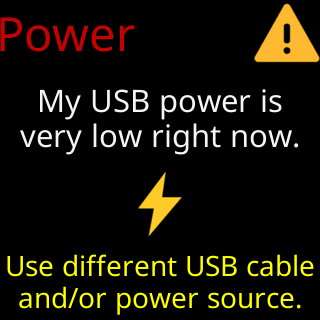
During setup, before the ticker has a network, the same warning has its own card with the same advice:
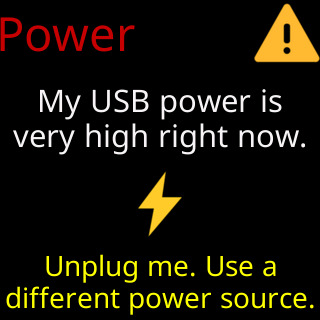
When the card appears, and what the thresholds are, is on The power check.