The Wi-Fi signal check
 9:41192.168.1.107
What it shows
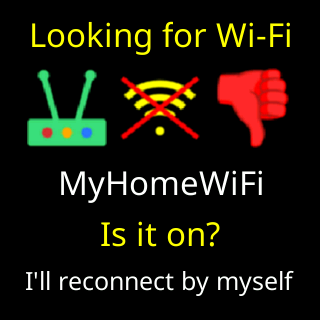
Five rows: a title, a router icon with a thumb, your network’s name, Strength: with a grade word and the reading, and a bottom line.
- Titles:
Weak Wi-Fi signal(the reading is worse than the weak line),Wi-Fi drops out(a working link has been lost three times inside an hour, whatever the reading; a router restart counts once),Wi-Fi signal(a fair or good signal, shown on request or ahead of an update),Looking for Wi-Fi(the link is down). - The thumb is up for a good signal, red and down for weak or down, and absent in the middle band, where the ticker has no verdict to give.
Strength:reads for exampleFair -68 dBm. The words runExcellent,Strong!,Strong,Good,Fair,Weak,Very Weak,Useless,Dead!. Only the last four are a warning. While the link is down the row readsIs it on?

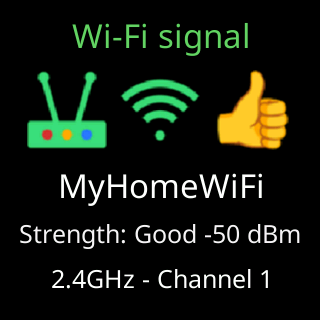
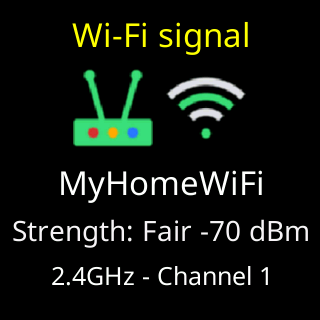
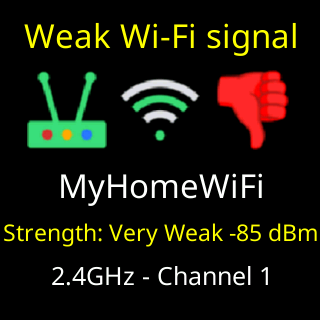
- The bottom line is normally the band and channel,
2.4GHz - Channel 6. Ahead of a firmware update it readsAll good, updating noworNot great, updating anyway. While the link is down it readsI'll reconnect by myself, orI'll open my setup pageafter you have told the ticker your password is changing. During a server outage it names what the ticker has worked out:Your internet looks down,This network is blocking me,Your Wi-Fi is fine, it's our end,The trouble is at our end,Try moving it closer,I can't reach my server yet. The card is skipped when the router is refusing the ticker or gave it no address; the outage box names that instead.
The reading is an average over the last few seconds, never a single sample, and the grade steps down the moment the average crosses a line but steps back up only after clearing it by a margin. What the numbers mean is on Signal bars and dBm.
Options
- At start-up the card shows once, and only when the signal is weak. A ticker with a good signal starts straight into its coins.
- While running, the card repeats every quarter of an hour only when the link needs attention: it has actually dropped three times in the last hour, or the reading is so poor that drops are only a matter of time. A merely weak reading on a link that is not dropping does not interrupt the coins.
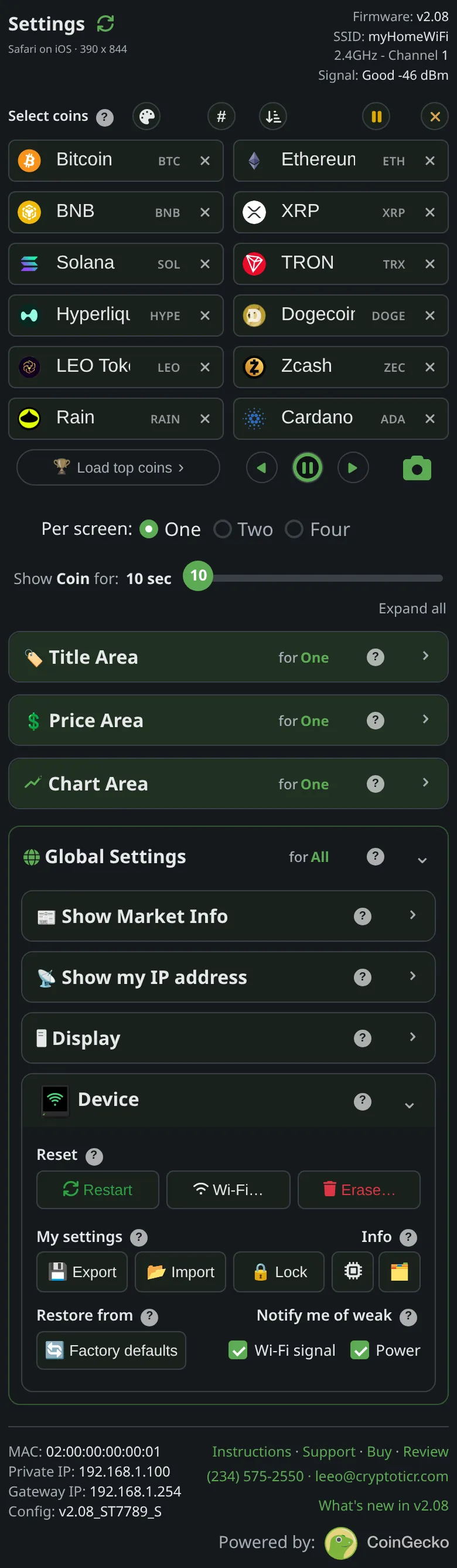
- Notify me of weak → Wi-Fi signal (
Devicesection) stops those repeats. It does not stop the start-up showing or the outage face. Ticking it shows the card at once.
Where to set it
Device → Notify me of weak → Wi-Fi signal. The setting’s reference page is Setting: notify me of weak Wi-Fi signal.