The power check
 9:41192.168.1.107
What it shows
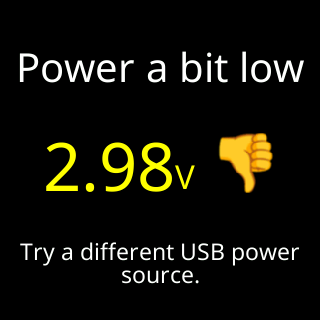
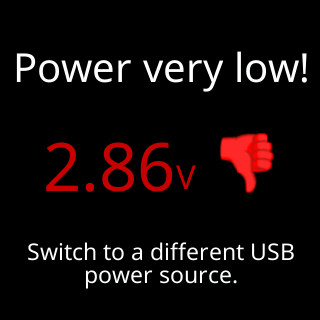
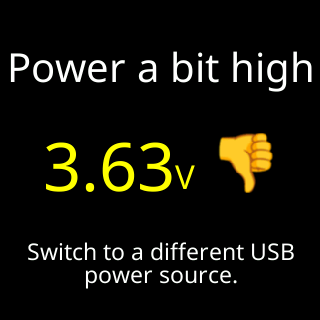
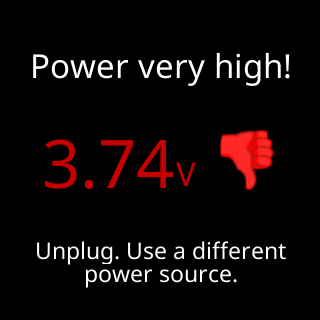
A card with a title, a large voltage figure, a thumb beside it and one row of context:
Power very low!with a red thumb down andSwitch to a different USB power source.The supply sagged into the danger band, where the ticker can brown out or corrupt its storage.Power a bit lowwith a thumb down andTry a different USB power source.Power a bit highwith a thumb down andSwitch to a different USB power source.Power very high!with a red thumb down andUnplug. Use a different power source.

Power is good, orPower is good nowwhen the session has already seen a dip or a peak, with a thumb up and a colored line showing the range the supply has moved in. A brownout-level sag at start-up is called out asBut 2.85V at startup!Measuring power...withReady in under 2 min.before the first verdict.- Ahead of an update the bottom row says
All good, updating now,Not great, updating anyway, orStill measuring, updating nowwhen the first verdict is not in yet. The reading includes the update’s download.
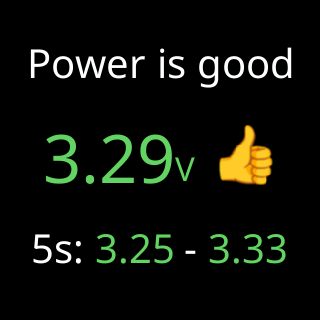
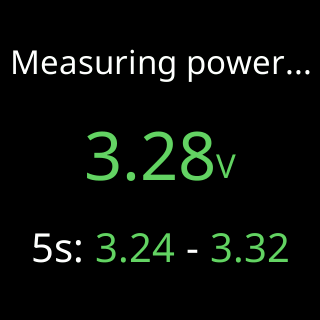
The ticker reads its supply many times a second, and every minute turns that window into one verdict: the lowest reading against the low lines, the average against the high lines. A verdict gets worse the moment a line is crossed and only improves once the reading clears it by a margin, so the card does not flicker between two faces on a borderline supply.
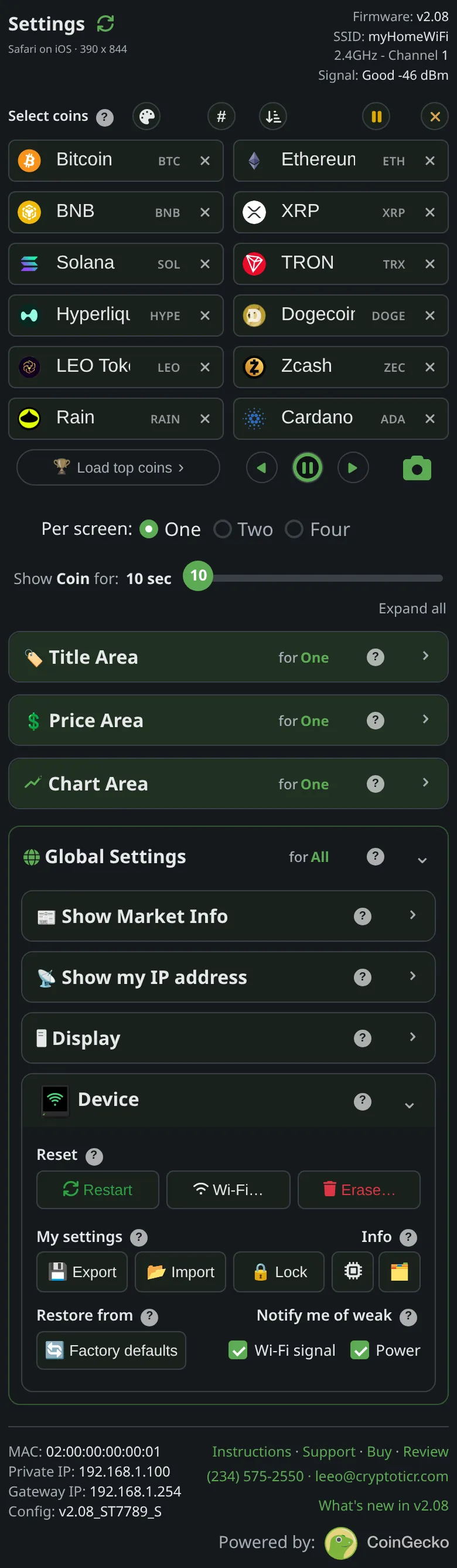
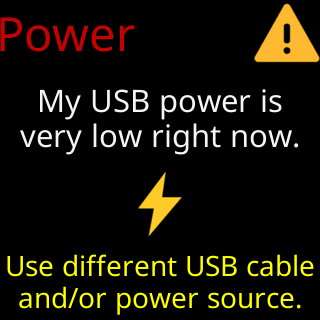
During setup the same measurement drives a Power card (My USB power is / very low right now., with Use different USB cable / and/or power source.) and a USB Power: check now notice on the setup page.
Options
- Notify me of weak → Power (
Devicesection). Ticked, the card comes back every quarter of an hour while the verdict is not good. Unticked, it stops repeating. The page says:Unticking a box stops that card's repeats - the ticker runs exactly the same either way. Ticking one shows you the card on the glass right away. - A good verdict never schedules a card. The figure is always available under
Info → System Info. - The start-up showing is not optional: a bad verdict after the first minute or so of running shows the card once whatever the checkbox says.
Where to set it
Device → Notify me of weak → Power. The setting’s reference page is Setting: notify me of weak power.