Colorsets
What it shows
A colorset is the ticker’s whole color scheme: the price’s up and down colors, the chart line, the stats figures, the chart’s helper lines, the title, and the small status colors. Tap a swatch on the settings page and the ticker changes at once; the page says Tapping a swatch applies it instantly, no Save & Apply needed, so flip through them and watch the ticker change live.
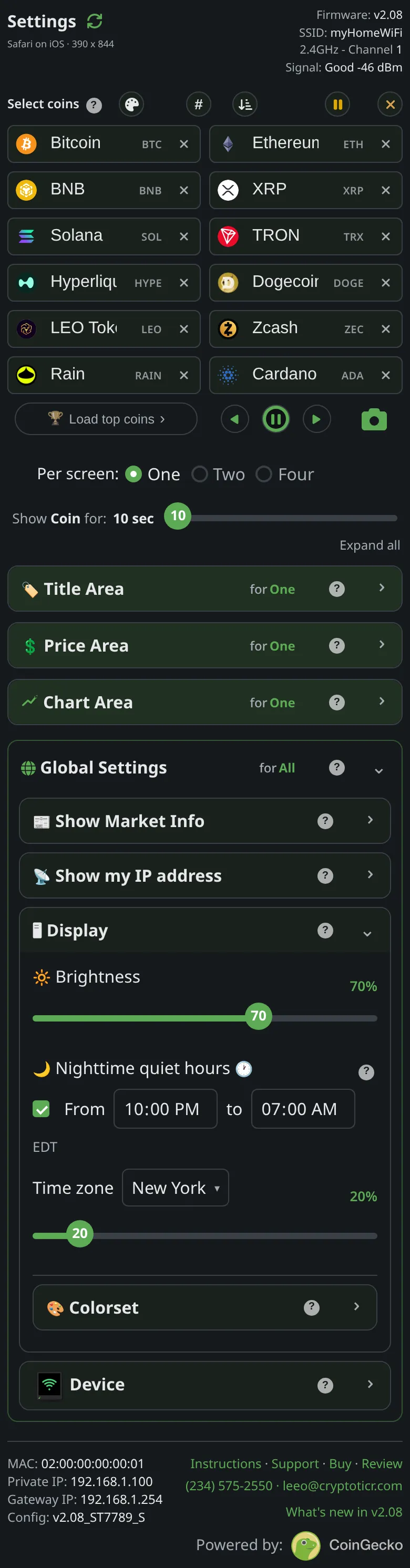 9:41192.168.1.107
On the glass, choosing a set shows a short reveal: three blocks labeled Up, Flat and Down, a band of the set’s other colors along the bottom, and the set’s name. Up and Down are that set’s own price colors; the middle one is the neutral gray a price that has not moved shows in, and it is the same in every set.

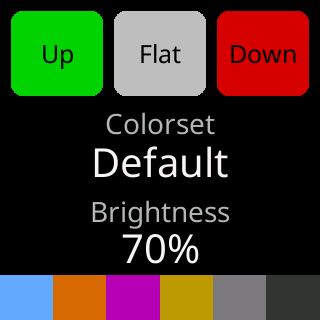
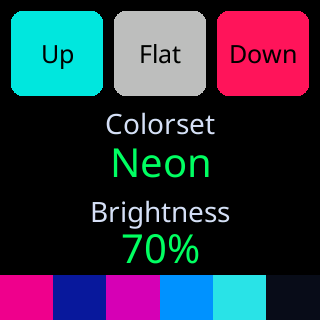
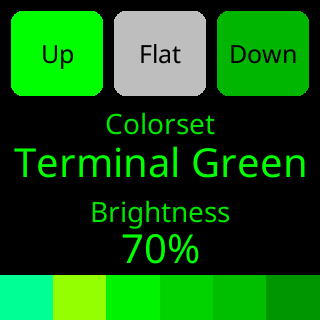 The names as the glass paints them:
 Default, Vivid, Colorblind, Acid Trip, Funky, Amber, Terminal Green, Tokyo, Neon, Toxic. The settings page labels the same ten Default, Vivid, Colorblind, Acid Trip, Funky, Amber, Green, Tokyo, Neon, Toxic.
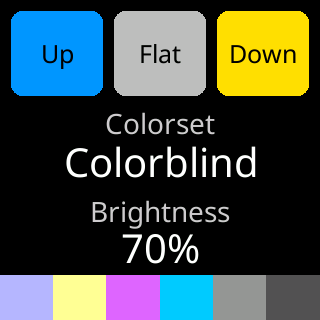
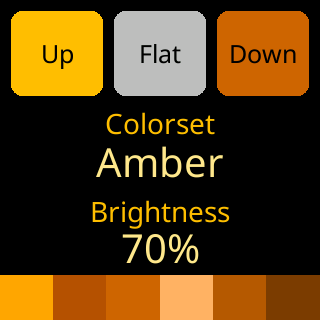
Colorblind uses blue for up and yellow for down instead of green and red. Amber and Terminal Green are single-hue sets.
Options
- Ten sets. Each remembers its own custom stat colors and its own
Show (V/M) prefixchoice, so switching back brings back what you set for it; see Custom colors. - The pause ring on the glass and the page’s accents follow the chosen set.
Where to set it
Display → Colorset on the settings page. Reference: Setting: colorset.