Ordering and sorting coins
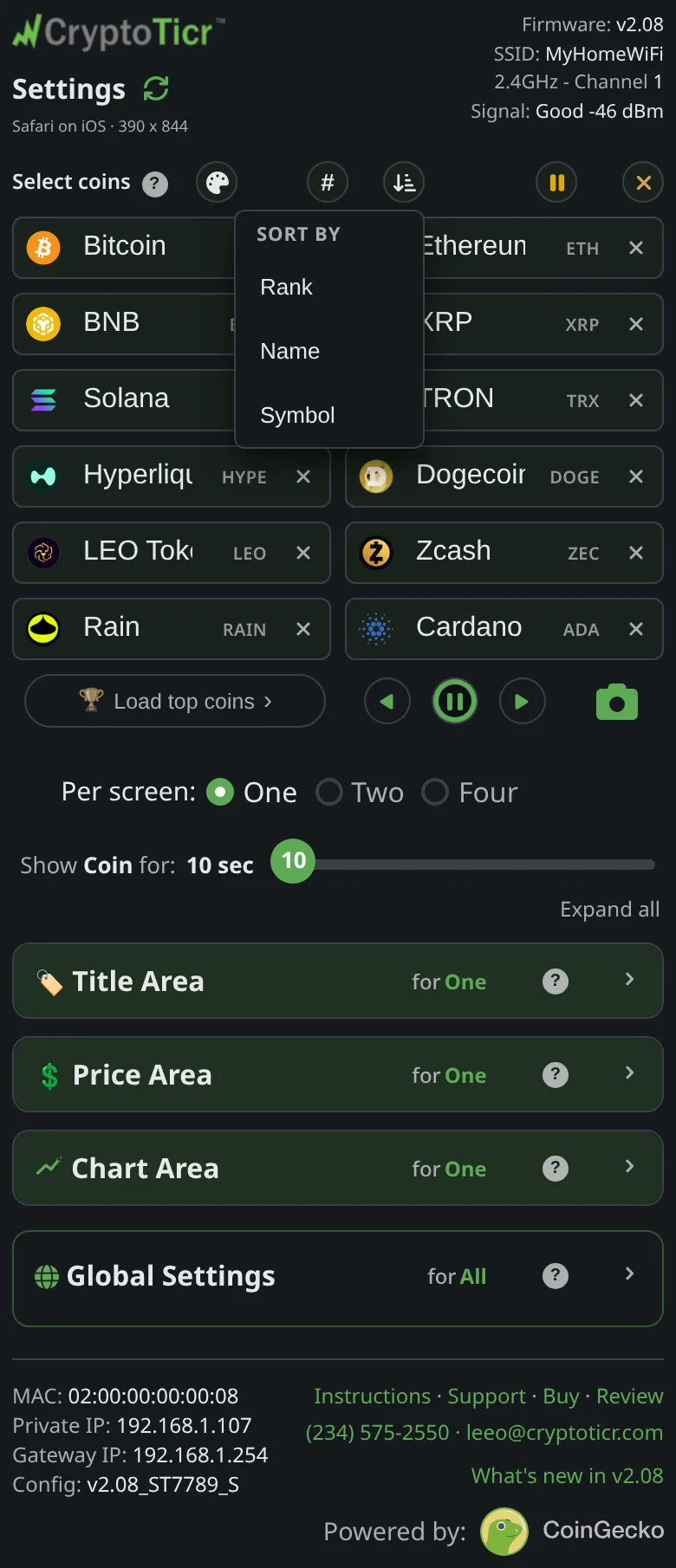
The order you typed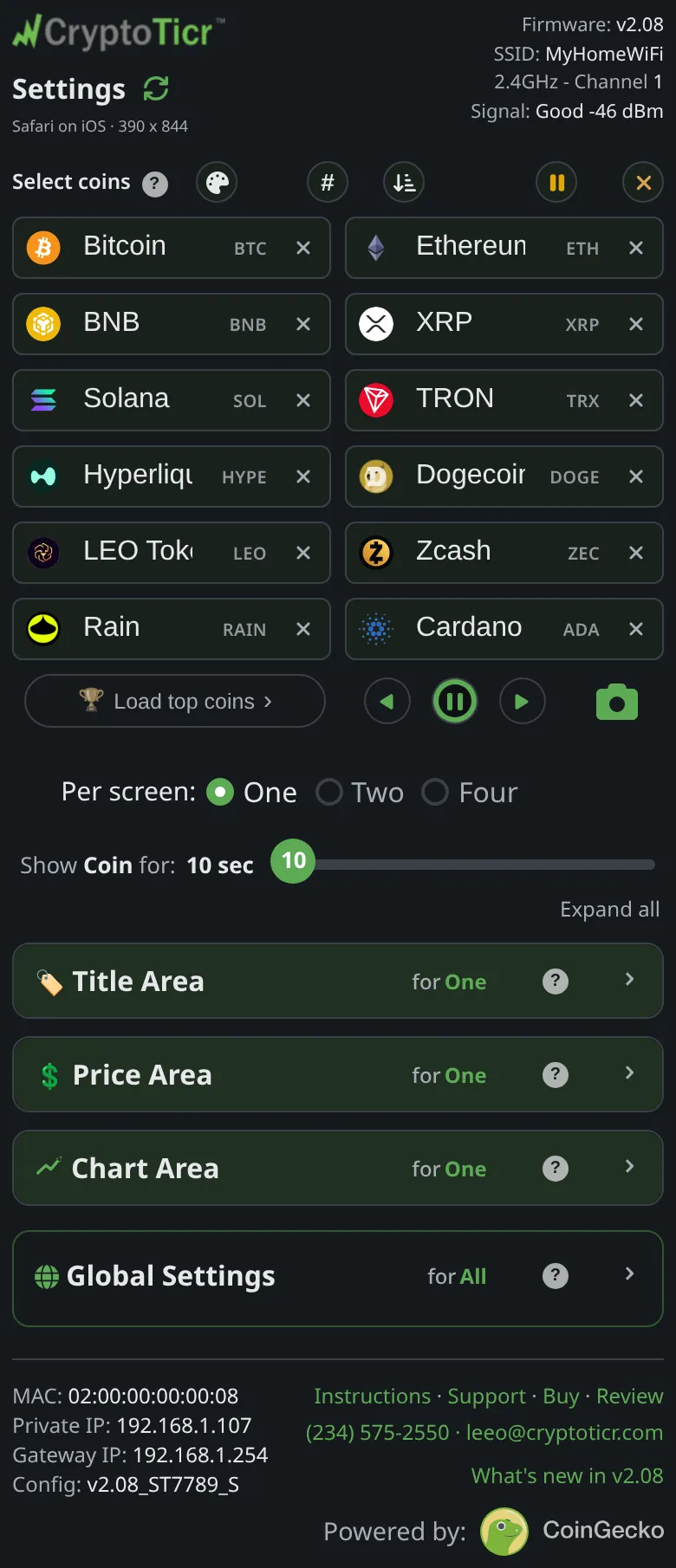 9:41192.168.1.107 And the sort menu that reorders it for you
 9:41192.168.1.107
What it shows
The twelve boxes read top to bottom, and that is the order the ticker shows them in. The controls above the boxes and on each box change the order without retyping:
- Insert: tap a box, then its
⊕corner button, and an empty box opens there; that coin and everything below shift down. If all twelve were full, the last one falls off the end and a note says so:All 12 slots were full, "…" fell off the end. Undo (below) brings it back. - Clear: the
×on a box empties it and the boxes below close the gap. - Clear all: empties every box except the first. The note reads
Cleared all but: #1 (BTC) - must show at least one. - Sort: the sort button offers
Rank,NameandSymbol. Sorting by the same key again reverses the order. Sorting by rank also switches the badges to ranks. - Rank badges: the
#button swaps every badge’s symbol for the coin’s market-cap rank; tap again for symbols. - Undo: after a sort, a batch load or an insert that dropped a coin,
Undoputs back the list from before the first of those, until you save.
Typing goes box to box with the Tab key, so filling twelve is name, Tab, name, Tab.
Options
- Every change here waits for
Save & Apply Coins. On save the ticker starts its rotation again from the first coin (or the first page). - The order is also what the remote buttons step through and what a tap on a badge jumps to; see Jump to a coin and the remote buttons.
Where to set it
The Select coins section of the settings page.