Jump to a coin and the remote buttons
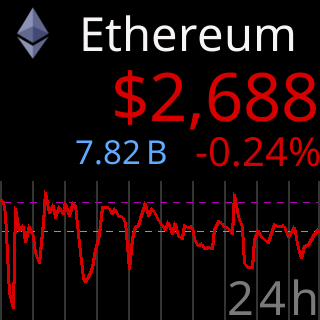
What a jump puts on the glass
 9:41192.168.1.107
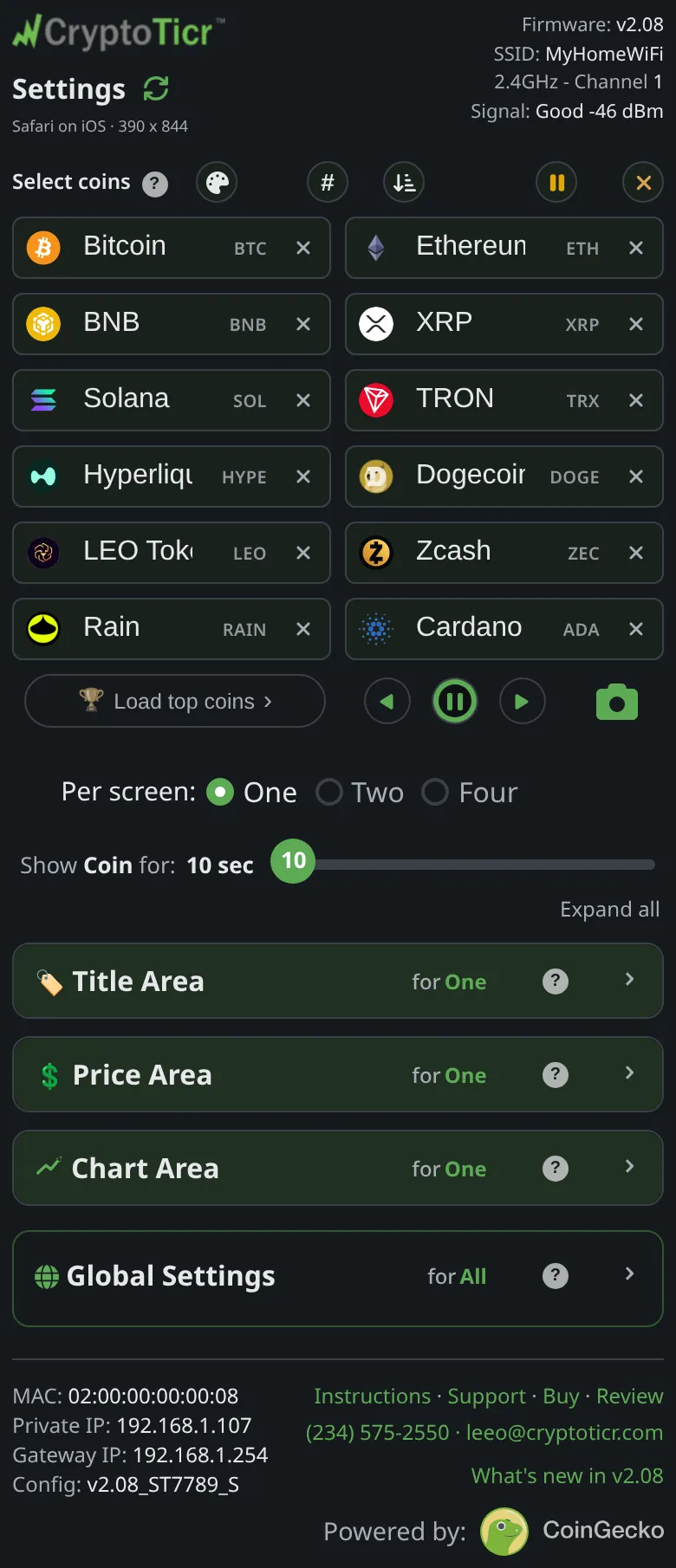
What it shows
Jump. Tap the small badge in a coin’s box (BTC) and the ticker shows that coin at once, with the rotation carrying on from there. The box blinks to confirm. A paused coin cannot be jumped to until it is un-paused. While the ticker is still starting the page says Still starting up, try again in a moment.
The remote. Under the boxes sit ◀, ⏸ and ▶: previous coin, pause the screen a while, next coin. In Two or Four per screen the arrows step by page. Whatever lands on the glass also blinks in the coin list, so you can see which coin it switched to. The pause button holds the current screen for thirty seconds, with a ring on the button and a small ring on the glass counting down, and resumes by itself; tap again to resume early.
The arrows are dimmed when the whole list fits on one screen, because there is nowhere to go.
Options
Stepping makes the ticker fetch, so the arrows are rate-limited: twelve steps in a minute, refilling steadily. Once spent they go dark until half the allowance has come back, and a tap in that state says Too fast — wait ~5s. See The ◀ ▶ buttons went dark.
Where to set it
Nothing to set. The badges are in the Select coins boxes; the remote is directly under them.