Pausing coins
Paused: still in the list, out of the rotation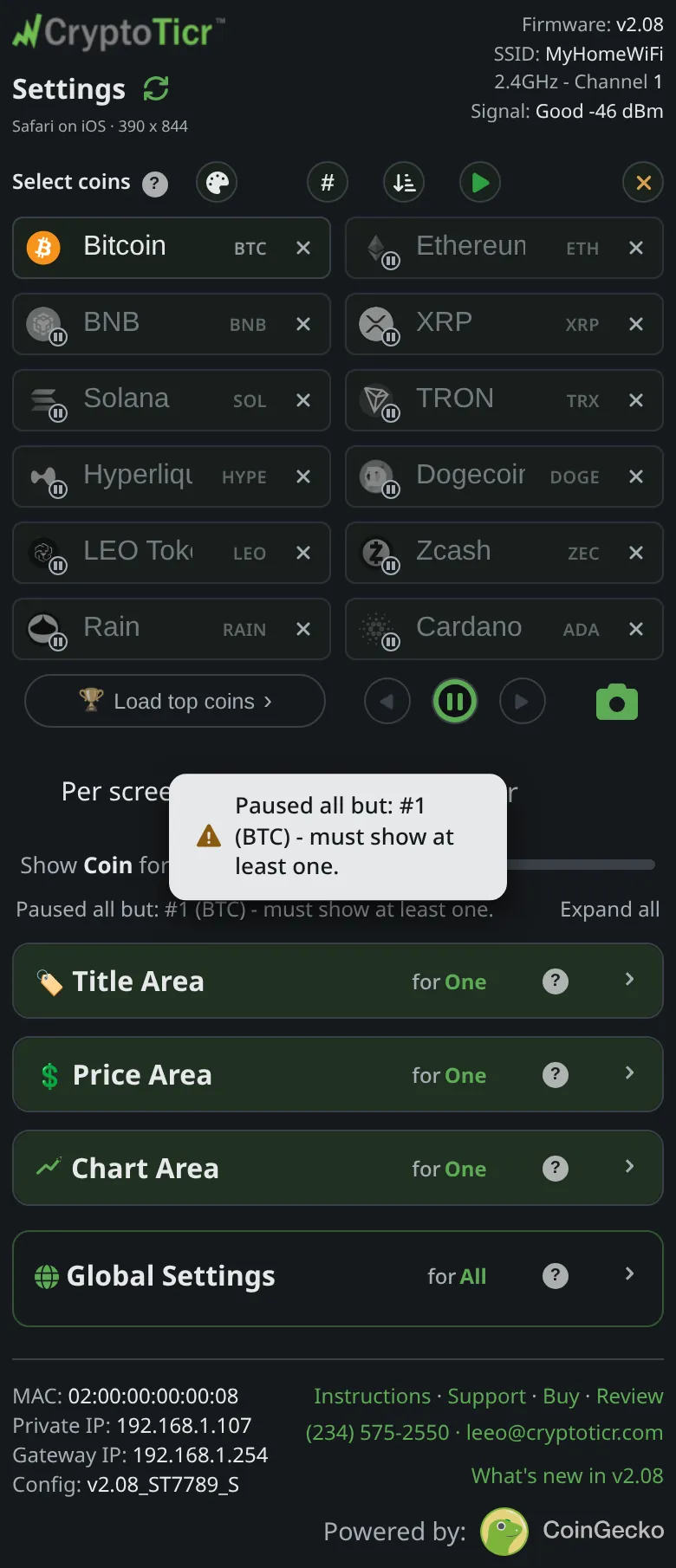 9:41192.168.1.107 Showing again
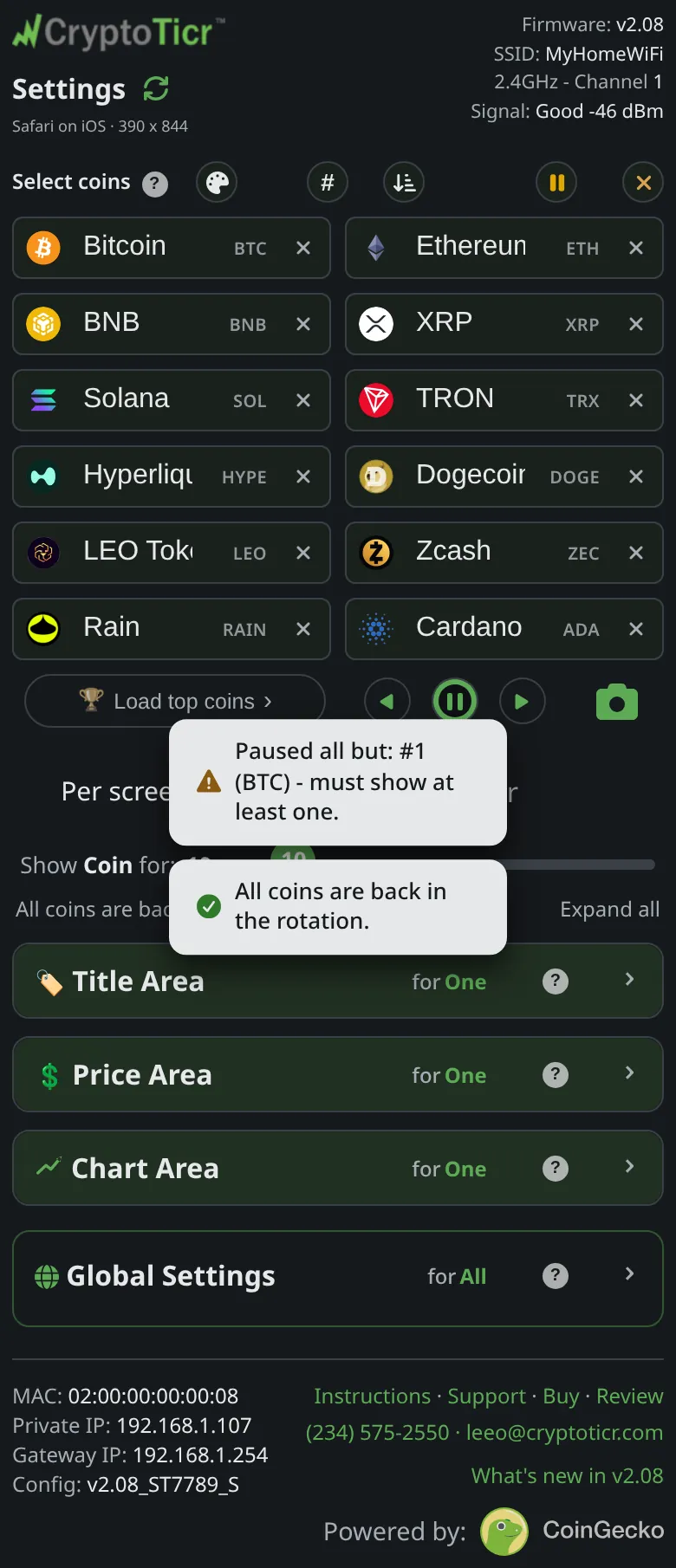 9:41192.168.1.107 A showing coin. A paused one never reaches the glass
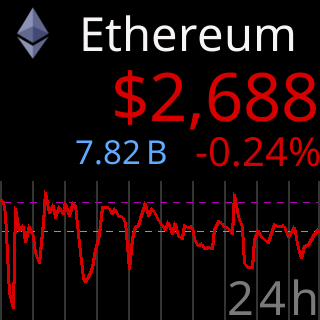
What it shows
Tap the logo in a coin’s box and the box dims: the coin stays in your list but leaves the ticker’s rotation. A note confirms it, BTC is out of the rotation.; tap again and BTC is back in the rotation. The page suggests the use: Great for "just Bitcoin today" without losing your lineup.
Above the boxes, a pause button pauses every coin except the first in one tap (Paused all but: #1 (BTC) - must show at least one.) and a play button brings everyone back (All coins are back in the rotation.). Pausing the last showing coin is refused with I have to show at least one coin.
Options
- A paused coin cannot be jumped to from its badge; the badge’s tip reads
Paused - tap its icon to bring it back first. - The ticker’s rotation, position dots and fetches all run over the showing coins only; paused ones cost nothing.
- Pausing does not wait for
Save & Apply: the ticker moves on from a paused coin at once, and un-pausing jumps straight to it. Saving with every coin paused is refused; see Save says all my coins are paused.
Where to set it
The logo in each box of the Select coins section, and the pause and play buttons above the boxes. Pause state is saved as part of the coin list, Setting: the coin list.