Save says all my coins are paused
- All your coins are paused, tap a coin's icon to bring at least one back, then save.
- I have to show at least one coin.
- Un-pause at least one coin first
Symptoms
- Tapping
Save & Apply CoinsshowsAll your coins are paused, tap a coin's icon to bring at least one back, then save.and nothing is saved. - The save button’s tip reads
Un-pause at least one coin first. - Tapping a coin’s logo to pause it shows
I have to show at least one coin.
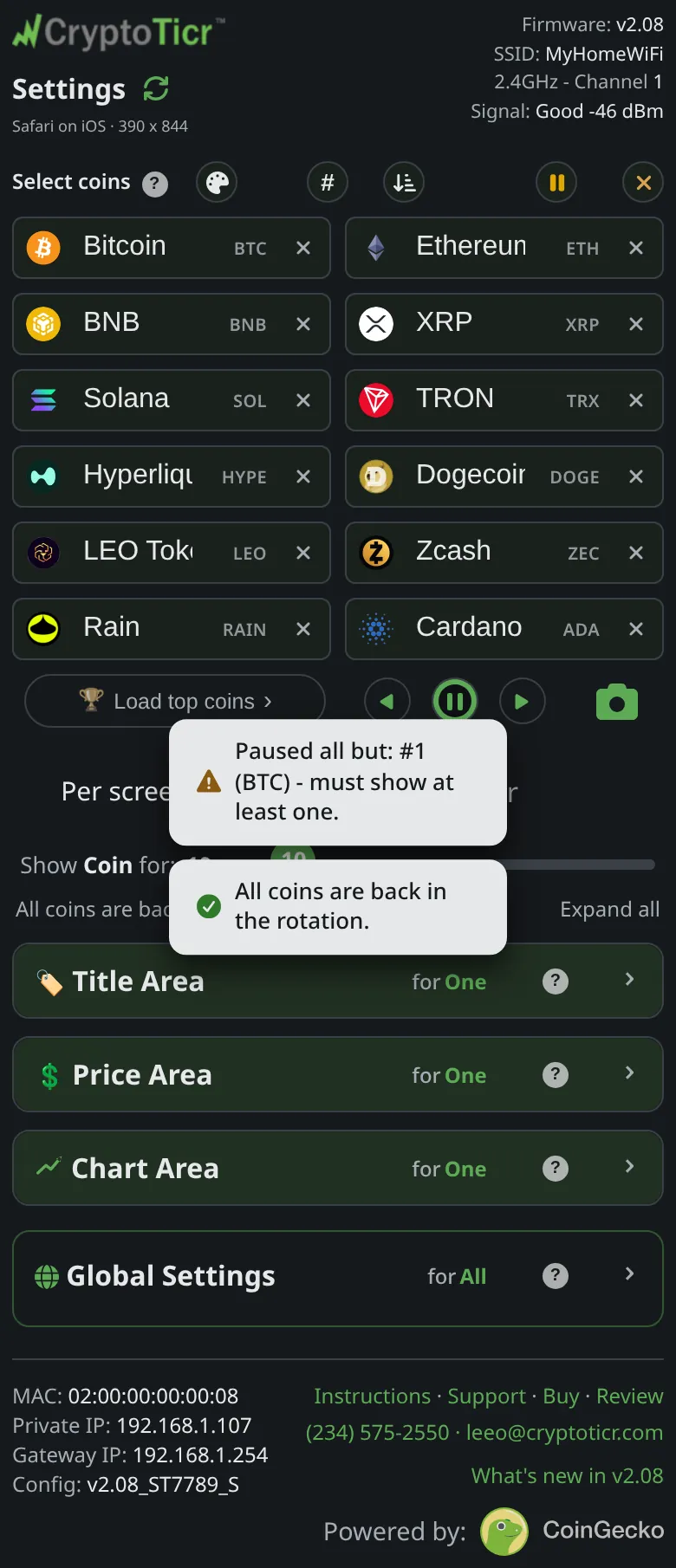
Every coin paused: nothing left to show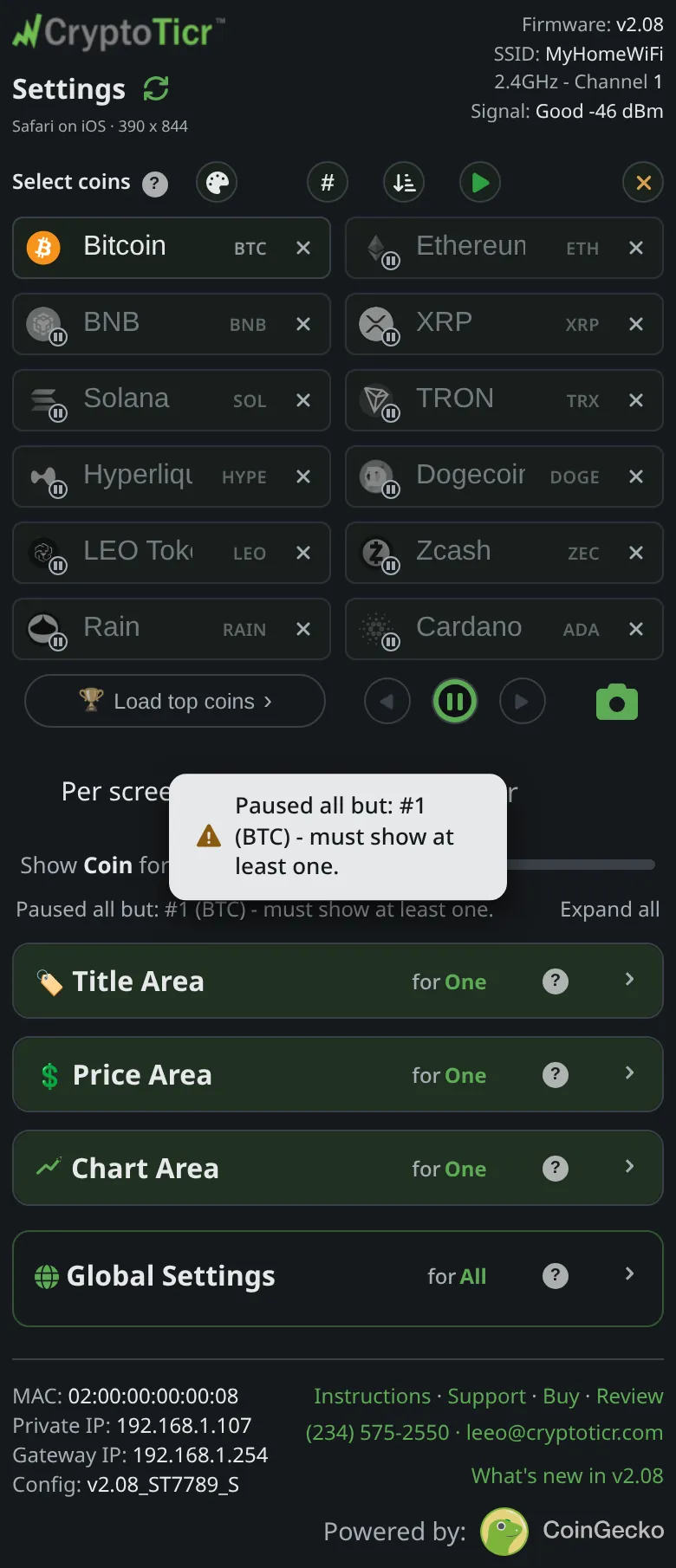 9:41192.168.1.107 One tap puts them back
 9:41192.168.1.107
Cause
Every box is dimmed: each coin is in the list but out of the rotation. The ticker must have something to show, so the page refuses to save an all-paused list and refuses to pause the last showing coin.
Fix
- Tap the logo of the coin you want to see. Its box brightens and the note reads
BTC is back in the rotation. - Tap
Save & Apply Coins. The page saysSaved & applied to your Ticker.and the ticker shows that coin.
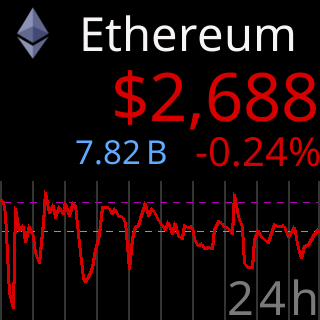
A coin back on the glass once its box is un-paused
 3. To bring everyone back at once, tap the play button above the boxes:
 All coins are back in the rotation.
If that didn’t work
- The button stays refused with a coin showing: check for an empty list;
Add at least one coin first.means no box holds a coin. See Choosing coins.