Save & Apply and the coin list
 9:41192.168.1.107
Why the coin list waits
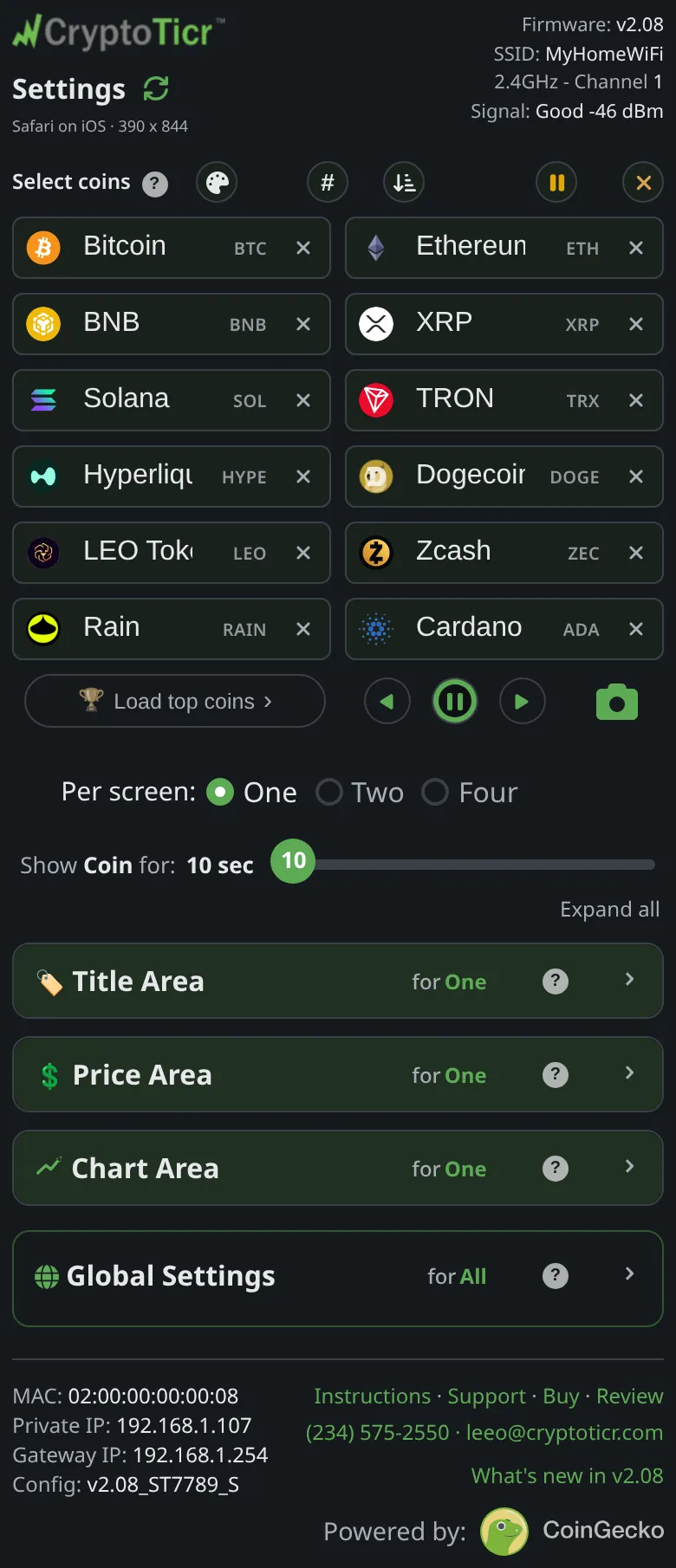
Sliders, switches and colors reach the ticker the moment you change them. The coin list does not: twelve boxes being typed into, cleared, sorted and paused would otherwise redraw the ticker at every keystroke. So the list is the one thing that waits for the Save & Apply Coins button, which appears when the list differs from what the ticker has.
What Save checks
- At least one box holds a coin: otherwise
Add at least one coin first. - At least one coin is not paused: otherwise
All your coins are paused, tap a coin's icon to bring at least one back, then save. - Every filled box is a coin from the list that appeared as you typed: otherwise
"…" isn't a coin I know. Pick one from the list as you type, or clear the box.
What happens on the ticker
The ticker stores the list and redraws at once, starting the rotation again from the first coin (or the first page in Two or Four per screen), and the page says Saved & applied to your Ticker. A scheduled address popup that you changed in the same save shows a few seconds later as a preview.
Undo and Reset
Undo under the boxes reverses a sort, a batch load or an insert that dropped a coin. The page’s reset button puts the whole list back to the last save, with the note Coin list restored.