Save refuses a coin it doesn't know
- "…" isn't a coin I know. Pick one from the list as you type, or clear the box.
- aren't coins I know. Pick them from the list as you type, or clear the boxes.
Symptoms
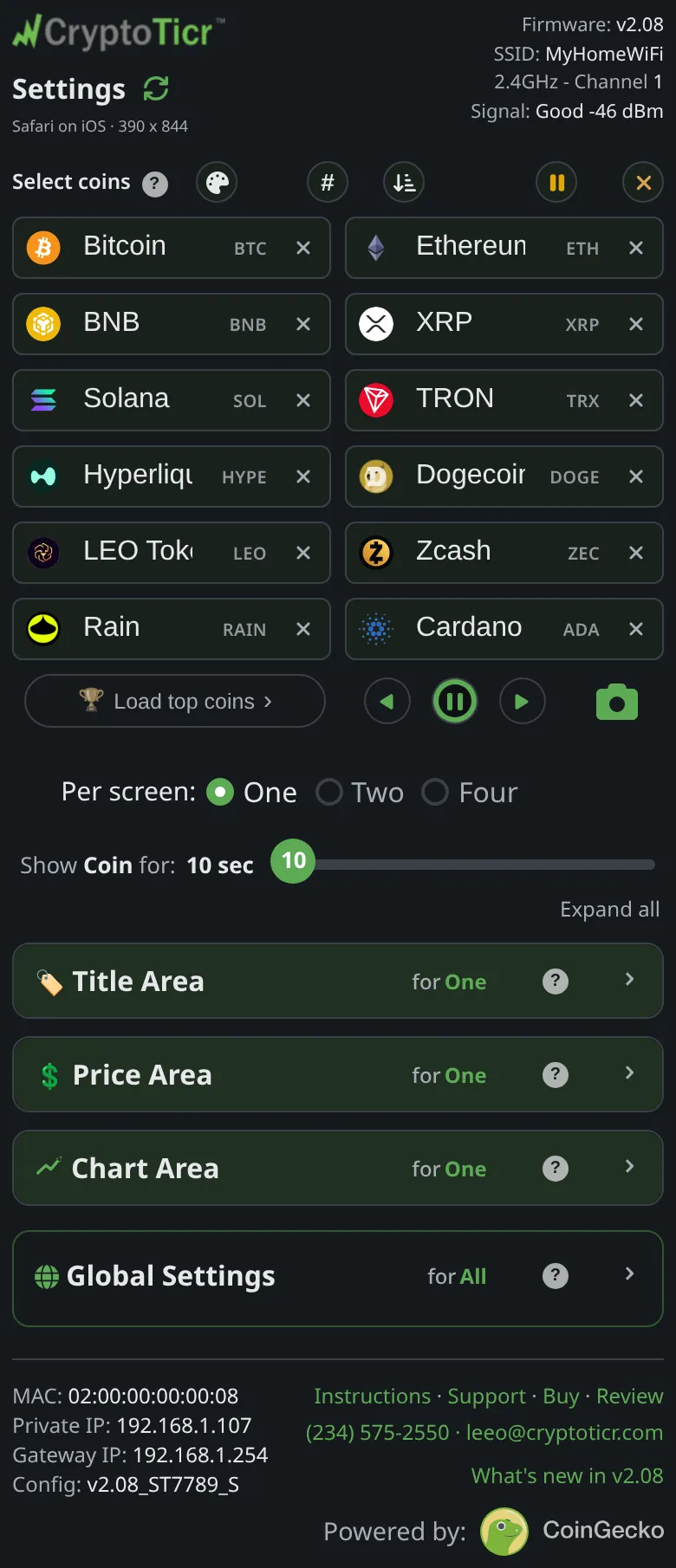
Save & Apply Coinsshows"…" isn't a coin I know. Pick one from the list as you type, or clear the box.with the text you typed, and nothing is saved.
 9:41192.168.1.107
Cause
A box holds text that does not match any coin on the ticker’s list, which comes from its server. Usually the name was typed in full without picking from the suggestions, is misspelt, or is a coin the server does not carry.
Fix
- Find the box named in the message; it is the one whose badge is empty.
- Clear it and type the first letters of the symbol or the name again. The list appears as you type; matches ignore spaces and punctuation.
- Tap the coin in the list. The box fills and its badge shows the symbol.
- If no list appears for that coin, it is not one the server offers; clear the box. See How many coins are available?.
- Tap
Save & Apply Coins.
If that didn’t work
- No list appears for anything: the page could not fetch the coin list from the server. Reload the page; if the boxes still offer nothing, see Couldn't reach your ticker message.