Couldn't reach your ticker message
- Couldn't reach your ticker just now, nothing has changed on this page. Try again in a moment.
- Couldn't reach your ticker just now. If it's installing an update that can take a few minutes.
- Couldn't reach your ticker, is it on?
Symptoms
- A red message:
Couldn't reach your ticker just now, nothing has changed on this page. Try again in a moment., or the same withIf it's installing an update that can take a few minutes., or, from a coin badge,Couldn't reach your ticker, is it on? - The control you changed springs back.
Cause
The page sent the change and got no answer within its wait. The ticker is restarting, installing an update, briefly off the Wi-Fi, or its address has changed under the page. The page deliberately keeps its old value rather than pretending the change landed.
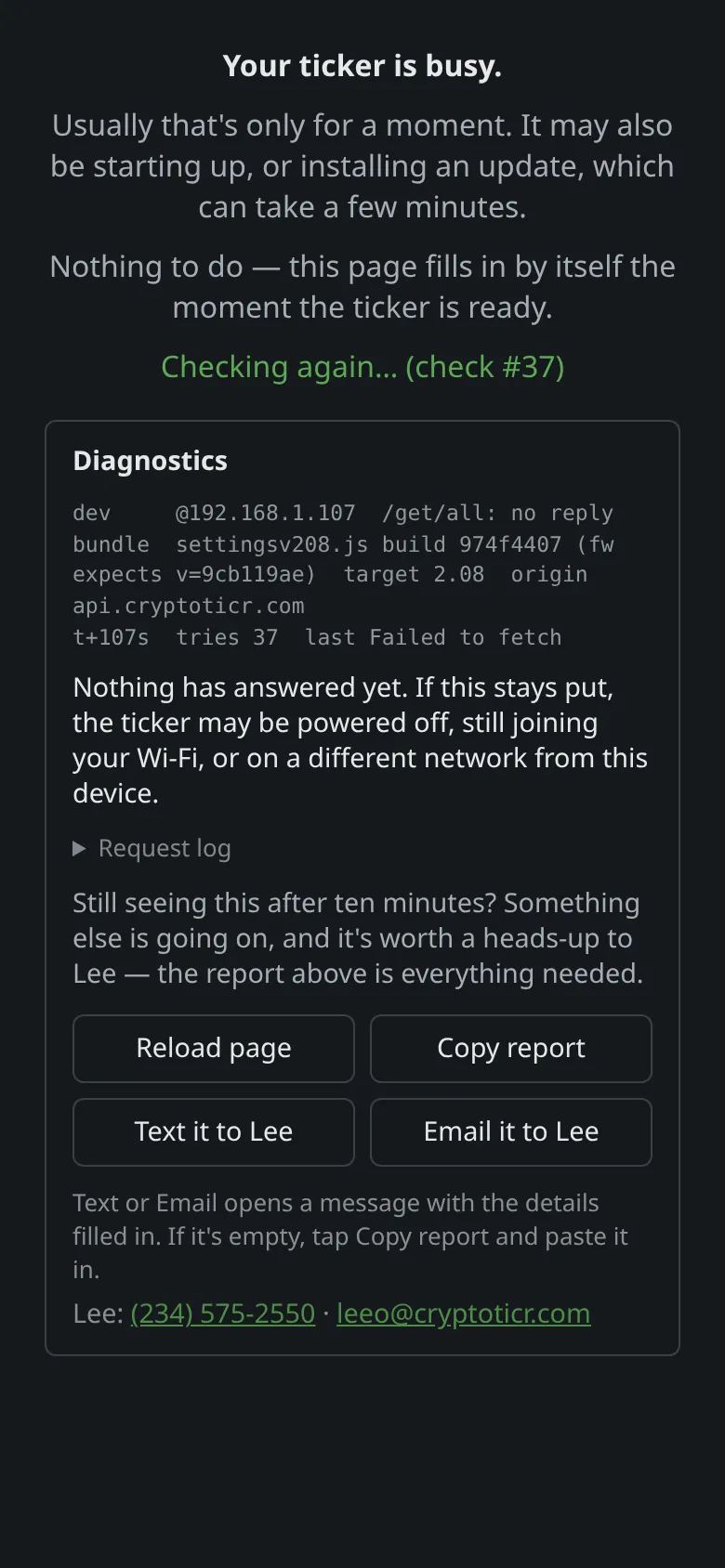 9:41192.168.1.107
Fix
- Look at the ticker.
Updatingor a start screen means wait until it is showing coins again.

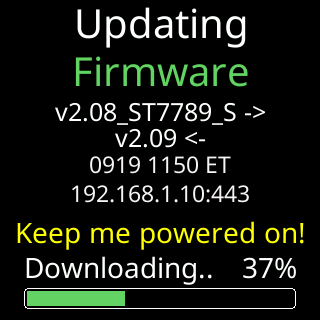
Looking for Wi-Fi means the ticker has lost the network, see What happens when the Wi-Fi drops.
2. Make the change again once the coins are back.
3. If it keeps failing while the ticker is showing coins, tap the logo to reload the page. A page that cannot reload has lost the address: I lost the ticker's address.
If that didn’t work
- Every change fails from every device while the ticker runs normally: restart the ticker by unplugging and replugging, then reload the page.