The settings page says your ticker is busy
- Your ticker is busy.
- Usually that's only for a moment.
- Loading settings…
Symptoms
- The page opens with
Your ticker is busy.andUsually that's only for a moment. It may also be starting up, or installing an update, which can take a few minutes., thenNothing to do — this page fills in by itself the moment the ticker is ready. - Or
Loading settings…sits for longer than a couple of seconds.
What the page says while it waits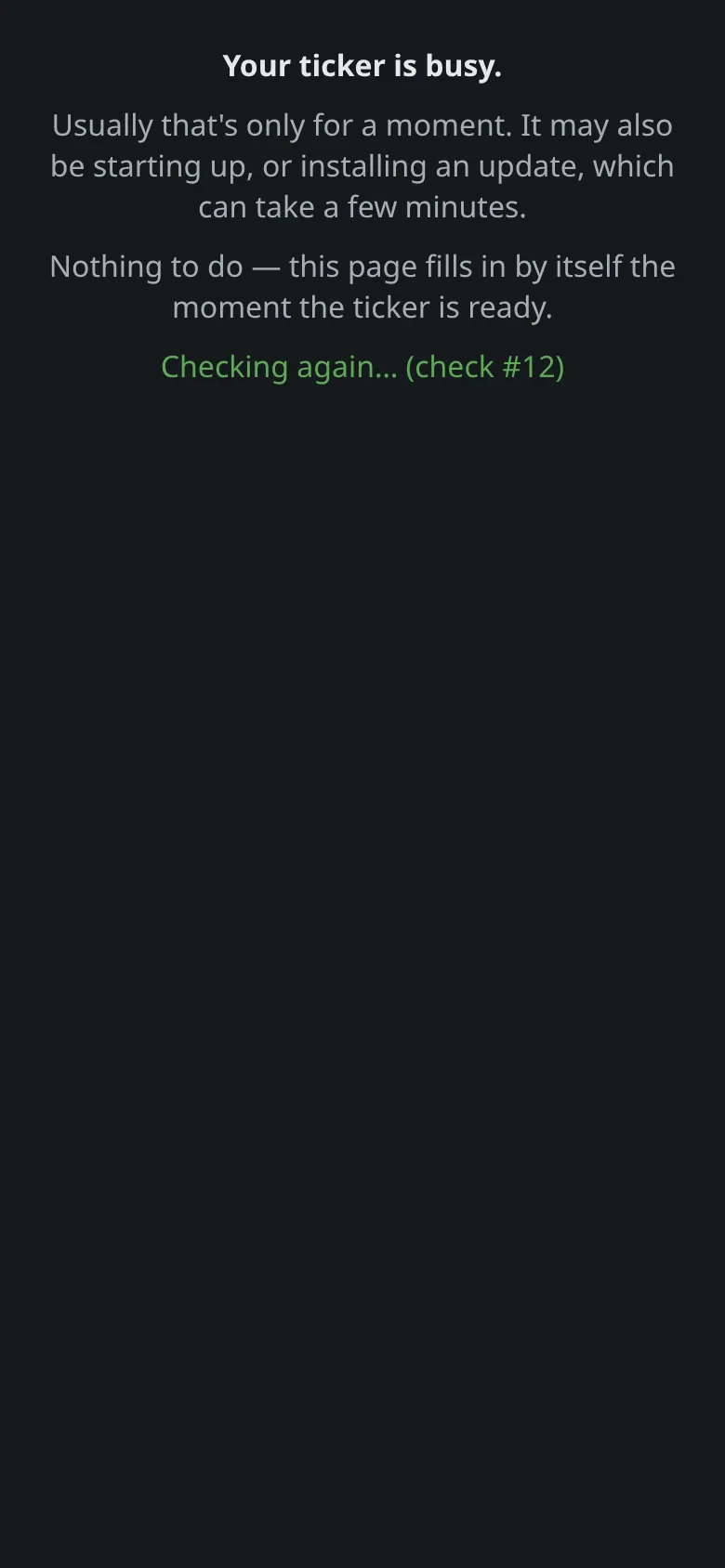 9:41192.168.1.107 And what it offers once it gives up
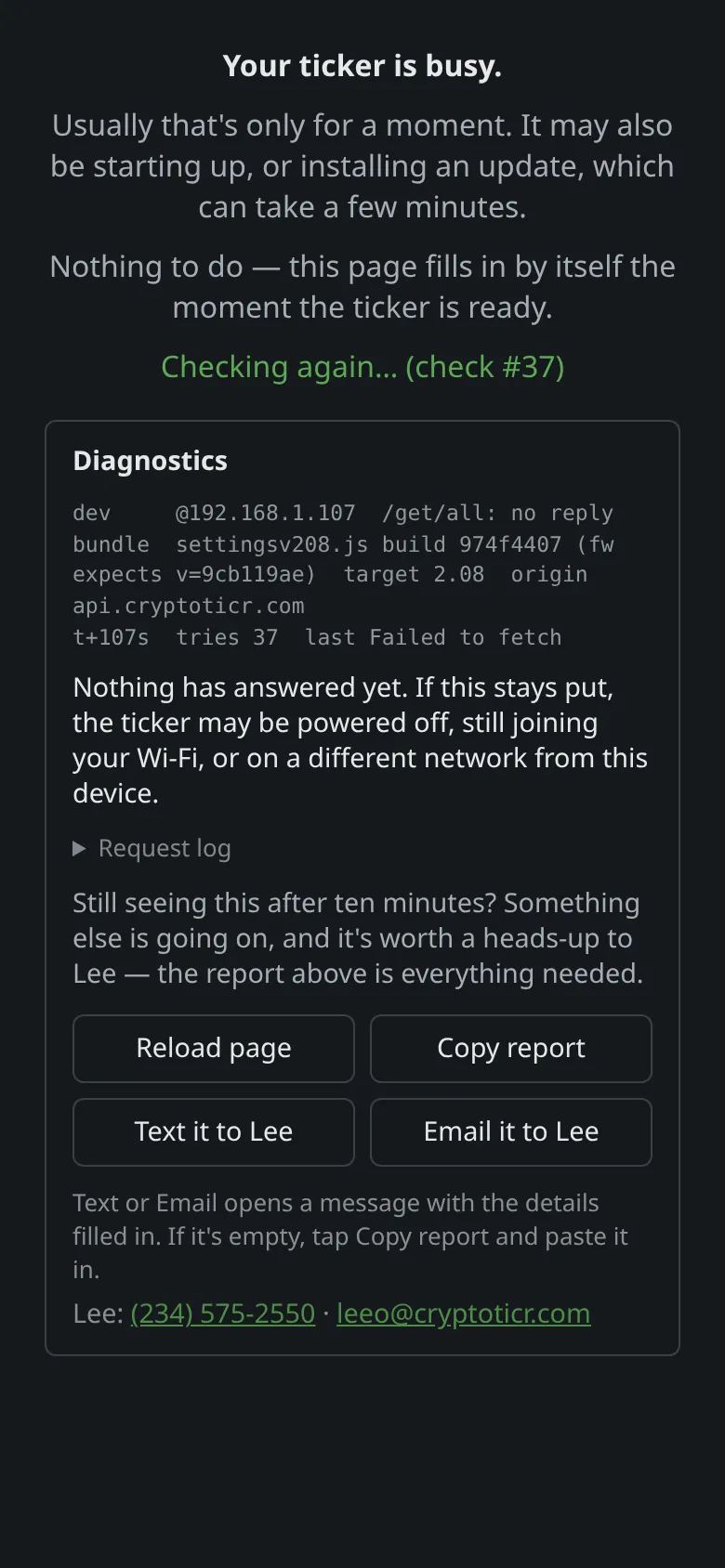 9:41192.168.1.107
Cause
The ticker answered the page’s request with “not now”. It does that while it is starting up and its settings are not yet loaded, while it is in the middle of drawing a screen, and while it is downloading or installing a firmware or icon update. The page keeps asking and fills in when the answer comes.
Fix
- Wait. A start-up takes a few seconds; a firmware update a minute or two; an icon update longer. Look at the ticker’s screen:
Updatingmeans an update is running and the page will come back when the ticker restarts.

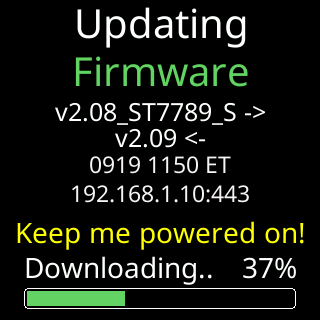 2. If the ticker is showing coins and the page still says busy after a minute, tap the logo to reload the page.
3. If the reload also says busy, restart the ticker by unplugging and replugging, then reload the page.
2. If the ticker is showing coins and the page still says busy after a minute, tap the logo to reload the page.
3. If the reload also says busy, restart the ticker by unplugging and replugging, then reload the page.
If that didn’t work
- The card changes to
This page couldn't finish loading.: This page couldn't finish loading. - The page never gets an answer at all: Couldn't reach your ticker message.