This page couldn't finish loading
- This page couldn't finish loading.
- Your ticker is fine — it answered.
- Details for Lee
- Copy report
- Text it to Lee
- Email it to Lee
Symptoms
- A card:
This page couldn't finish loading.andYour ticker is fine — it answered., aDetails for Leebox with aDiagnosticsblock, and buttonsCopy report,Text it to LeeandEmail it to Lee. - Sometimes a line such as
The ticker's settings are locked.orMost likely: the ticker's own link to your router.with the ticker’s signal reading.
Cause
The ticker answered, but something in the page itself failed: a script error in this browser, a reply the page could not read, or a stalled request. The page treats that as its own fault and packages a report so the cause can be found: the browser and screen, the ticker’s name and firmware, what was requested and what came back.
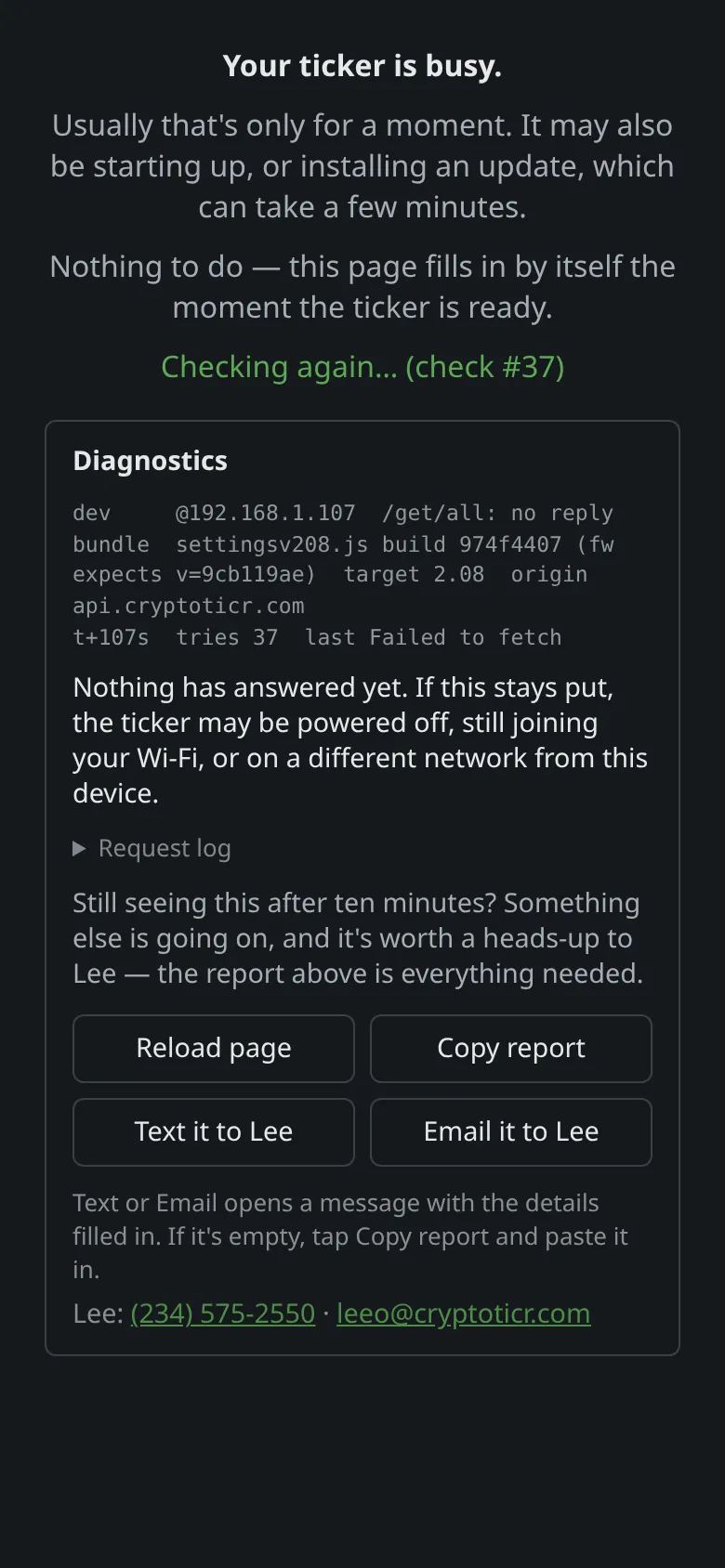 9:41192.168.1.107
Fix
- Tap the logo to reload the page. Many one-off script errors do not repeat.
- Try another browser on the same device, or another device. An in-app browser (a link opened inside a messaging app) is the commonest cause; Safari, Chrome, Firefox and Edge all work.
- If the card says the settings are locked, unlock from a browser that has the password, or see Settings are locked.
- If the card points at the ticker’s link to the router, the settings request timed out on a poor signal. Move the ticker nearer the router and reload.
- If it keeps happening, tap
Copy report(orText it to Lee/Email it to Lee) and send it. See Contact.
If that didn’t work
- The ticker is showing coins and every browser fails the same way: send the report; the fault is in the page’s code and a firmware update fixes it for everyone.