I forgot the settings password
- I don't remember the password
- That password didn't match. Viewing is still fine.
 9:41192.168.1.107
Symptoms
- The page is locked and no password you try is accepted.
Cause
The ticker stores only a hash of the password, so it cannot be shown to anyone, and there is no reset path by design. The lock dialog said so before it was set: If it's ever forgotten, it can't be recovered by anyone. There's simply no way to look it up or reset it. The only path back in is a full reset of the display (power it off and on five times, quickly).
Fix
- Check every phone and computer that has opened the page. A browser that unlocked once stays unlocked, and from it
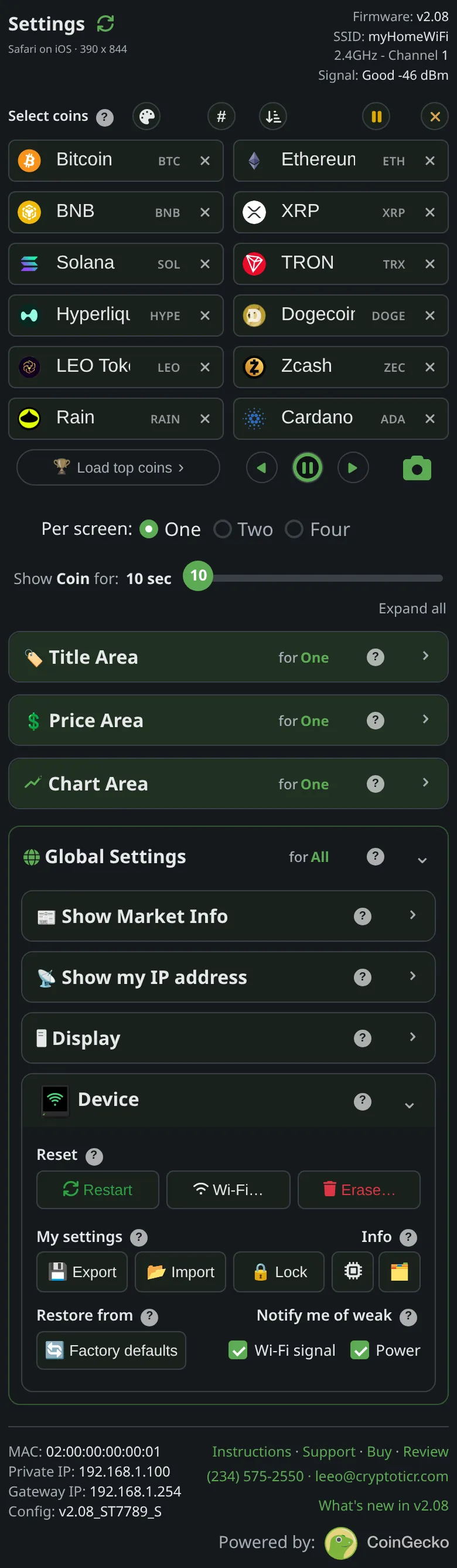
Unlock→Remove passwordremoves the lock for everyone; then set a new one if you want. - From that same browser, tap
Exportfirst to save the coin list and settings as a file. - If no unlocked browser exists, factory-reset the ticker: power it off and on five times, quickly (unplug it and plug it back in), see Factory reset by switching it off and on five times. It erases the Wi-Fi and every setting along with the password.
- Set the ticker up again, then
Importthe file if you saved one.
If that didn’t work
- The five-restart gesture is not counting: The five-restart factory reset is not working.