Settings are locked
- Settings are locked. You can look around, enter the password to make changes.
- That password didn't match. Viewing is still fine.
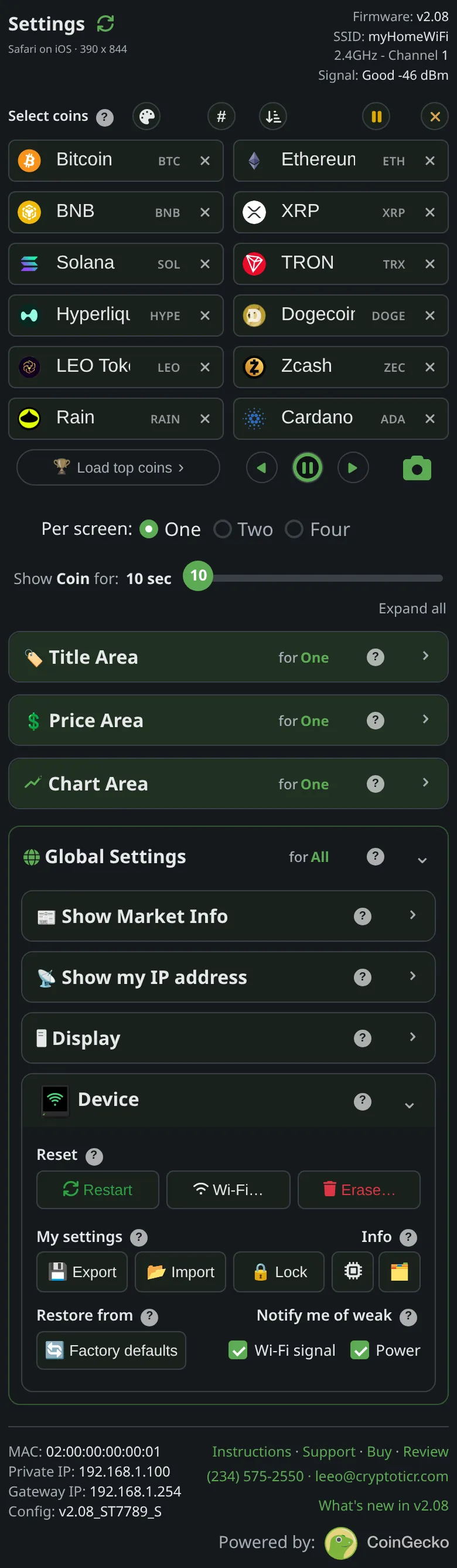 9:41192.168.1.107
Symptoms
- A banner at the top of the settings page:
Settings are locked. You can look around, enter the password to make changes.with aPasswordfield and anUnlockbutton. - Sliders and switches do nothing, and a save is refused.

Cause
A settings password has been set on this ticker, and this browser has not been unlocked. Each browser asks once and remembers; another phone, another browser on the same phone, or a browser that has cleared its storage asks again. The lock stops changes only; viewing is always open.
Fix
- Type the password into the banner and tap
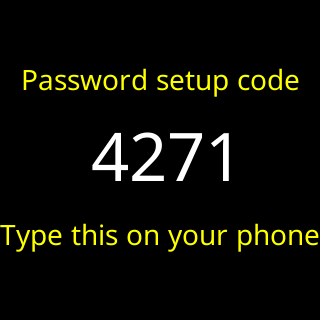
Unlock. The page saysUnlocked on this device.and the controls come alive. - Type the password you chose, not the four-digit code the ticker showed while it was being set. The page catches the mix-up:
Not that one, that's the 4-digit code from my screen… - If you have a browser that is already unlocked, use that one; or from it,
Unlock→Remove passwordclears the lock for everyone.
If that didn’t work
Too many tries, wait N seconds, then try again.: Too many password tries.- Nobody knows the password: I forgot the settings password.