What happens when the Wi-Fi drops
While the ticker is running
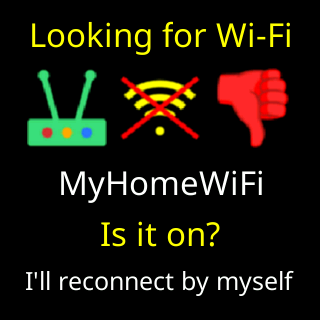
A short drop is invisible: the radio reconnects on its own and the coins carry on. A longer one shows the signal card with the title Looking for Wi-Fi, your network’s name, Is it on? and, under it, I'll reconnect by myself. Prices stop updating meanwhile; the last ones stay on the glass with their age. If the router is on but turning the ticker away, most often because its password changed, the box over the coins says Wi-Fi refused. instead, and that card is skipped. A router that lets the ticker on but hands out no address gives No IP address from router., also without the card.

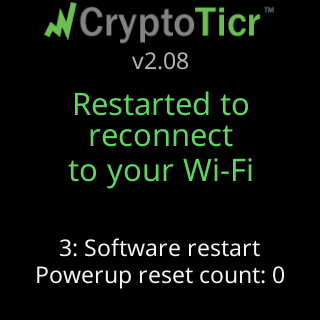
If the network stays away for about 30 minutes without a break, the ticker restarts once, on the theory that a fresh start reconnects better than an old one: the first screen after it reads Restarted to reconnect, to your Wi-Fi. The one exception is a ticker you have warned about a password change, which restarts after two minutes instead; see Changing your router's Wi-Fi password.
At start-up
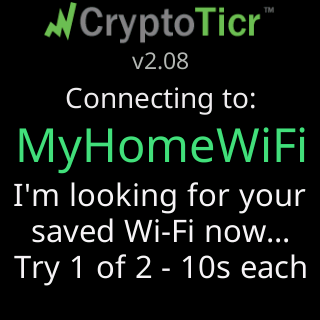
Every start-up begins with Connecting to: and the saved network’s name, and a line under it: I'm looking for your, saved Wi-Fi now..., Try 1 of 2 - 10s each. A ticker that has completed setup tries twice, ten seconds each.
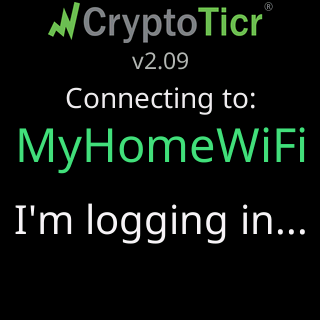
When a try succeeds the ticker narrates the rest: I'm logging in using, my saved password... (I'm logging in... on a network with no password), I've logged in!, then Your router gave me, this address to use: (or I'm using the fixed, address you gave me:) and the address.
When the network is not there
A ticker that has completed setup does not open setup mode for a missing network. It waits. The waiting screen is headed by what it knows:
| Header | Under it |
|---|---|
Trying to connect |
nothing has answered yet: No answer yet. I keep trying. |
Waiting for Wi-Fi |
the last try failed for a definite reason: I can't see it right now. when its scan missed the network, or It's there. I can't join yet. when the scan saw it |
Wi-Fi answered |
the router is there and answering but the ticker cannot get on: It's there. I can't join yet., or It rejected my password. when the router proved that. |
Almost connected |
joined, but no address yet: Wi-Fi is up. No IP address assigned yet. |
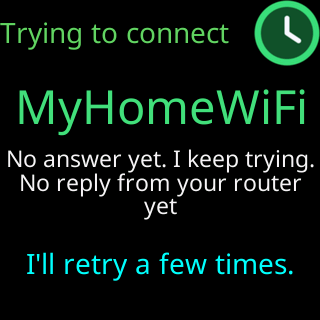
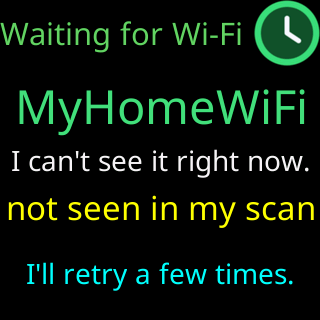
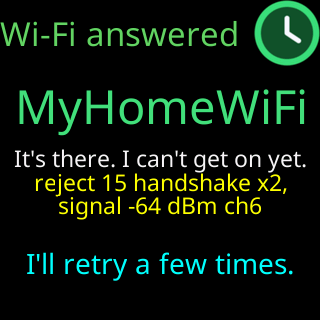
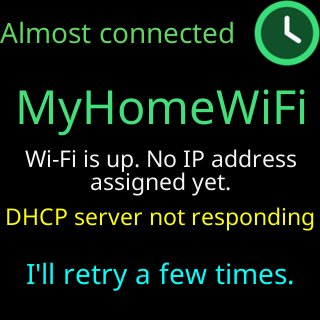
Under the headline: the network’s name, a reason line when the ticker has one (for example No reply from your router yet), and a footer that rotates between three things: a hint (New Wi-Fi? Restart me / 5 times fast. Wipes me.), the cadence (I retry every 15 seconds, / restart every 2 minutes.) and the router’s own evidence when the reason line is not already showing it. It keeps trying every 15 seconds, restarts every two minutes, and joins the moment the network is back, nothing for you to do after a power cut or a router reboot. See After a power cut.
Two cases do leave the wait on their own:
- The router refuses the password four times in a row. The screen changes to
Wi-Fi rejected my password(orCan't join Wi-Fi) withDid the password change?,I'll keep trying, then,open my setup to fix it., and after the fourth refusal the setup network opens, leading with aHeads upcard. Every setting is kept. - The saved details have never worked. A network stored but never once joined is not waited for: after two failed rounds the setup network opens, the footer having said
I'll retry a few times.and1 more try, then I'll open my setup page.
A ticker that never completed setup
A ticker that has a saved network but never finished setup, the join was interrupted, say, tries three times, then restarts to try again, up to three restarts, telling the story on the way: One more try..., Restarting to reach, your Wi-Fi (1 of 3)., If this doesn't work,, I'll open setup mode., with Wi-Fi trouble, No worries! and Fallback plan cards the first time.
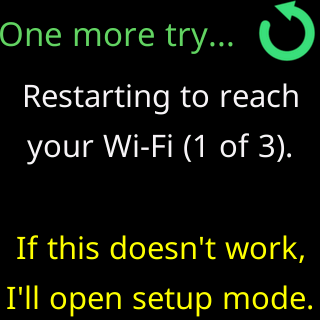
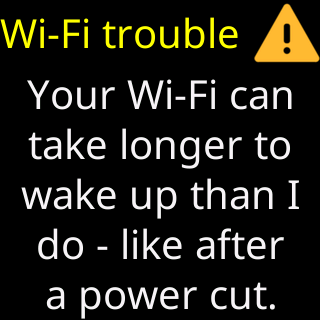
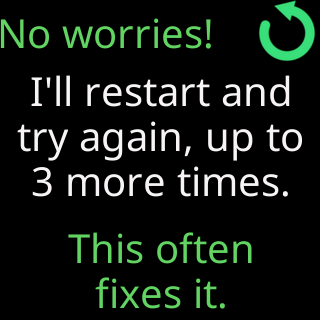
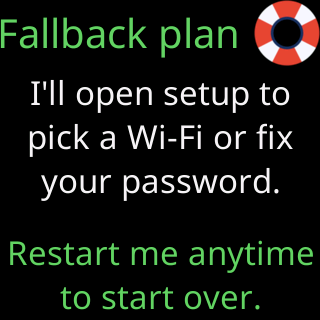
Between attempts it names the way out: Changed your Wi-Fi?, Restart me, 5 times fast to set it up. If the third restart fails too, it opens its setup network with the Heads up card I can't find your Wi-Fi and the network’s name, and keeps scanning for that network in the background; if the network reappears it says Your Wi-Fi is back! and restarts onto it. If the router answered and refused the saved password, it skips the restarts and opens setup led by Heads up / Your Wi-Fi refused me, and does not watch for the network, because the network never went away.