Can I pause the ticker's screen to read a chart?
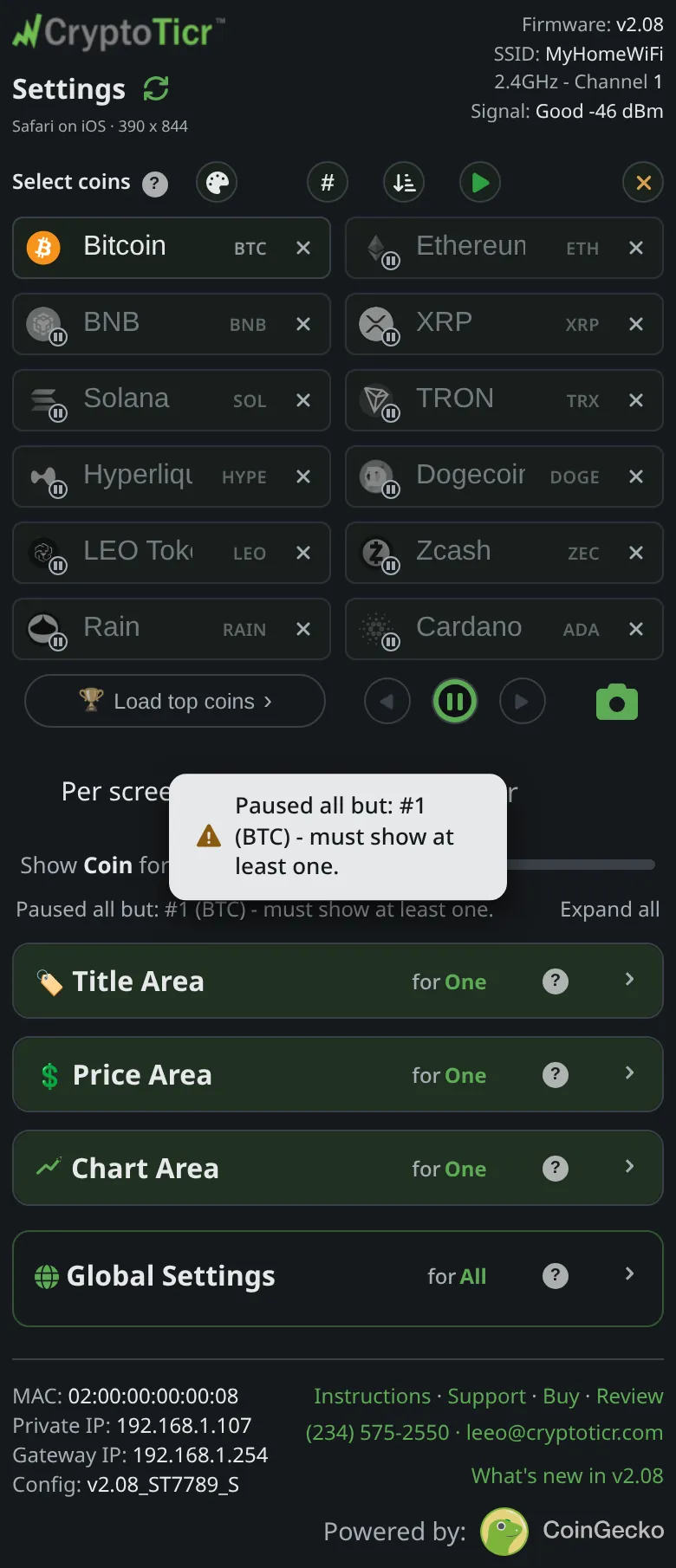
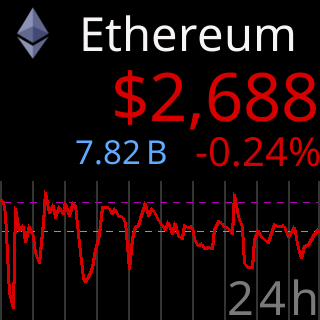
Yes. On the settings page, tap ⏸ under the coin boxes. The ticker holds whatever is on its screen for thirty seconds, a ring on the button and a small ring in the corner of the glass count down, and the rotation resumes by itself. Tap again to resume early. Tapping a coin’s badge first puts that coin on the screen; then pause it. See Jump to a coin and the remote buttons.
 9:41192.168.1.107
What a pause holds still
For a longer look, give every screen more time with the Show Coin for: slider; see How long each screen stays.