How long each screen stays
What it shows
A slider under the coin boxes labeled Show Coin for: in One per screen, Show Two for: or Show Four for: in the others, with the chosen time beside it, for example 20 sec. The page explains: It sets how long each coin, or each page of coins, is shown before the next takes its turn.
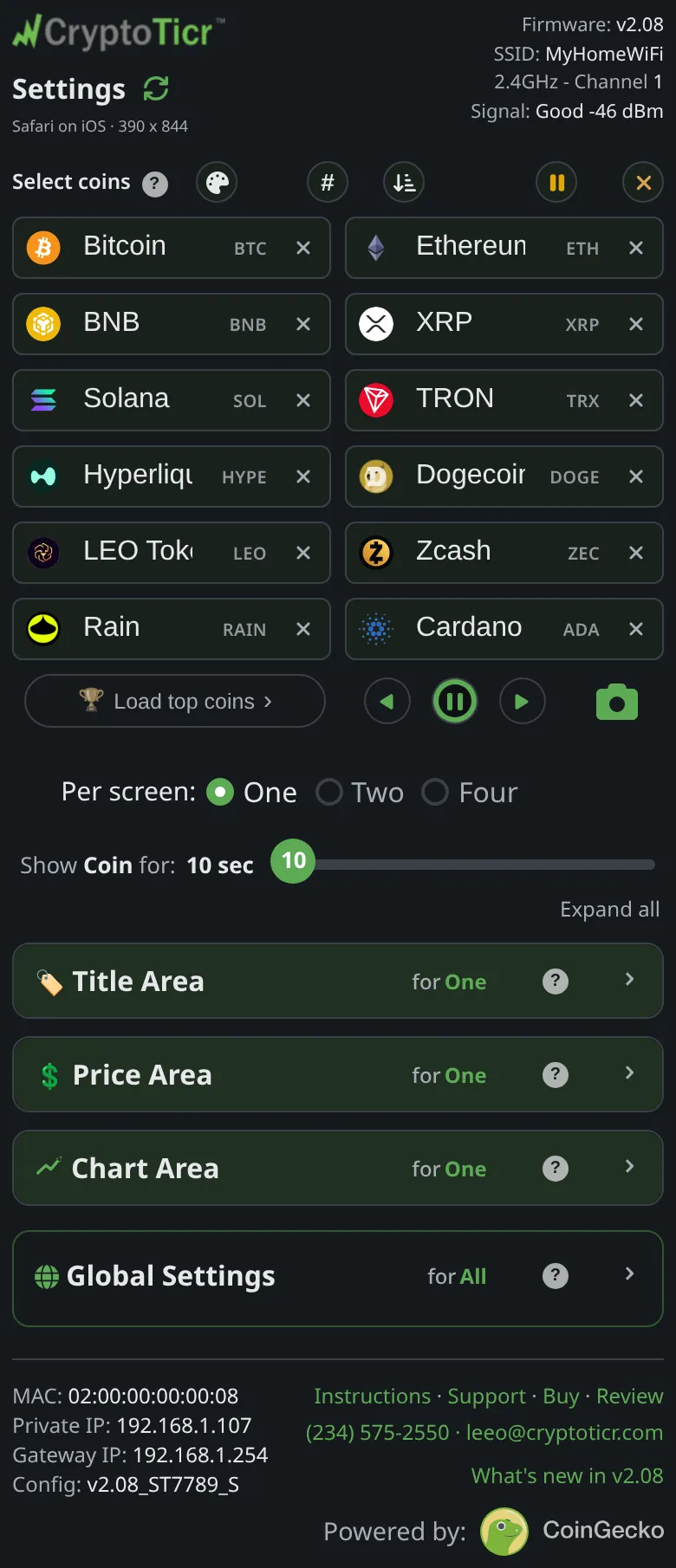 9:41192.168.1.107
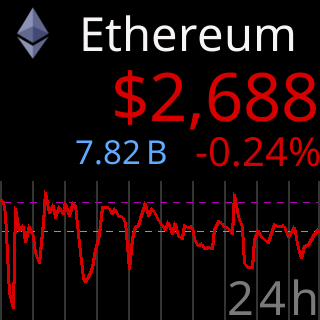
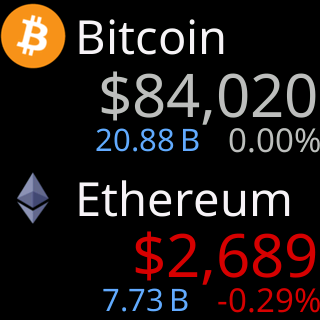
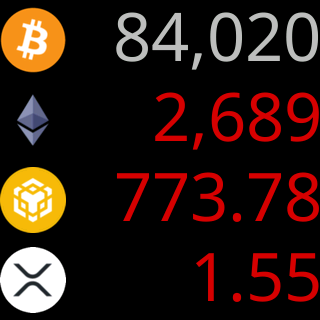
Each label names the layout it times:
The view this slider times
Options
- Five stops: ten, fifteen, twenty, twenty-five and thirty seconds. The firmware holds the value to the same range.
- One, Two and Four per screen each remember their own time, so switching layouts brings back the time you set for that layout.
- In One per screen with more than one chart period selected, the coin’s time is split evenly across its charts. The page says:
Want each chart up longer? Give the coin more time.See Charts and time ranges. - The
⏸remote button holds a screen beyond its time for thirty seconds; see Pause from the page.
Where to set it
The slider directly under the coin boxes on the settings page. It applies as you slide. Reference pages: Setting: Show Coin for (One per screen), Setting: Show Two for (Two per screen), Setting: Show Four for (Four per screen).