The weak Wi-Fi card keeps appearing
- Weak Wi-Fi signal
- Wi-Fi drops out
- Strength: Weak -82 dBm
- Strength: Very Weak -87 dBm
 9:41192.168.1.107
Symptoms
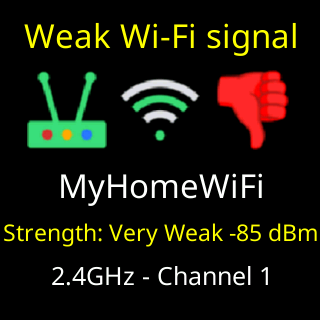
- Every fifteen minutes or so the coins give way to a card:
Weak Wi-Fi signalorWi-Fi drops out, a red thumb down, your network’s name, andStrength:withWeak,Very Weak,UselessorDead!and a reading such as-84 dBm. - Prices may be slow to change, charts may be missing, or the ticker may show
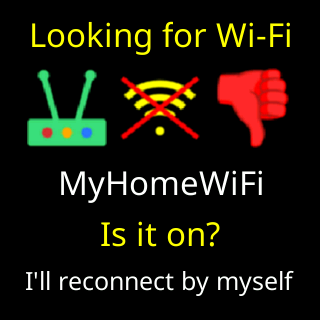
Looking for Wi-Finow and then.

Cause
The card repeats only when the link needs attention: it has actually dropped three or more times in the last hour, or the reading is so poor that drops are only a matter of time. A weak-looking reading on a link that is not dropping does not repeat the card. So a repeating card is evidence, not nagging: the ticker is losing its connection where it sits. The page puts it this way: far from the router, walls in between, so bigger pieces like coin icons, charts and updates can't come down reliably.
Fix
- Move the ticker nearer the router, or the router nearer the ticker, and out from behind metal, aquariums, microwaves and thick walls. Even a meter can change the reading a lot.
- Wait a quarter of an hour. The card either stops (the link is no longer dropping) or shows a better
Strength:word. - If moving is not possible, put a 2.4 GHz extender or a mesh unit between them. The ticker uses 2.4 GHz only.
- If the router has a “band steering” or “smart connect” setting that merges 2.4 and 5 GHz under one name, see Mesh and band-steering routers.
If that didn’t work
- The reading is good but the card says
Wi-Fi drops out: the router is dropping the ticker, not the distance. See What happens when the Wi-Fi drops and Router settings that block new devices. - You accept the signal and want the card gone: untick
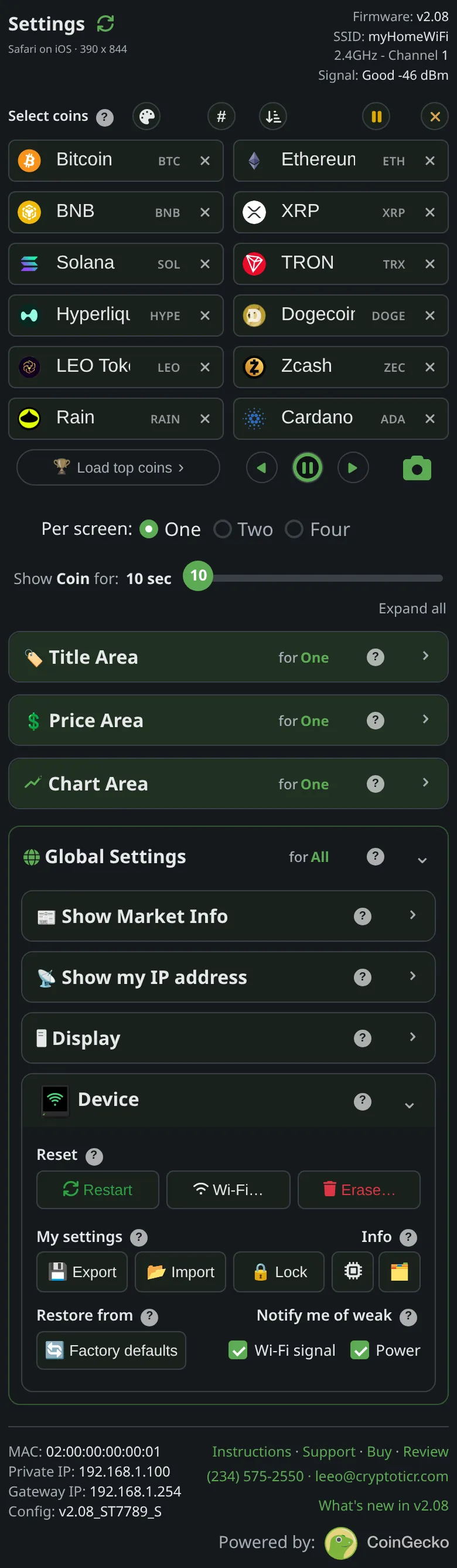
Notify me of weak → Wi-Fi signalin theDevicesection. The ticker runs exactly the same; only the repeats stop. The start-up card and the outage face still appear.