Signal bars and dBm
The number
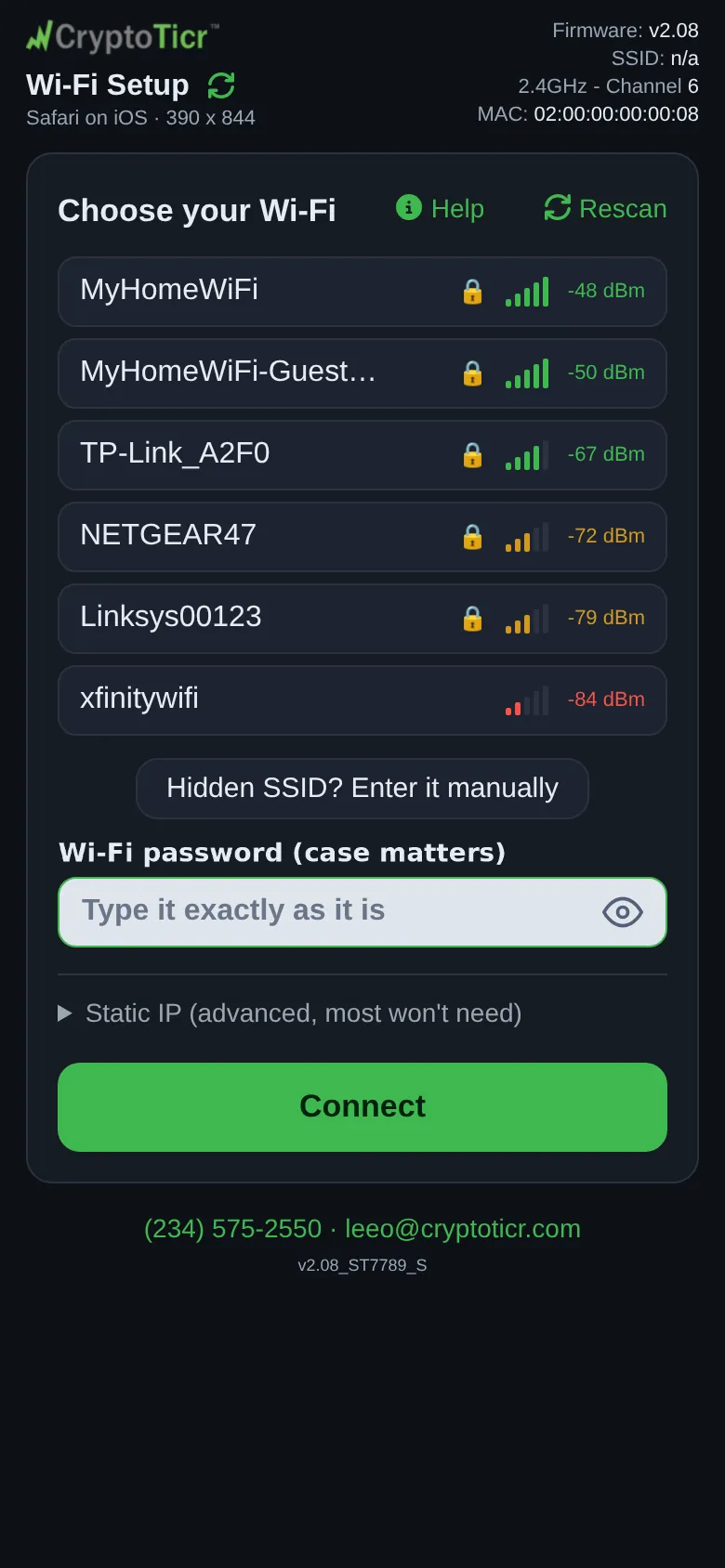
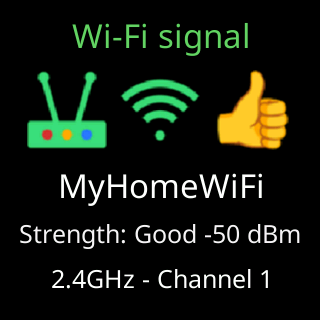
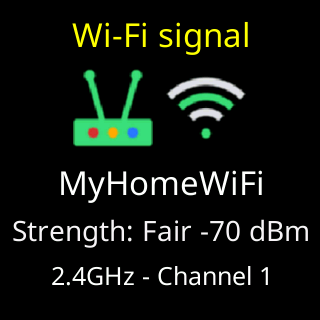
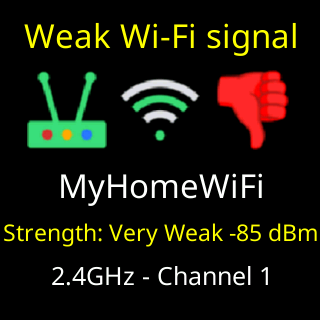
Every network in the setup page’s list shows its signal in dBm, how strongly the ticker hears that router from where it is. The number is negative, and closer to zero is better: -50 is strong, -70 is fair, -85 is weak. It is the ticker’s own reading, so it tells you about the ticker’s position, not your phone’s.
The bars
Five bars, one per 10 dB, so moving the ticker across a room visibly changes them. Five bars at -60 dBm or better, four at -70, three at -80, two at -90, one down to -96, and none below that.
 9:41192.168.4.1
The bars and the number share one color, which is the ticker’s verdict: green at -67 dBm or better, amber from -68 to -79, red at -80 and worse. Red is the band the ticker itself calls weak, and where it warns you on the glass. The Help panel’s advice: aim for three bars or more; at one or two the ticker keeps telling you its signal is weak.
The words on the glass
Where the ticker writes signal strength in words, the signal card, the settings page header, it grades the same number: Excellent at -20 dBm or better, Strong! and Strong down to -40, Good down to -55, Fair down to -79, Weak below -79, Very Weak below -80, Useless below -85, Dead! below -90. The settings page’s Signal: line turns yellow at the same -79 dBm line the glass warns at.

Three lines the ticker draws
- -79 dBm, the warning line. Below it the ticker calls the signal weak and shows its
Weak Wi-Fi signalcard. See The Wi-Fi signal check. - -85 dBm, the update line. Below it the ticker puts off a firmware update at its hourly check, and after ten checks put off it installs the update anyway.
- -67 dBm, the so-so line. Between -67 and -79 the ticker gives no verdict at all: the signal is neither good nor bad, and the card shows no thumb.
The ticker holds a verdict for a while after the number improves, so a link that dipped has to prove itself again before it is called good.