One, two or four coins per screen three ways to show your coins
One coin with its chart, two with their figures, or four at a glance. See each layout go round, then switch with one tap on your phone.
Step by step in the manual: One, two or four coins per screen
Read it insteadHide the text
Your ticker can show one, two or four coins per screen, and you pick which.
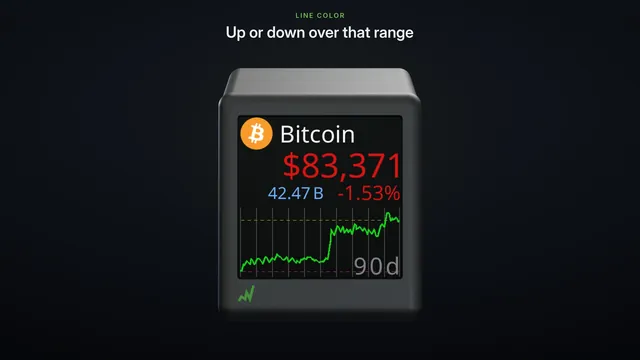
One gives each coin the whole screen: its price, the day's change, and a chart of the last day, followed by the last ninety days.
Two shows a pair of coins. Under each price, the volume, market cap and rank take turns.
Four fits four coins on each screen, just the symbol and the price. A list of twelve takes three screens.
Pick one on your phone. The ticker switches at once, and starts again from your first coin.
To set each one up, watch the how-to videos, "One coin per screen", and "Two and four coins per screen".