Coins show no icon
- The coin has a name but no logo
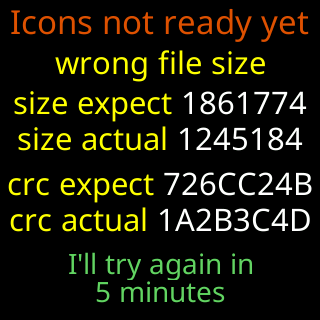
- Icons not ready yet
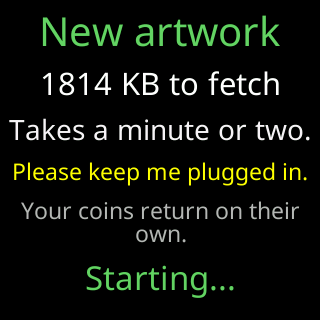
- New artwork 1814 KB to fetch
- I refreshed my icons. Your Wi-Fi is safe.
- The start screen shows the word CryptoTicr instead of the logo
 9:41192.168.1.107
Symptoms
- Every coin’s title shows the name and symbol but no logo.
- A card
Icons not ready yetwith a yellow reason such aswrong file sizeand rowssize expect/size actual/crc expect/crc actual, endingI'll try again in/30 minutes. - Or the start screen said
I refreshed my icons./Your Wi-Fi is safe.after a run of faults. - The start screen shows the word
CryptoTicrin grey and green instead of the logo.

Cause
The logos are one pack stored beside the firmware, and a coin is drawn without a logo whenever that pack is absent or fails its check. A brand-new ticker, a ticker after a factory reset that found its pack damaged, and a ticker whose fault cure discarded the pack all start without one. The ticker fetches the pack in the background on its own, about half an hour after start and then every half hour until a download verifies. A firmware update that comes with new artwork keeps the old logos on screen until the new pack is in.
One coin with no logo while the others have theirs is a coin the pack does not include; it shows its symbol and name instead.
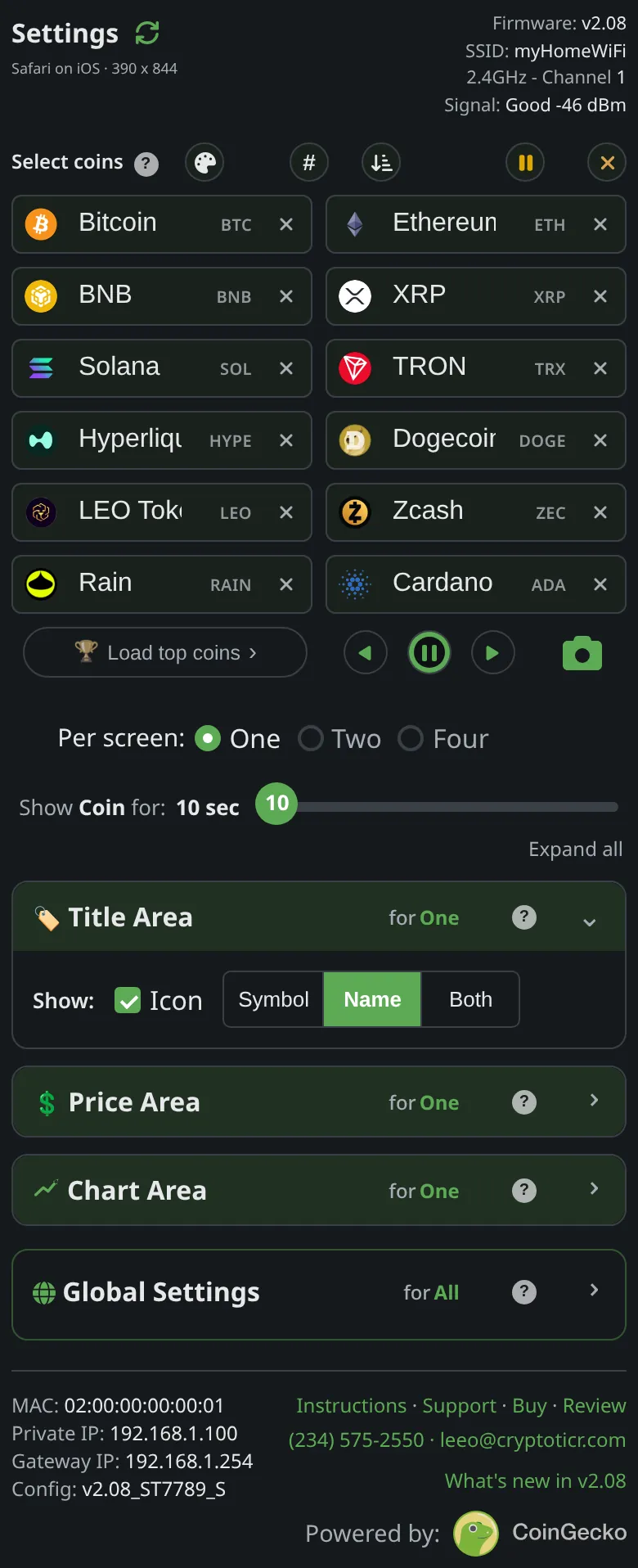
If the Title area setting excludes the icon, no logo is expected at all; that is a choice, not a fault.
Fix
- Check
Title areain theDisplaysection of the settings page includes the icon. See Title area. - Leave the ticker on and on Wi-Fi for an hour. Watch for
New artwork/1814 KB to fetch, theUpdating/Iconsbar, andNew icons/Restarting in 5s. After that restart the logos are back. - If
Icons not ready yetkeeps returning with the same reason, the pack on the server is not verifying against what the ticker receives. The ticker keeps trying every half hour; a poor Wi-Fi link is the usual cause of awrong file size. See The weak Wi-Fi card keeps appearing.
If that didn’t work
- The ticker has been on and online for a day and still shows no logos and no download cards: the pack may be quarantined after crashing the ticker, in which case it waits for a new one from the server. Contact Lee with the exact
Icons not ready yetrows if you saw them: Contact.