Icon updates
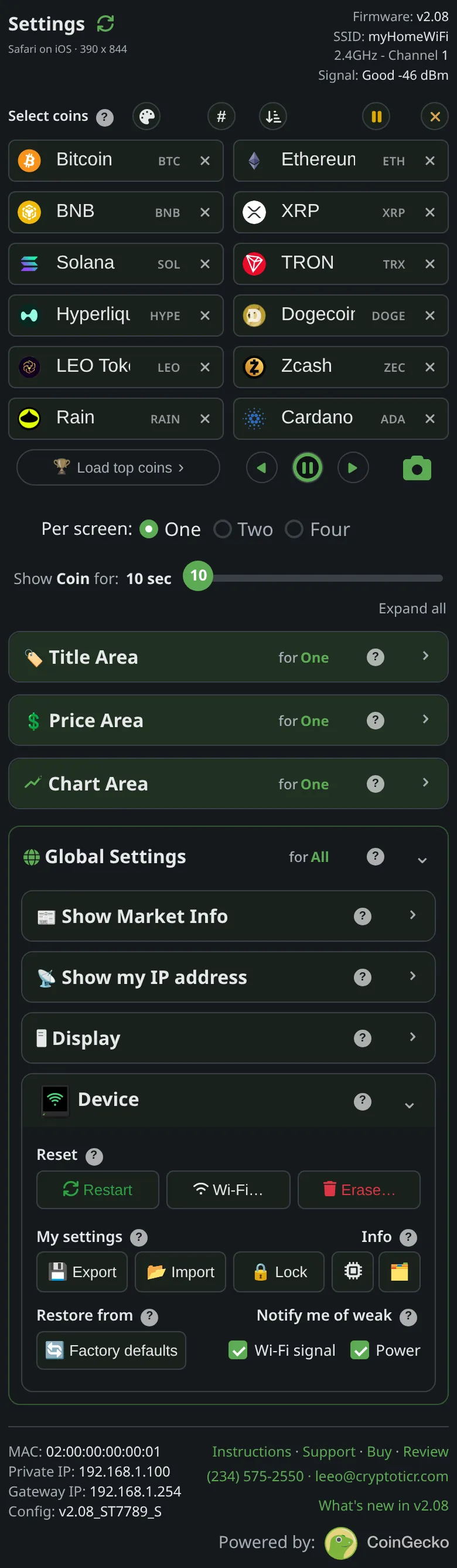 9:41192.168.1.107
What it shows
The logos are not part of the firmware. They are one pack, close to two megabytes, stored beside it, and the ticker checks the pack is present and intact at every start. When it is not, the ticker fetches it in the background:

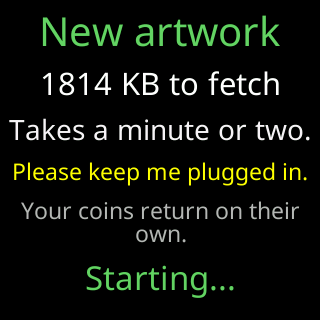
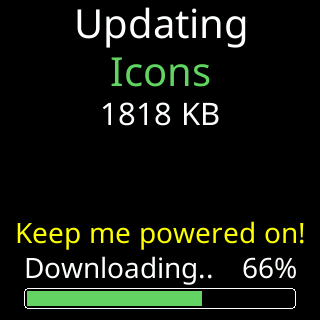
It explains itself for five seconds before it starts: New artwork, the size to fetch, Takes a minute or two., Please keep me plugged in. and Your coins return on their own. Then the download, with the same progress bar a firmware update uses.
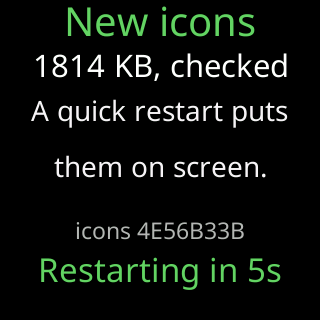
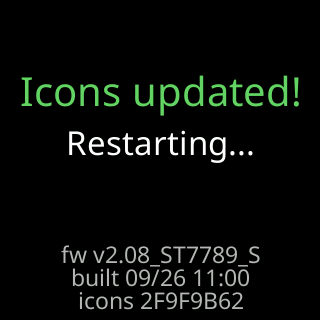
A verified pack needs one restart to appear, and the ticker counts down to it rather than surprising you. The start screen afterwards names the reason for that restart.
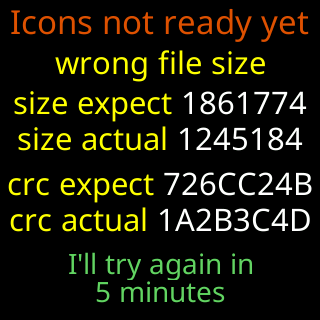
A pack that does not verify shows Icons not ready yet with the reason in yellow and four rows, size expect / size actual / crc expect / crc actual, the wrong ones highlighted, and I'll try again in / 30 minutes. The Icons not ready yet card appears only when the ticker is left without a pack; a fetch that fails while the old pack is still intact keeps that pack and shows nothing. Until a pack is on the ticker, coins are drawn by symbol and name without a logo.
Options
- None. The fetch runs by itself. If the pack is missing it is fetched about half an hour after start, then every half hour until a download verifies; a firmware update that left no pack fetches it before the coins appear. When a release comes with new artwork, an updated ticker also swaps its intact pack for the new one, about half an hour into its first start on the new version, with one more restart. A coin that is not in the pack shows its symbol and name even when the pack is fine. A pack that has crashed the ticker is quarantined by its fingerprint and not fetched again until the server publishes a different one, or until the ticker keeps restarting with no pack at all, which proves the pack was not the cause.
- The background fetch makes one attempt per half hour. A fault streak holds the fetch off for the first five minutes after a restart, so a ticker curing itself takes its firmware fix before its artwork.
Where to set it
Nothing to set. Whether logos appear on the coin screen is a display choice, Title area in the Display section; see Title area.