Restarts the ticker does by itself
Restarts with a reason
When the ticker chooses to restart, it says why in two green lines on the start screen:

| The screen says | Because |
|---|---|
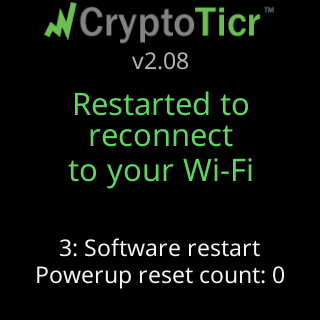
Restarted to reconnect / to your Wi-Fi |
the link had been gone for a long stretch, or a Wi-Fi change proved itself and the ticker restarted onto the new network |
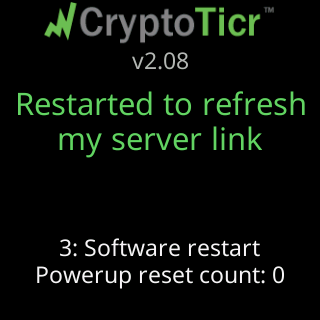
Restarted to refresh / my server link |
the Wi-Fi was fine but the server had not answered for a long time; one clean restart is the cure it tries |
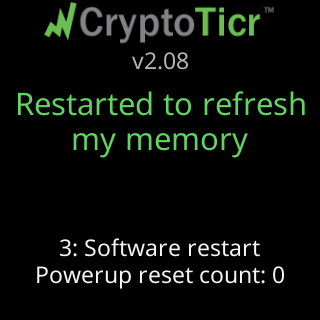
Restarted to refresh / my memory |
free memory had stayed below the level a fetch needs for ten minutes, or an update could not start for lack of memory; a fresh start returns it, and a waiting update runs two minutes later |
Looking good! / Starting up... |
the restart that follows a completed setup |
Wi-Fi saved. / Starting up... |
the restart that follows a setup on a network you chose to use without internet |
Restarting... |
a restart you asked for from the settings page |
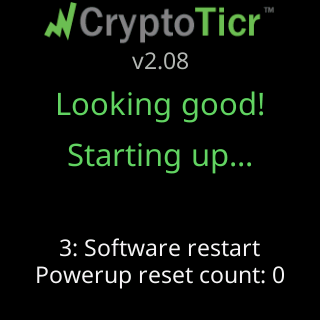
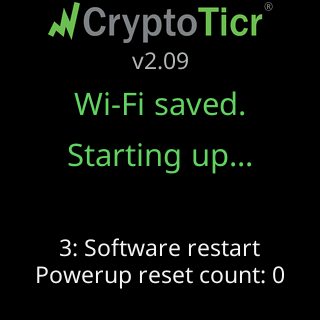
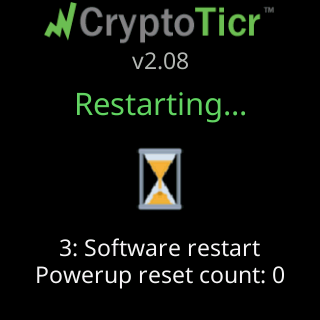
None of these restarts counts toward the five-restart factory reset, and neither does Restart on the settings page: only a real power-on counts, from unplugging the ticker or cutting its power. A restart caused by a fault never counts either.
Restarts after a fault
Freeze recovery means the ticker stopped responding and its watchdog restarted it. Glitch recovery means a fault restarted it. Under either, a dim technical row names the reset and what the ticker was doing, such as 3: Soft watchdog | mid a data fetch.
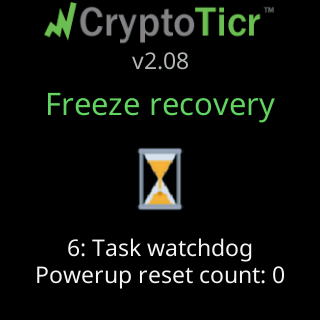
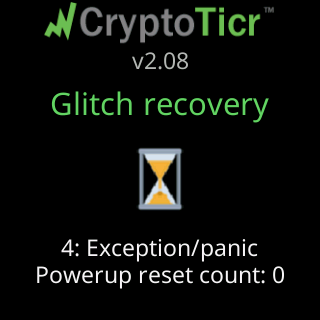
Faults that arrive without ten healthy minutes between them are counted: Glitch 2. The count climbs a ladder of cures, and each rung says what it did:
- Clear the live memory cache:
I cleared my memory/to try to fix this. - Discard the saved settings and start from the shipped ones:
I restored my defaults./Your Wi-Fi is safe. - Discard the coin-logo pack and note its fingerprint so it is not fetched again:
I refreshed my icons./Your Wi-Fi is safe. - Erase everything but the Wi-Fi and a fixed address:
I started over fresh.in red, thenYour Wi-Fi is safe.
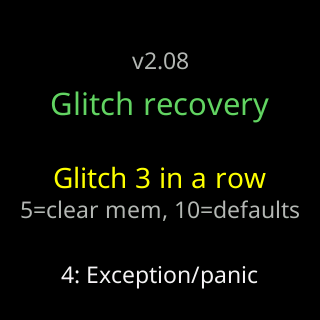
Before any rung fires, the row reads which counts trigger the first two, in the form 5=clear RTC, 10=defaults. Ten minutes without a fault clears the count to zero. A fault more than ten minutes into a run starts a new count, and a fault during a firmware download is not counted at all. The Wi-Fi network survives every rung on purpose: a ticker curing itself must stay reachable, and must stay able to take the next firmware update.
The plain restart line
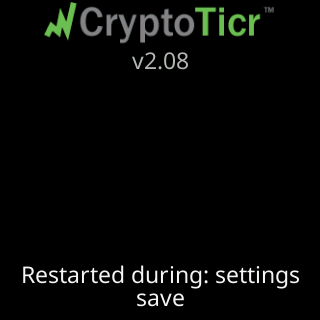
A start that interrupted real work without a named fault shows one dim line, Restarted during: and the task, for support. It needs nothing from you.