The ticker restarts by itself
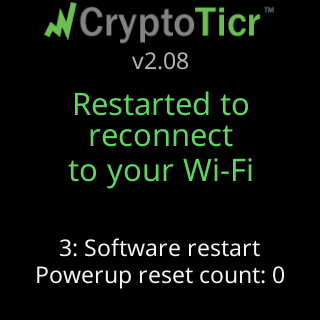
- Restarted to reconnect to your Wi-Fi
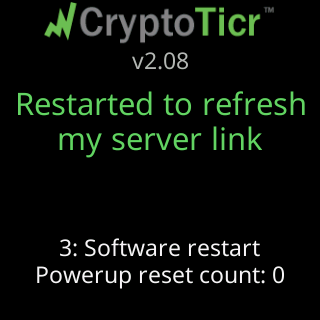
- Restarted to refresh my server link
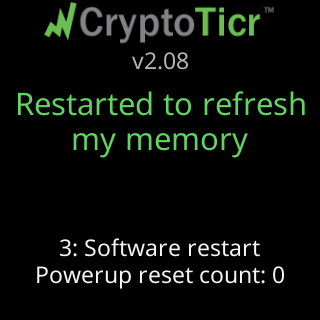
- Restarted to refresh my memory
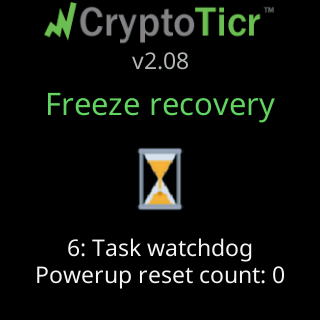
- Freeze recovery
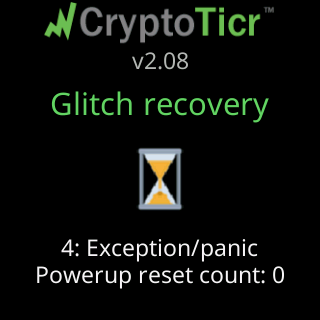
- Glitch recovery
- Glitch 2
Symptoms
- The coins vanish, the screen shows the logo and start screen again, and two green lines say why:
Restarted to reconnect/to your Wi-Fi,Restarted to refresh/my server link,Restarted to refresh/my memory,Freeze recoveryorGlitch recovery. - Sometimes a yellow
Glitch 2and a dim technical row such as3: Soft watchdog | mid a data fetch.

Cause
The first three are deliberate: the ticker restarts itself as a cure when its Wi-Fi link has been gone a long time, when the server has not answered for a long stretch, or when memory has run low for ten minutes or was too low to start an update (the update then runs two minutes after the restart). These are the ticker working as designed, and they usually mean the Wi-Fi or the internet was away for a while. Freeze recovery and Glitch recovery mean a fault or a freeze, which the ticker’s watchdog turned into a restart. A poor power supply is the commonest outside cause of those; a rare firmware fault is the other. Every restart keeps your settings and Wi-Fi.
Fix
- Read the reason.
Restarted to reconnectorto refresh my server linkpoints at the network: check whether other devices lost Wi-Fi or internet at the same time, and see What happens when the Wi-Fi drops. One such restart after an outage needs nothing from you. Freeze recoveryorGlitch recoveryonce, with no repeat inside ten minutes, needs nothing either. The ticker restarted, cured itself, and carried on.- If a
Glitch Ncount appears, check the supply first: swap the cable and use the adapter from the box. See The power card says low or high. Most repeated glitches are a sagging supply. - Let it run. The ticker climbs a ladder of stronger cures on its own and says which it used; ten healthy minutes clear the count. See The ticker says it started over fresh.
- If a QR card appears,
Crash report data/Scan and send to Lee, scan it and send it. See A Crash report card with a QR code appeared.
If that didn’t work
- Restarts continue on a good supply: contact Lee with the exact reason lines and the technical row. See Contact.