Title area
 9:41192.168.1.107
What it shows
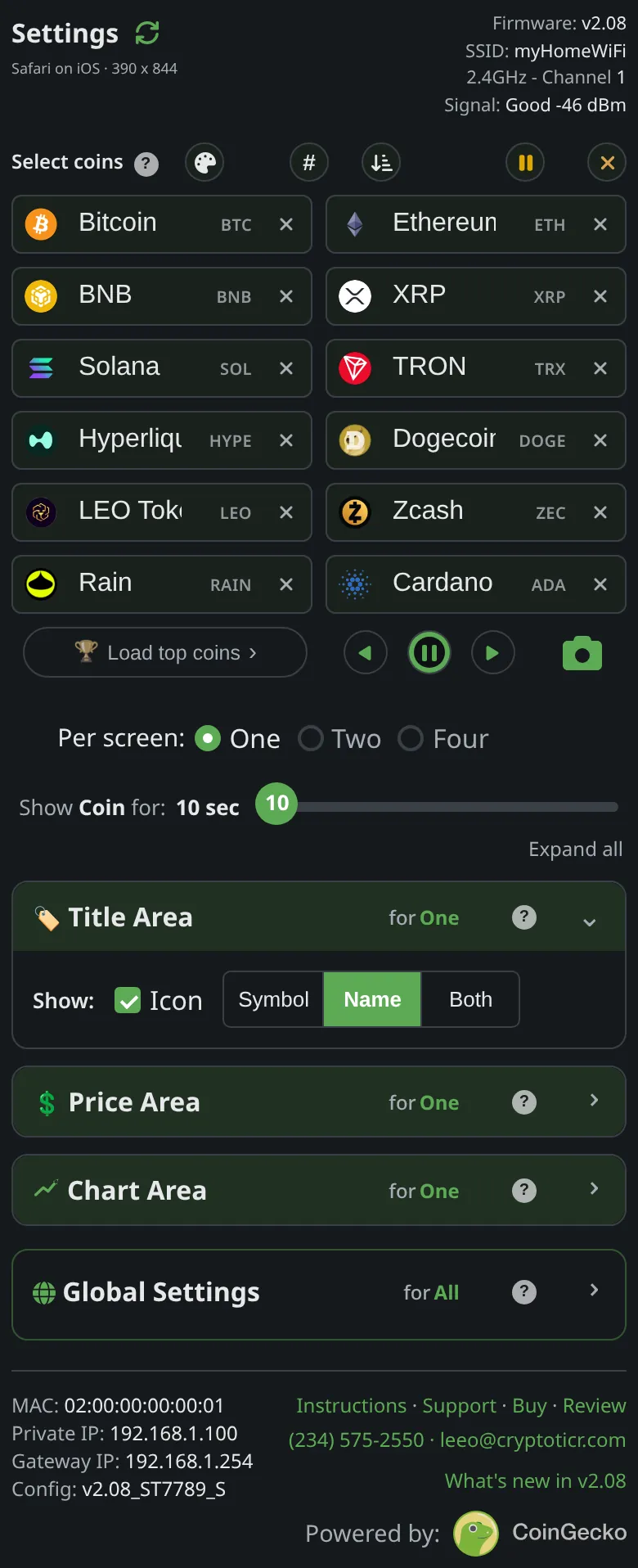
The band across the top of a coin screen. It can hold the coin’s icon (its logo), its symbol (BTC), its name (Bitcoin), or a pair. The page’s description: Both shows symbol and name together, the symbol drawn large, the name smaller beside it.

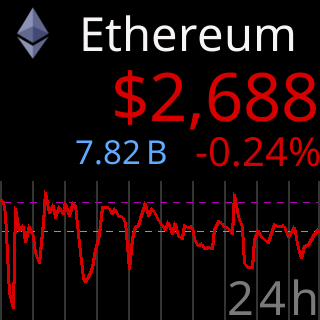
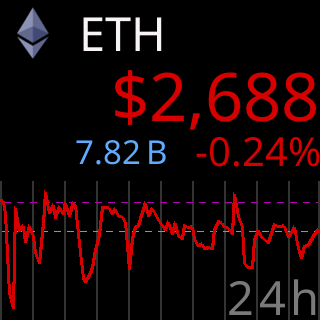
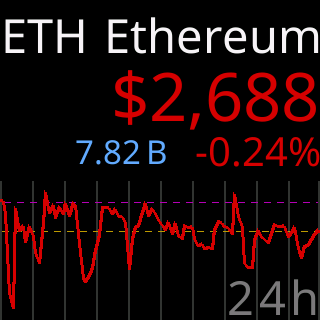
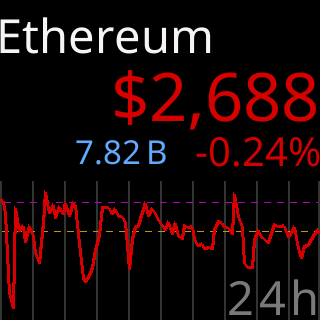
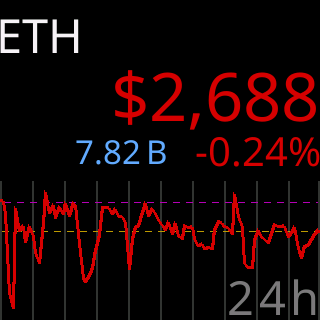
The title sizes itself: a long name steps down through smaller, then narrower type until it fits, and only as a last resort gets trimmed. A coin whose name is its symbol shows it once, never XRP XRP. A coin whose logo is not on the ticker yet shows its symbol and name until the next icon update, and a coin whose name cannot be drawn in the ticker’s fonts falls back to its logo and identifier.
Options
-
One and Two per screen: an
Iconswitch plusSymbol,NameorBoth. Six combinations reach the glass: icon and name, icon and symbol, symbol and name, name only, symbol only, and (on larger screens only) icon with both. -
This ticker’s screen cannot fit the icon plus both texts. Ask for it and the page keeps your latest pick and drops the other, saying
Icon+Both won't fit, deselecting IconorIcon+Both won't fit, selecting Name. The firmware makes the same choice if such a setting ever reaches it. -
Four per screen: rows are small, so the choice is
SymbolorIcon, one field per row.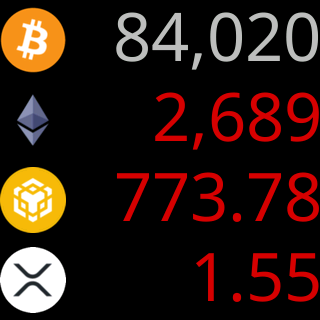
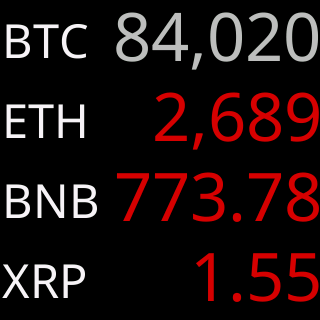
-
Each layout remembers its own choice:
Set per mode: One, Two, and Four per screen each remember their own choice here.
Where to set it
Display → Title Area on the settings page. It applies as you change it. Reference: Setting: title style.