What you see on a coin screen
One coin per screen
- Title band: the coin’s logo and name, symbol, or both, as chosen in
Title area. A coin whose name cannot be drawn in the ticker’s fonts falls back to its logo and identifier. - Price: large, in the colorset’s up color when the day’s change is positive and the down color when it is negative. A change that rounds to 0.00% shows in a neutral gray instead, the same in every colorset. See Colorsets.
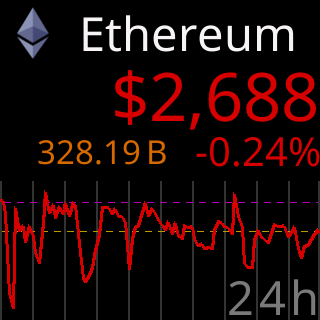
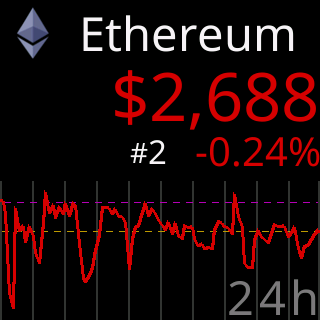
- Stats row: under the price, the 24-hour change on the right, and on the left one of volume (
V), market cap (M) or rank (#), rotating through whichever you have switched on. A missing figure readsNo VOL,No MCorNo RNK. See Price area. - Chart: the rest of the screen, one period at a time when several are chosen. With no chart period chosen the same space holds a panel of the price change over
7d,30dand90d(and24hwhen the stats row is off). See Charts and time ranges.
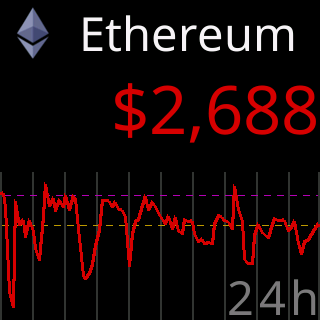
The full One-coin screen at factory settings, title band and stats row above a 24-hour chart:

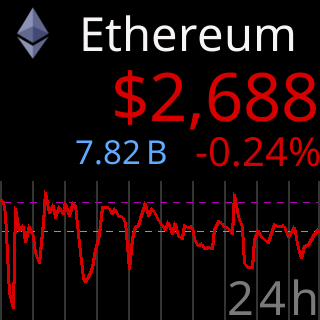
The left side of the stats row rotates between three figures, or none. Market cap and rank shown here, each beside the 24-hour change:
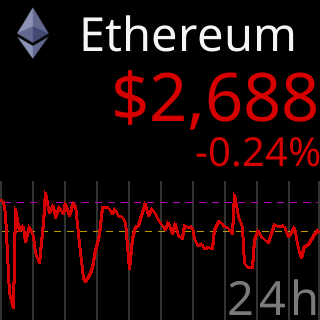
The row can also show the 24-hour change alone, or nothing at all, leaving more room above the chart:
Two per screen
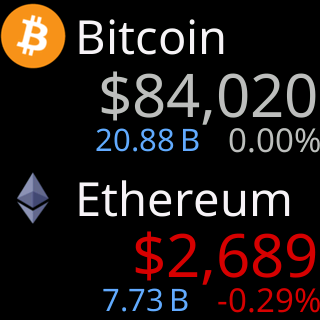
Two blocks, each a title band, a price and a stats row, no chart. The page turns as one.
Four per screen
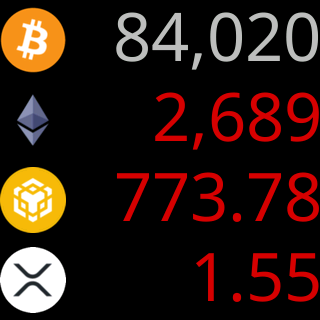
Four rows: a logo or a symbol on the left, the price on the right in the day’s color, nothing else. Prices share one size down the column where they can.
Tiny prices
A price with many leading zeros is written as $0.0 followed by a small count of zeros and the significant digits, in every layout, so a coin worth a fraction of a cent is still readable.
When a price is missing
The price reads -.-- with a dim note saying why, such as No reply or Busy (429). See Prices stopped updating.