Opening the settings page
Before you start
- You need the ticker’s address, something like
192.168.1.42. It is on the ticker’s start screen and in the address popup, both underMy settings are here:, and in the QR code the ticker shows on request. - The page is served by the ticker itself, so only devices on the same Wi-Fi can reach it. It works without internet.
Steps
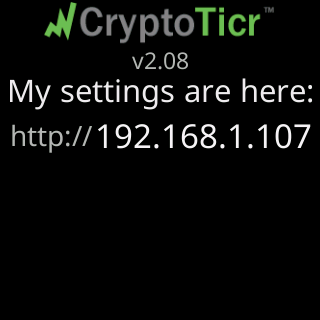
- Read the address off the ticker, or unplug and replug it to see the start screen, which shows
My settings are here:and the address for a few seconds.

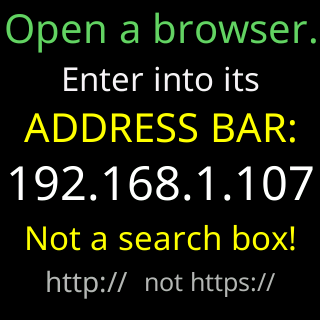
- On your phone or computer, open a browser and type the address into the address bar, with
http://in front:http://192.168.1.42. The ticker’s own page saysEnter into its ADDRESS BAR: … Not a search box!andhttp:// not https://. Plain http is fine here: the page travels only between your phone and the ticker on your own network, never over the internet.
- Press Go. The page opens with
Settingsat the top, your coin boxes, and the ticker’s firmware line on the right.
 9:41192.168.1.107
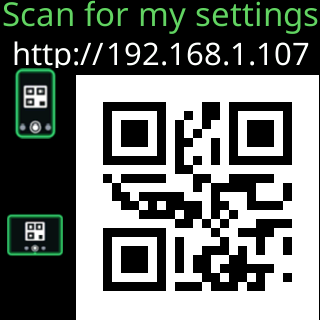
- To skip the typing next time, scan the ticker’s QR code with your camera when it shows one; it opens the same page. Or bookmark the page in your browser.
You’re done when
- The page shows
Settings, theFirmware:line matches the version on the ticker’s start screen, and the coin boxes hold your coins.
Problems?
- The address does not load: The settings page won't open.
- The browser changed
httptohttpsor shows a security warning: The browser turns http into https. - You do not know the address any more: I lost the ticker's address.
- The page loads but says the ticker is busy or cannot be reached: The settings page says your ticker is busy.