Save a network for another place

Before you start
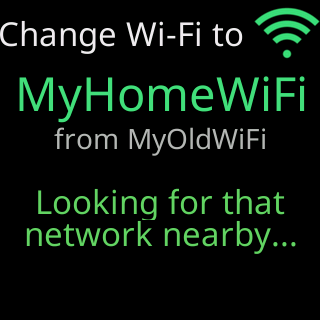
- This is for a network the ticker cannot see from where it is now. If the network is in range, use Change to a different Wi-Fi network instead, that proves the network before switching.
- The name and password must be exactly right. The ticker cannot check them, and once saved it leaves your current network for good.
- If the settings have a password, unlock them on the settings page first, in the same browser. The Change Wi-Fi page uses that unlock. Without it the network list reads
My settings are locked. Unlock them on my settings page first, then change my Wi-Fi.
Steps
- On the settings page, open
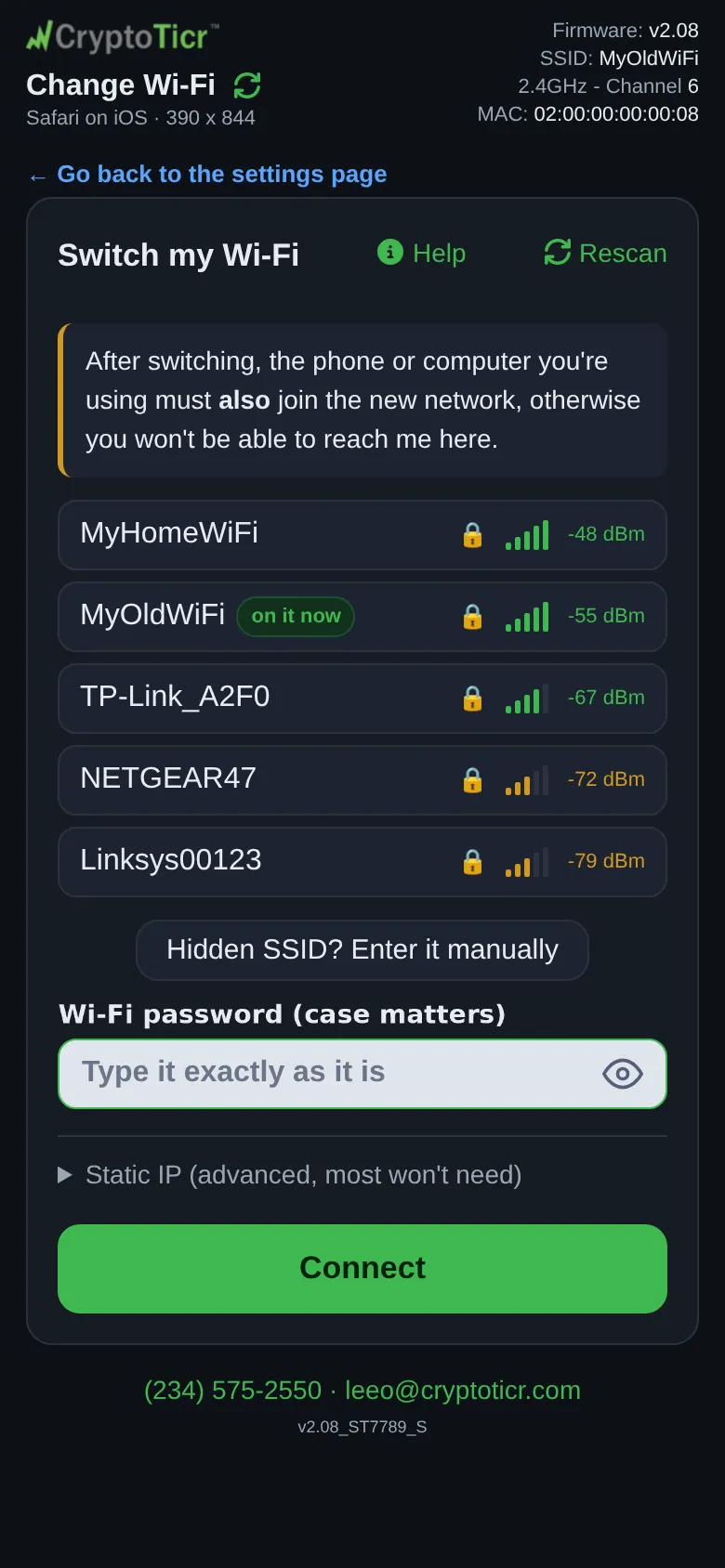
Device→Wi-Fi…→Change Wi-Fi.
 9:41192.168.1.107
- Tap
Hidden SSID? Enter it manually(the network is not in the list), type the name exactly, and the password, thenConnect. - Let the attempt fail: the page reports
⚠️ I can't find “NewNetwork” at this location.and offersSave it anyway if you're moving me or about to switch this network to it, otherwise keep your current Wi-Fi. - Tap
Save it anyway. The page spells out the consequence:I'll leave “CurrentNetwork” right now and wait for “NewNetwork”. If that name isn't exactly right I can't come back on my own.withYes, save it and leaveandCancel. - Tap
Yes, save it and leave. The glass showsSaving this network...thenSaved. Leaving this network now.for eight seconds. The page shows✅ Saved “NewNetwork”. Moving me? Unplug me and plug me in there. Otherwise I'll join it once it's on. If my setup screen comes up first, restart me once it is. - Unplug the ticker, take it to the other place, and plug it in.
You’re done when
- At the other place the ticker starts, shows
Connecting to:and the saved name, and joins.
Problems?
- The ticker opened its setup network instead of joining: The ticker opened its setup network by itself
- The new network was not on yet when you plugged the ticker in, and its setup network came up: once the network is on, unplug the ticker and plug it back in. It joins.
If the saved name or password was wrong
The ticker has never connected with the saved details, so it does not wait for that network indefinitely. It tries twice at start-up, waits and tries again, and after two failed rounds it opens its setup network with its cards, keeping every coin and setting; the waiting screen’s footer says I'll retry a few times. and then 1 more try, then I'll open my setup page. Join the CT network and set it up as on day one: Join the ticker's setup network.
Once the ticker has joined the saved network one time, even by itself while running, it treats it like any network it has used and waits for it after a power cut.