Erase the Wi-Fi and set up again
Every step with pictures, the phone and the ticker side by side: the Device page.
Before you start
- This keeps your coins, colors and timings. It erases the saved network, its password, and any fixed address.
- After it, the ticker shows no prices until it is on a network again.
Steps
- On the settings page, open the
Devicesection and tapWi-Fi….
The Reset row in Device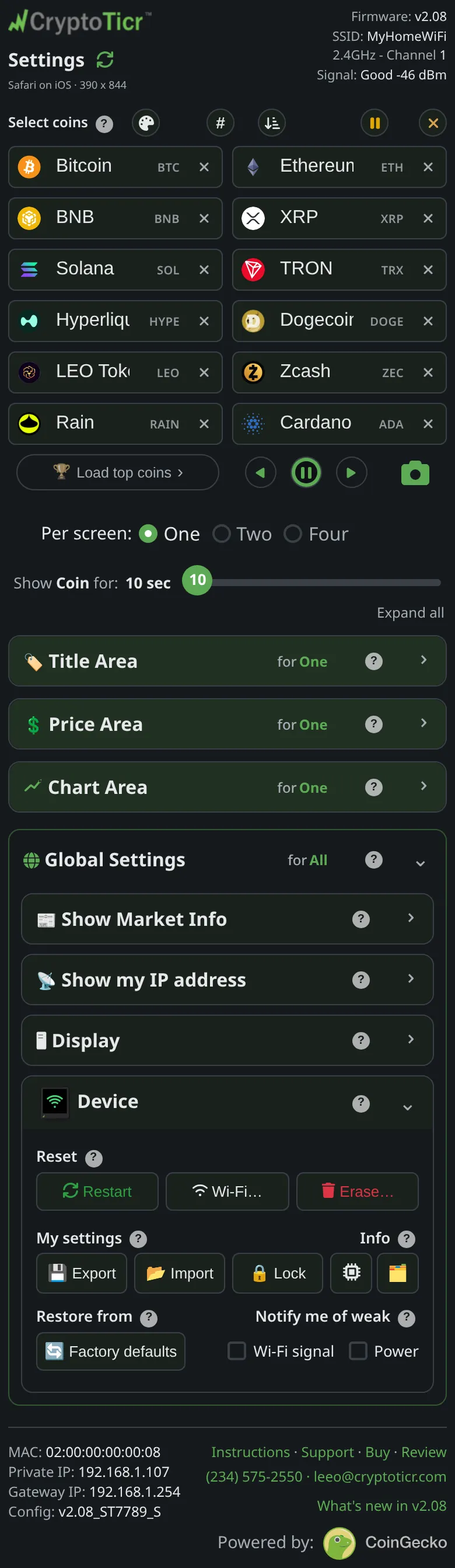 9:41192.168.1.107 And what Erase offers
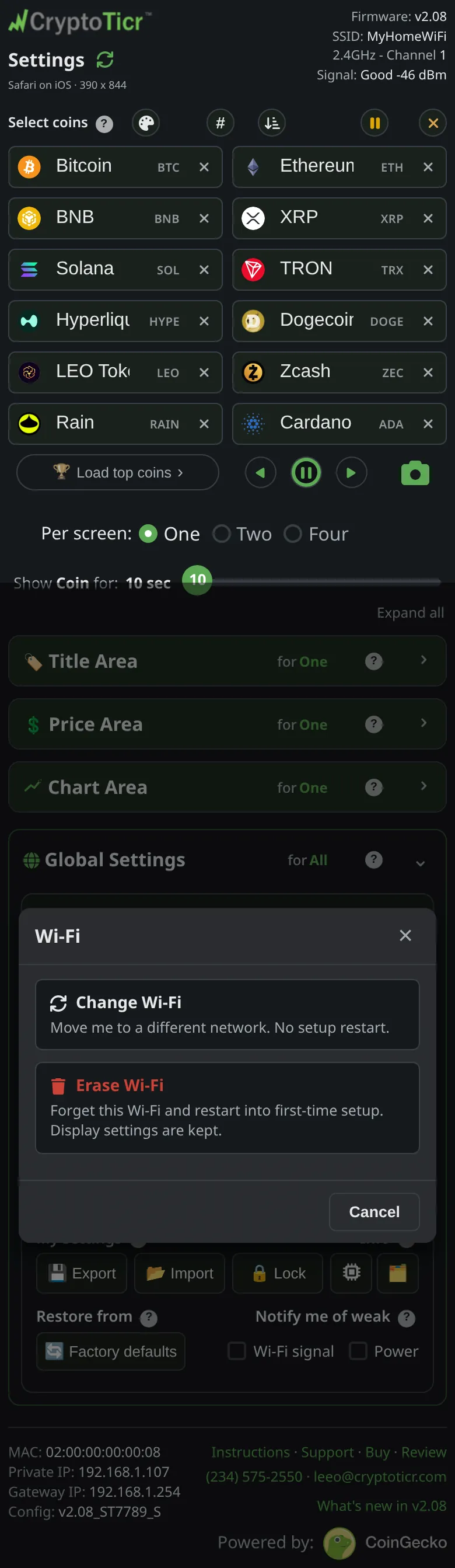 9:41192.168.1.107
- Tap
Erase Wi-Fi(Forget this Wi-Fi and restart into first-time setup. Display settings are kept.). - Read the confirmation,
Forget this Wi-Fi and start over in first-time setup?,Your coins & display settings will be kept., and tapErase Wi-Fi.
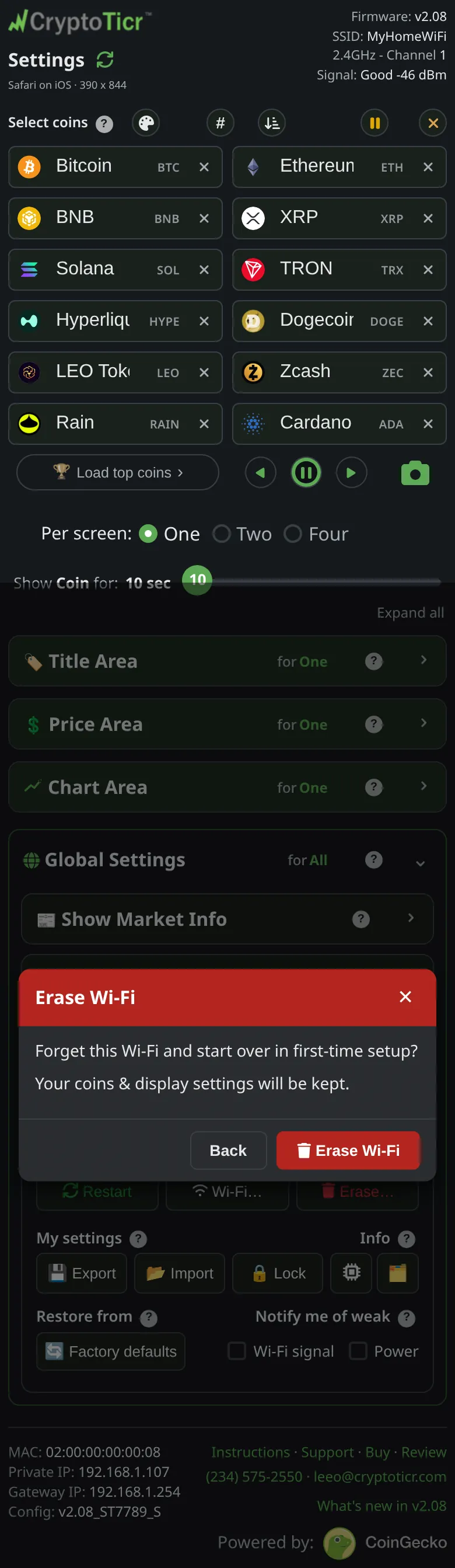 9:41192.168.1.107
- The page shows
Wi-Fi erased,Done. The ticker is restarting into first-time setup, it can no longer reach this page, so nothing more happens here.,Watch its screen: it will show a setup Wi-Fi to join. You can close this tab.That card closes by itself after a minute.
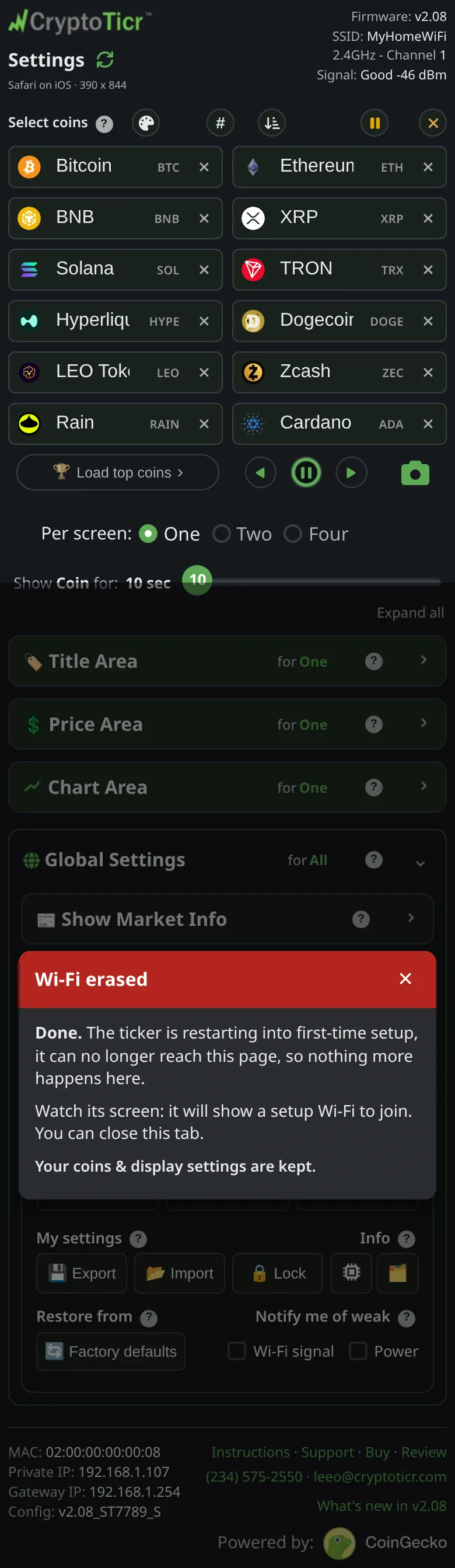 9:41192.168.1.107
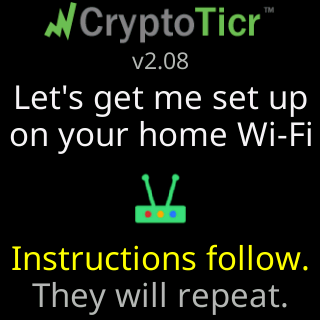
- Look at the glass: the ticker restarts, shows
Let's get me set upandon your home Wi-Fi, and starts its setup cards with theCTnetwork name.

You’re done when
- The
Join my Wi-Ficard is on the glass. Continue with Join the ticker's setup network.
Problems?
- The
CTnetwork does not appear on your phone: The CT setup network is not in my phone's Wi-Fi list