Wi-Fi requirements

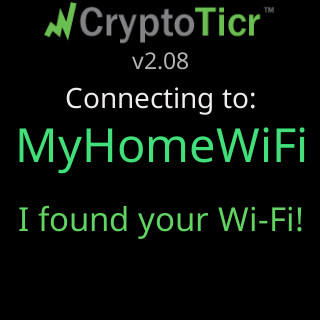
The band
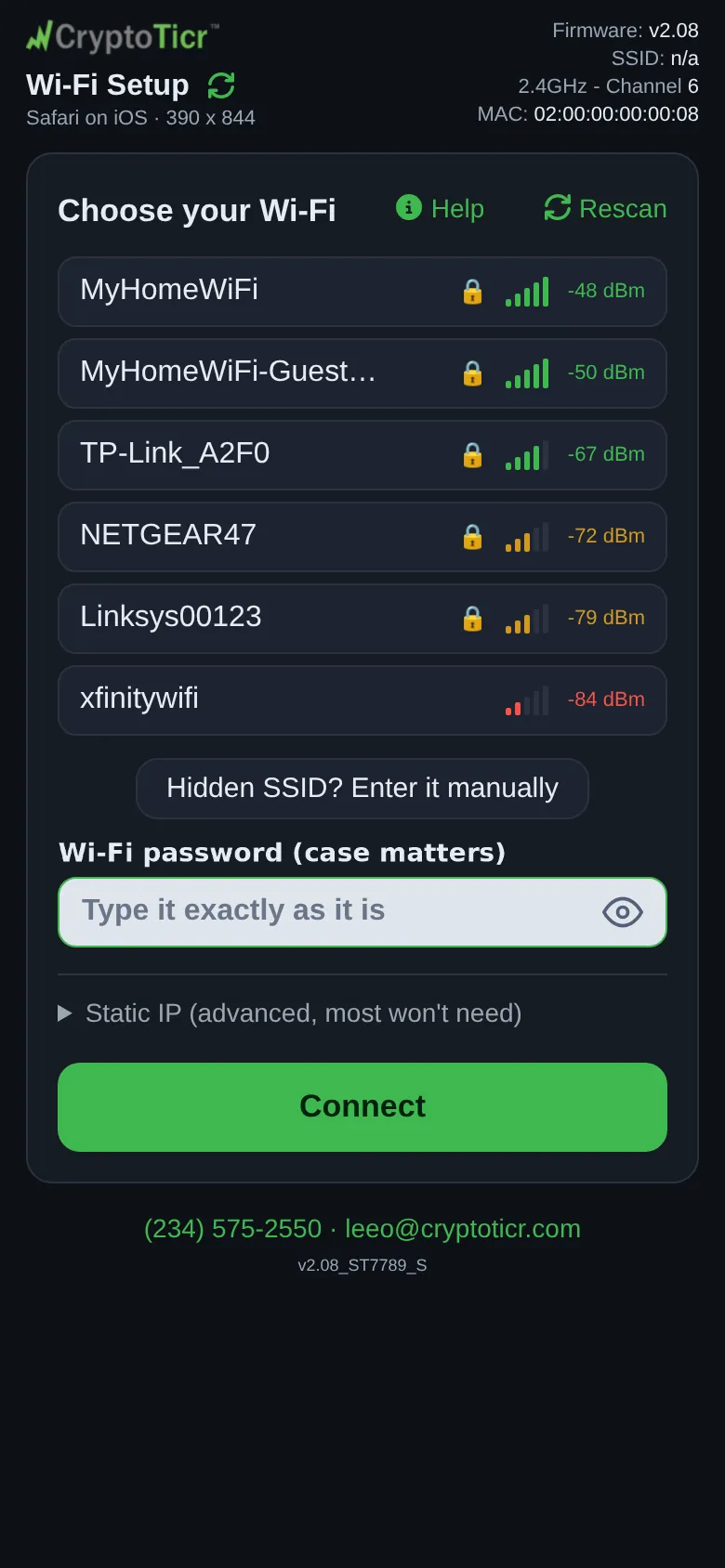
The ticker’s radio is 2.4 GHz only. It cannot see a 5 GHz network at all: a router that offers one name for both bands works, and a router that splits them into two names works if you pick the 2.4 GHz one. A network that exists only on 5 GHz is invisible to it, and the setup page says so when it cannot find one: I can't find that network right now. Make sure it's on and in range. I can only join 2.4 GHz networks, so a 5 GHz-only one is invisible to me. The settings page’s header shows the channel it is on as 2.4GHz - Channel followed by the number.
 9:41192.168.4.1
Security types
The ticker joins open networks, WEP, WPA and WPA2. It cannot join a network that is set to WPA3 only, and the setup page says so when a router insists on a security type it does not have: Your router and I could not agree on a security type. I can join WEP, WPA and WPA2 Wi-Fi, but not WPA3. A router set to WPA2/WPA3 mixed mode still joins as WPA2. WEP and the original WPA are accepted on purpose so that an old router still works; the ticker does not lower any router’s security, it accepts whatever the router already uses.
Networks that ask for more than a password
- A network that wants a username and password (business, campus and hotel-staff networks) cannot be joined; the ticker has no way to type a username. The setup page says:
This network wants a business style sign in with a username, and I have no way to type one. Please use a normal home Wi-Fi or a phone hotspot instead. - A network that opens a terms or sign-in page before it lets anything online (hotels, cafes, airports, stores) cannot be used. The ticker has no browser to tap “I agree” in. See Hotel, cafe and public Wi-Fi.
- A guest network usually joins fine but walls your phone off from the ticker’s settings page. See Guest networks.
Internet access
The network must reach the internet. After joining, the ticker checks that it can reach its own server and two public addresses. When nothing answers, the setup page says so, ⚠️ “<network>” let me in, but and the reason, then On this Wi-Fi I can't show prices., and asks you to pick: Use it anyway or Pick another Wi-Fi.
Network names
A network name can be up to 32 bytes long. Accented letters and emoji count as several bytes each, and the setup page refuses a name over the limit. A name that includes characters the ticker’s fonts cannot draw still joins, but the name looks wrong on the glass; the page warns: That network name has characters my screen can't draw. I'll still join it, but the name will look wrong. Four plain characters are drawn on the glass as stand-ins without a warning: \ as /, ^ as ', { as ( and } as ). The name still joins exactly as typed. Names with control characters in them are left out of the network list; type one by hand with Hidden SSID? Enter it manually. A hidden network (one that does not broadcast its name) can be joined by typing the name; see Join a hidden network.
Passwords
 9:41192.168.4.1
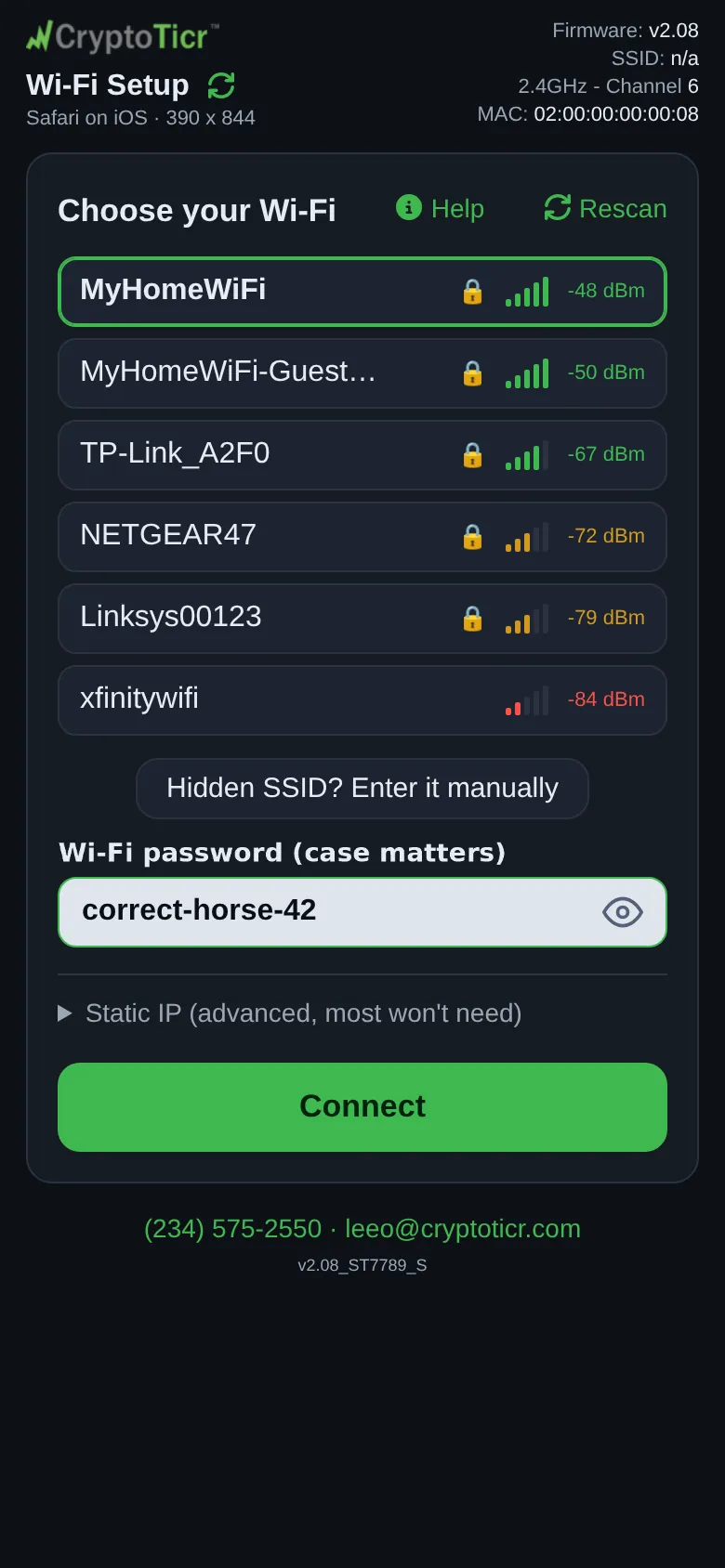
- A password shorter than five characters is refused outright: no network accepts one that short.
- A password of five to seven characters is questioned once (
Your password is only 6 characters. Most Wi-Fi passwords are at least 8.) because it is legal for WEP but more likely a typo; a second tap onConnectsends it anyway. - A leading or trailing space is questioned, not refused: it is legal, and phone keyboards add one by accident.
- Capitals matter. The ticker sends the password exactly as typed.
Addresses
The ticker takes its address from your router automatically. A fixed address is optional and is set on the setup page; if the four boxes do not all make sense together, the ticker falls back to automatic rather than apply half of them. See Give the ticker a fixed address.