Join a hidden network
Before you start
- Know the name exactly. A hidden network cannot be picked from a list, so a typo in the name means the ticker keeps looking for a network that does not exist.
Steps
- Under the network list, tap
Hidden SSID? Enter it manually. ANetwork name (SSID)box with the hintExact Wi-Fi nameappears under the button, which now readsPick from the list instead. The list stays above it.
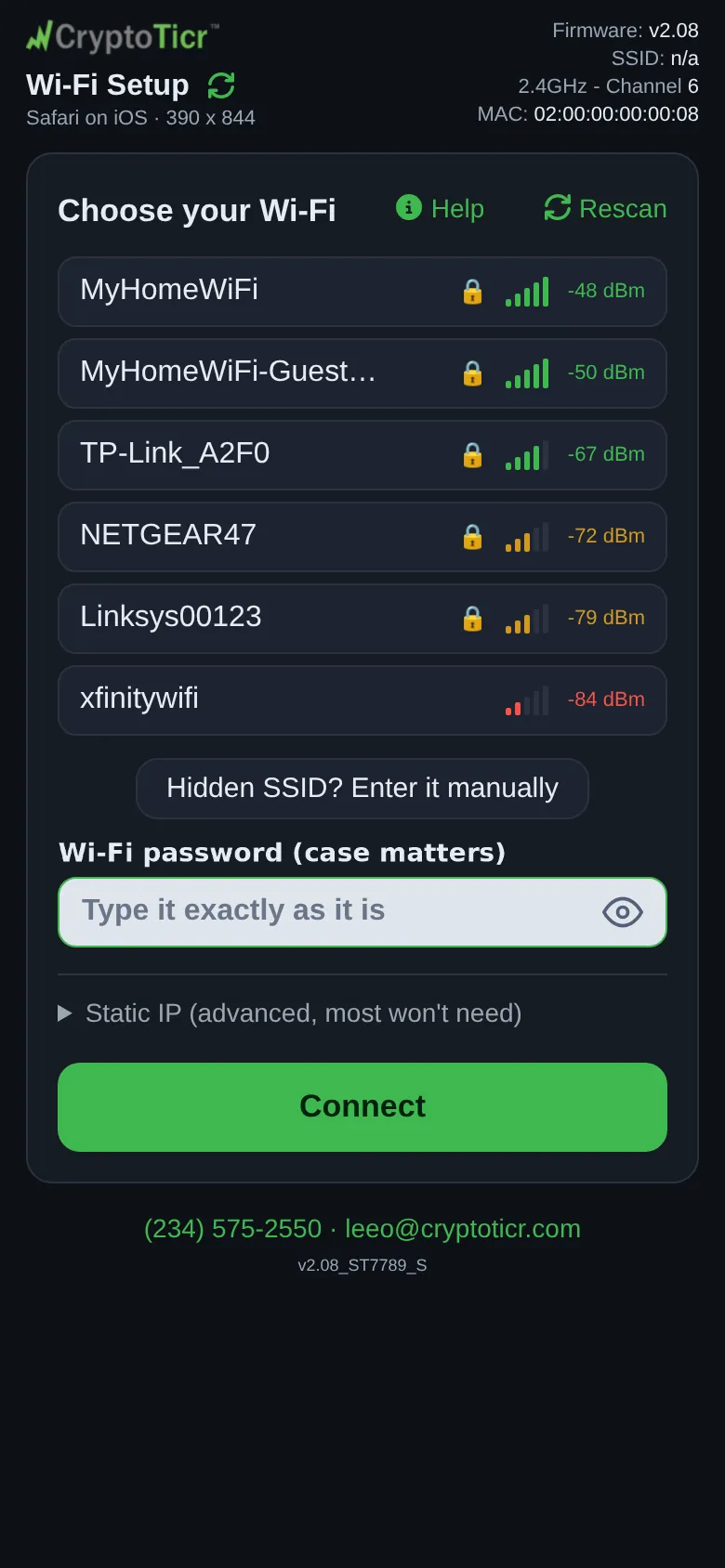 9:41192.168.4.1
- Type the name. The password box is already under it: the page cannot tell whether a hidden network has a password, so it assumes it does.
- Type the password and tap
Connect. If the name begins or ends with a space the page asks once,The network name ends with a space. That is allowed, but did you mean “MyNetwork”?, and a second tap sends it as typed. A name longer than 32 bytes is refused. - Watch the glass as for any join. On the Change Wi-Fi page the glass says
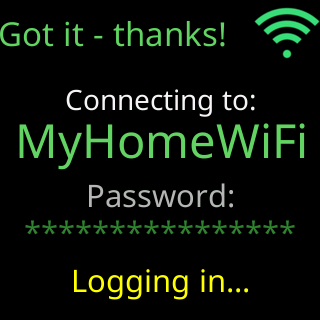
Not in my scan - trying anyway (hidden?)before it tries.

You’re done when
- The ticker joins and shows
You're all set!(setup) orConnected!andMy new address:with the address (Change Wi-Fi).
Problems?
- The join fails: It failed and didn't say why
- The password was refused: The password was refused
What is different on a hidden network
- The ticker never sees a hidden network in a scan, so it has no signal reading for it. It still tells a network that is not there (
I can't find that network right now.) from one that refused it, but it cannot say why a refusal happened, so a refused try usually ends withSomething stopped me joining your home Wi-Fi, and I can't tell exactly why.rather than the more specific verdicts a network in the list can get. - Everything else, the address, the signal check, updates, works the same.