Hotel, cafe and public Wi-Fi
The terms page
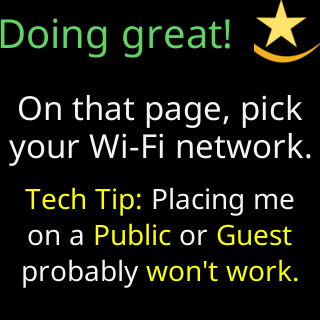
Hotel, cafe, airport and store networks nearly always open a page, “tap I agree”, “enter your room number”, before they let a device online. The ticker has no browser and no finger; it can never get past that page, and there is no setting that changes it. The setup page’s second welcome card says: Hotel, cafe, airport and store Wi-Fi almost always opens a terms page (a "tap I Agree" screen) before letting anything online. I have no browser and no finger, so I can never get past it. It's not a setting. It just can't work there.

How the ticker tells you
-
Picking an open network on the setup page shows:
This network is open. Hotel/cafe/store Wi-Fi usually makes you tap "I agree" on a web page, and I have no browser to do that. -
If the ticker joins such a network and meets the terms page instead of its server, the glass’s
Status report:ends withA sign-in page blocks me., even if the row for its own server is green. Then the glass showsCan't get onlineand the setup page asks:⚠️ “<network>” let me in, but it wants a sign-in page first, and I can't sign in to one., thenOn this Wi-Fi I can't show prices., with two buttons,Use it anywayandPick another Wi-Fi. TapPick another Wi-Fiand choose a different network: nothing is saved.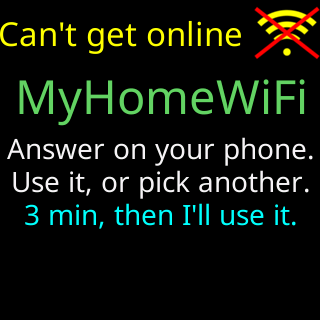
-
The ticker saves such a network only if you tap
Use it anyway, or nobody answers within 3 minutes. Then the glass showsWi-Fi joined./Can't get online.If the block is real, the glass shows the start screen withSomething here blocks me./I can't get past this network./Use home Wi-Fi or a hotspot./iOS: Maximize Compatibility.in turn, and once running, the signal card saysThis network is blocking me.
What works instead
A phone hotspot: on an iPhone with Maximize Compatibility turned on, on Android with the hotspot band set to 2.4 GHz. See Using a phone hotspot.