Using a phone hotspot

Before you start
- The ticker can only see 2.4 GHz networks. Both major phones can run a hotspot that the ticker cannot see unless one setting is changed: on an iPhone,
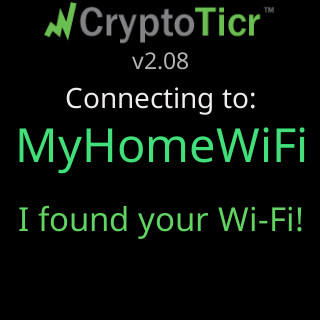
Maximize Compatibilitymust be on; on Android, the hotspot’s band must be set to 2.4 GHz. The ticker’s own screens say the same thing when a network blocks it:Use home Wi-Fi or a hotspot./iOS: Maximize Compatibility. - The ticker fetches a coin’s price at most every nine seconds, so it uses data continuously while it runs. Keep that in mind on a metered plan.
Steps
- Turn the hotspot on, with the 2.4 GHz setting above. Note its name and password.
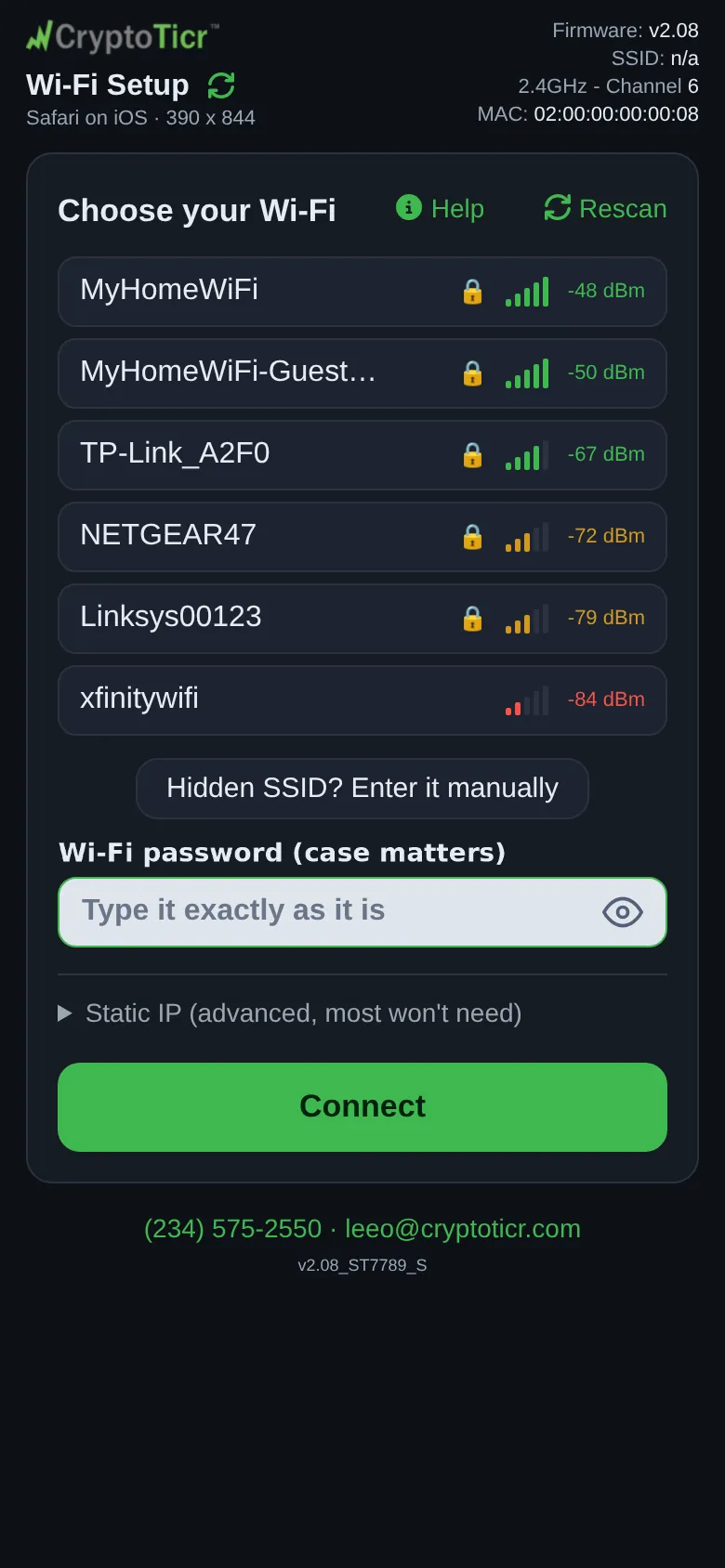
- Set the ticker up as usual, Join the ticker's setup network, and pick the hotspot in the list. If you are setting up from the same phone that runs the hotspot, use another device for the setup page, or run the setup from a phone that is not the hotspot.
 9:41192.168.4.1
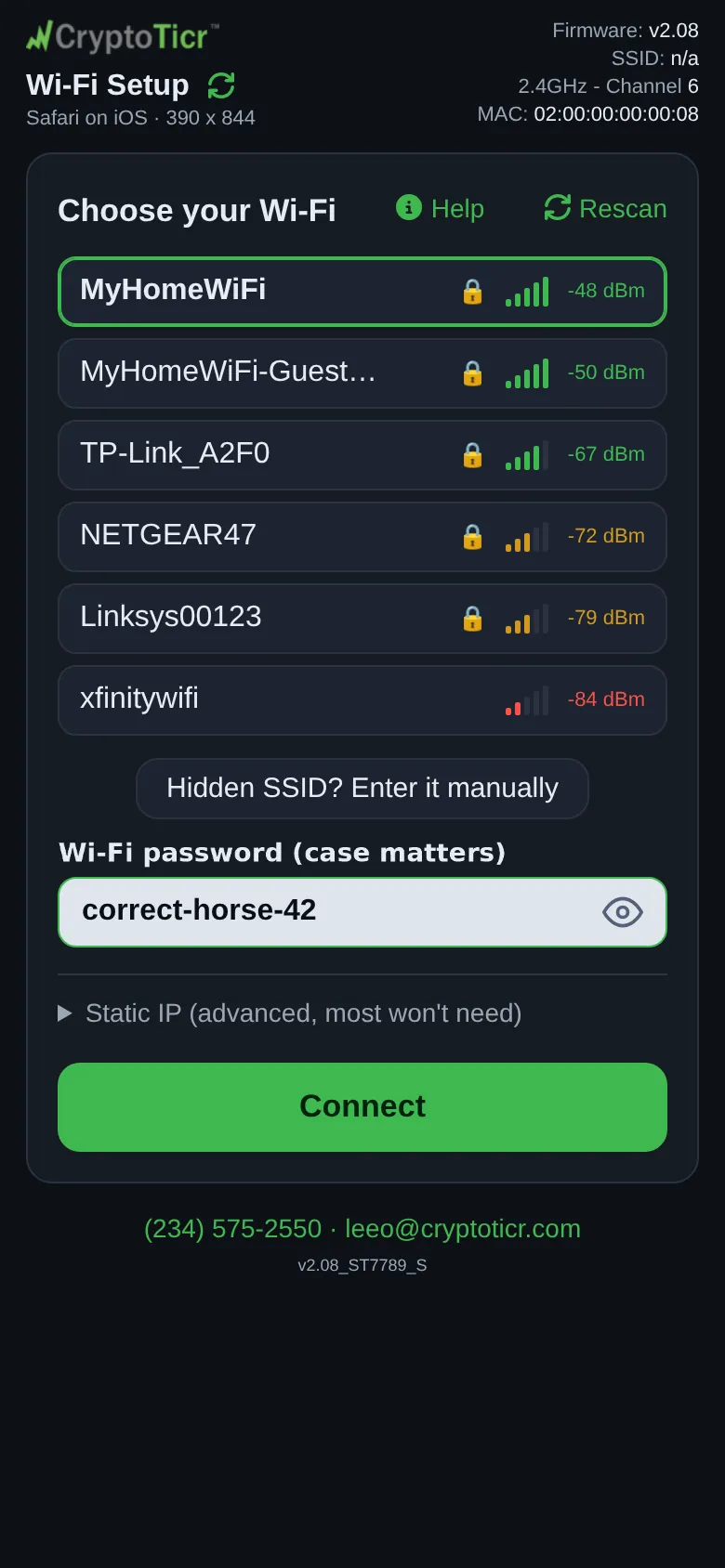
- Type the hotspot’s password and tap
Connect.
 9:41192.168.4.1
You’re done when
- The ticker joins the hotspot and shows
You're all set!, then cycles coins.
Problems?
-
The hotspot is not in the list: it is probably on 5 GHz only, change the band and tap
Rescan; see My Wi-Fi network is not in the setup page's list -
The glass says
Can't get onlineand the page asksUse it anywayorPick another Wi-Fi: the hotspot has no mobile data. Turn on mobile data, tapPick another Wi-Fi, then pick the hotspot again and tapConnect.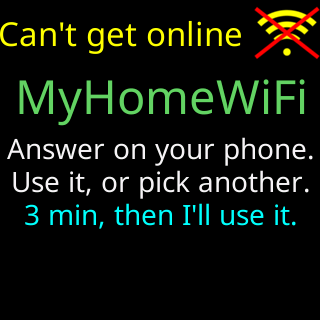
Worth knowing
- Every time the hotspot goes off (the phone leaves, or the hotspot times out), the ticker loses its network and waits for it to return, restarting every two minutes; it rejoins by itself when the hotspot is back.
- The settings page is reachable only from a device on the same hotspot.