Glass says: Your Wi-Fi refused me
- Glass: `Heads up` / `Your Wi-Fi refused me` with the network name and a reason such as `The password was refused.`
- Glass, before that: `Wi-Fi rejected my password` or `Can't join Wi-Fi` with `Did the password change?`
- Setup page, first card: `I couldn’t get back on your Wi-Fi.`
Symptoms

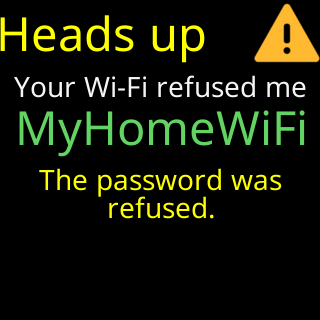
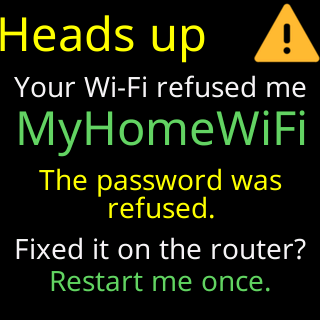
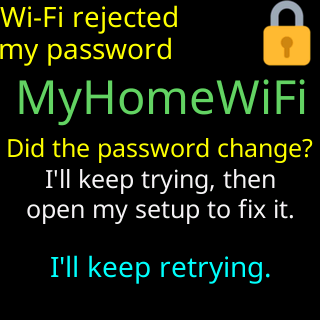
A ticker that used to work shows a card headed Heads up with a warning icon: Your Wi-Fi refused me, the network’s name in green, the reason from its last try, and I'll retry by myself / in 15 minutes., counting down. The card plays again after Join my Wi-Fi, and that time it ends Fixed it on the router? / Restart me once. Before it opened setup, its waiting screen said Wi-Fi rejected my password (or Can't join Wi-Fi) with Did the password change? / I'll keep trying, then / open my setup to fix it. The CT setup network is on, and the setup page’s first card reads I couldn’t get back on your Wi-Fi.
Cause
The router is there and answering, and it refused the ticker’s saved password four times in a row. Nearly always the network’s password was changed at the router, or the router was replaced and set up with the same name and a different password. The ticker keeps every coin and setting; only the Wi-Fi needs re-entering. It does not watch for the old network to come back in this case, because the network never went away. It does retry the saved password by itself: when nobody has used the setup page for 15 minutes it restarts and tries again, and the Heads up card counts down to that.
Fix
- If you changed the password back, or fixed the problem on the router, restart the ticker once (unplug it and plug it back in). It tries the saved password again.
- Otherwise join the
CTnetwork with your phone; see Join the ticker's setup network. - On the setup page’s first card, read the network name it shows. Tap through to the list.
- Pick that network (it carries the badge
my saved Wi-Fi), type the new password, and tapConnect. If the password is refused, the old one stays saved, so the ticker can still retry it. - Watch for
You're all set!; the ticker restarts with everything as before.
If that didn’t work
- The new password is refused as well: The password was refused
- You did not change anything and the router still refuses: restart the router; then check its app for an approval list — Router settings that block new devices
- A restart of the ticker makes it try the saved password again, which is harmless if you think the refusal was a fluke.