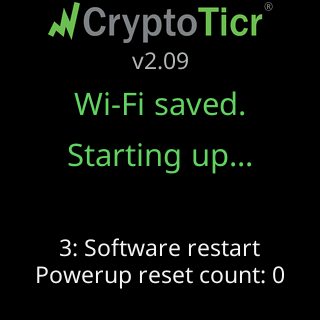
What the glass shows while joining
You’re on my Wi-Fi!
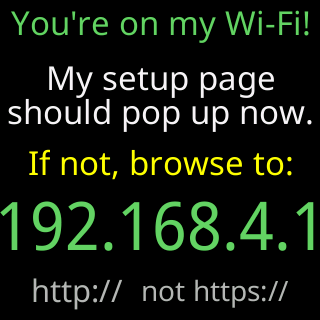
The moment a device joins the setup network, the how-to-join cards leave the loop and this card takes the glass: You're on my Wi-Fi! in green, then a middle line that changes every few seconds: My setup page should pop up now., iPhones & most Androids pop it up..., Some, like Samsung won't and will..., ...need a Sign-in tap, or browse to the IP., Stuck? I'll show a QR code to scan soon.... Then If not, browse to:, the address 192.168.4.1 large and green, and http:// not https:// in gray. It holds for 90 seconds.
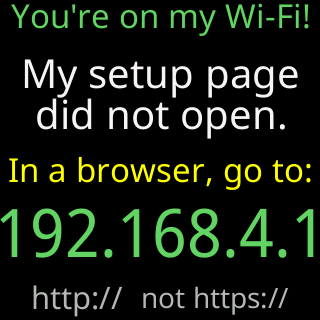
If the only thing that fetched the page was the phone’s own network check and no browser followed, the card says My setup page / did not open. and In a browser, go to: above the address instead.

Scan to open my page
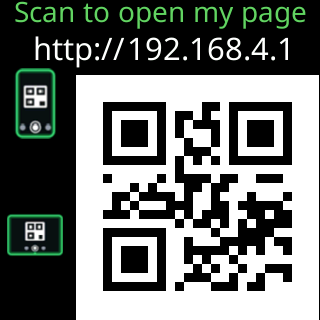
After the 90 seconds, if the setup page still has not been opened in a browser, the glass shows Scan to open my page with a QR code holding http://192.168.4.1 and two device icons, for 60 seconds; then the two cards alternate. Point a camera at the code and the phone opens the page.
Doing great!
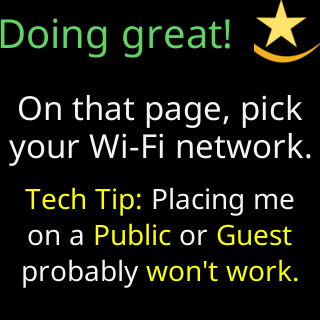
When a real browser has loaded the setup page, the glass shows Doing great! under a star-swish icon, then On that page, pick / your Wi-Fi network. and three smaller rows: Tech Tip: Placing me / on a Public or Guest / probably won't work.
Got it - thanks!
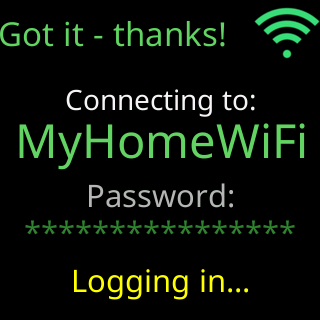
When you tap Connect, the glass shows Got it - thanks! with a green Wi-Fi icon, Connecting to: and the network’s name in green, Password: and the password, as asterisks unless you left the eye on the setup page open, in which case it is shown in clear so you can catch a typo, and Logging in... in yellow. For an open network the password row reads (none - open network).
No luck yet.
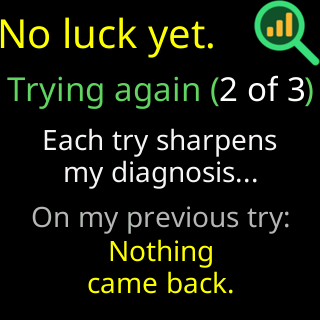
If a try fails and the ticker is going to try again, the glass shows No luck yet. under a magnifier icon, Trying again (2 of 3) with the count, Each try sharpens / my diagnosis..., and, when it has one, On my previous try: with the reason from the last attempt in yellow.
Status report:
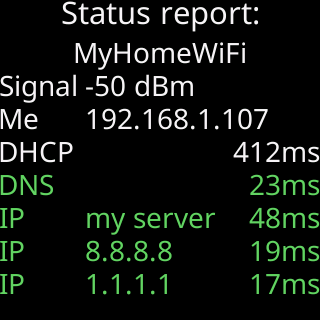
On a successful join, before the celebration, the glass shows a table titled Status report:. Its rows:
- your network’s name
Signal, the strength in dBmMe, the address your router gave the tickerDHCP, how long the address took to arrive, in millisecondsDNS, how long a name lookup took, orno addressIP my server, how long the ticker’s own server took to answer,refused,silent, ornot triedIP 8.8.8.8andIP 1.1.1.1, the same for two public internet addresses
Rows that answered are green; a row that did not is orange or red. If the ticker’s server did not answer, or a sign-in page answered in its place, a last row says why in plain words: A sign-in page blocks me., No internet here., My name fails here., 443 fails here, 80 works. or My end, not yours. The table holds for eight seconds, or 15 when a row is not green.
Can’t get online
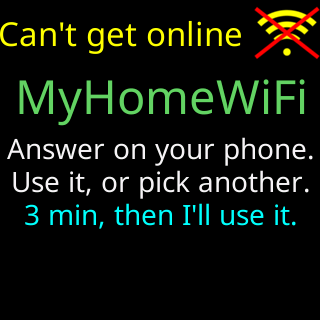
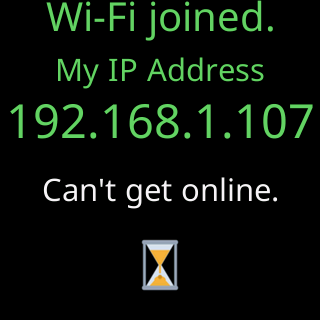
When the ticker gets onto a network but nothing on the internet answers, the status report is followed by Can't get online in yellow with a yellow Wi-Fi icon crossed out in red, the network’s name in green, and Answer on your phone. / Use it, or pick another. / 3 min, then I'll use it. The setup page asks the same question with two buttons, Use it anyway and Pick another Wi-Fi. Pick another and nothing is saved. Use it anyway, or let the 3 minutes run out, and the glass shows Wi-Fi joined. / My IP Address / the address / Can't get online. for eight seconds, without the color-cycling title, then restarts onto that network.
You’re all set!
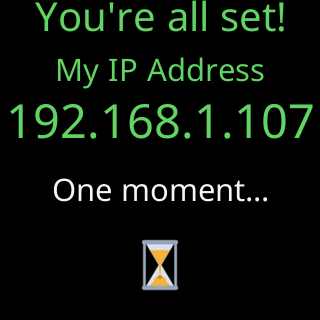
You're all set! in a color-cycling title, My IP Address, the address as large as it fits, One moment..., and an hourglass. It holds for eight seconds, then the ticker restarts onto your Wi-Fi. This is the address the settings page lives at; the phone captures it during these seconds.
Don’t give up!
The first failed attempt paints no card of its own; the page carries the verdict. From the second failure the glass shows Don't give up! under a raised-fist icon, the reason in white (for example Password refused 2x - Wrong password?), then Try again in yellow, on my setup page: and 192.168.4.1 in green. After it, the failure cards take over the loop: What happened, Let's try again., Tech tip (only after a refusal), Also worth trying (only when the signal was poor) and Don't give up! again, each for 11 seconds. Every one of those cards, quoted and pictured, is under “When a join fails” on Screen messages during setup; the individual fixes start with The password was refused.
After the restart
The first screen after the restart is Looking good! / Starting up..., or Wi-Fi saved. / Starting up... after a network used without internet. What follows is on The first run on the glass.