The first run on the glass
The start screen
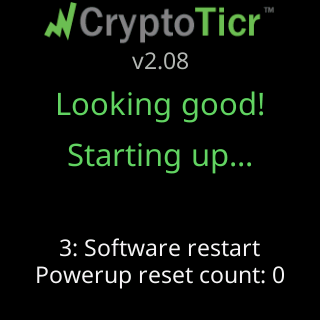
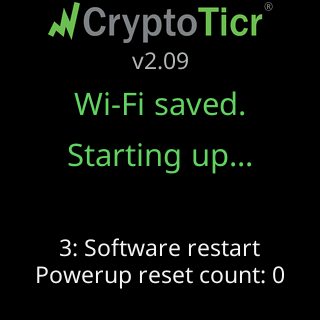
After You're all set! the ticker restarts. The first thing it paints is Looking good! / Starting up... in green. After a network used without internet (Wi-Fi joined.), it paints Wi-Fi saved. / Starting up... instead. Then the start screen: the CryptoTicr logo, the firmware version, and, once the router has given it an address, My settings are here: with the address in large type.

Waiting for the server
Before showing prices the ticker asks its server for a go-ahead. Usually that takes a moment. If it takes longer, a small box at the bottom of the start screen says what is happening and counts the tries: My server says: wait., My server's having trouble., Not your fault. Retrying..., Rejoining your Wi-Fi... or Waiting for an address.... When the fault is on the ticker’s side of the internet the box says so, My server's down right now., The trouble is at my end., I'll keep trying., and when this network blocks it, Something here blocks me. / I can't get past this network. / Use home Wi-Fi or a hotspot. The ticker keeps trying on its own; nothing here needs you.
The signal check
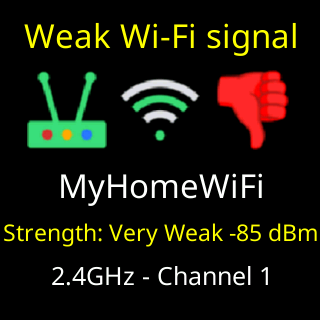
If the ticker’s link to your router is weak, a reading below -79 dBm, it shows a Weak Wi-Fi signal card once before the first coin, with your network’s name, Strength: and the reading, and 2.4GHz - Channel with the channel number. A ticker with a good or fair signal shows no card at startup. The card is described on The Wi-Fi signal check.
The proof-of-life show
On a ticker that has never been introduced to its owner, the first coins are a short demonstration that everything works, run faster than normal: any Market Info cards that are switched on play first, briefly, then two coins for about two and a half seconds each. The demonstration ends by itself after those two coins, or after 90 seconds at most.
The tour
Then the ticker turns to you. It cycles through these pages, each with a thin green bar that empties as the page’s time runs out:
-
Nicely done!in a color-cycling title, a picture equation, a gem, plus raised hands, an arrow, a moon, andLet's catch/the next move.Six seconds, shown once.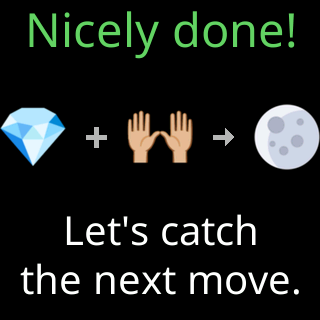
-
The address page:
Open a browser./Enter into its/ADDRESS BAR:, the address large,Not a search box!, andhttp:// not https://(plain http, because the page stays on your own network and never crosses the internet). 45 seconds. This page exists because the commonest first-day call is an address typed into a search box.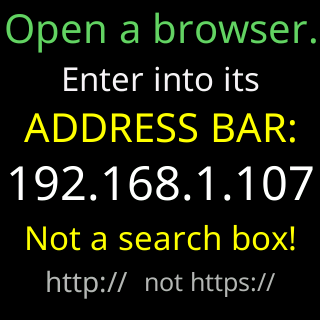
-
The phone page:
Scan for my settingsand a QR code holding the address, with a red bar inside the code counting down. 60 seconds.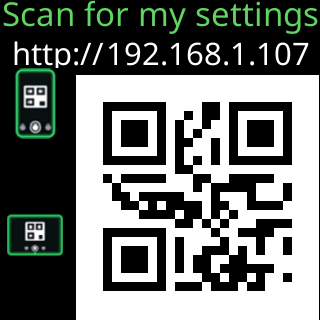
-
The
For help...card from setup, with Lee’s number and email, for ten seconds, every second lap, and only while nobody has opened the settings page.
The address and phone pages repeat until one of two things happens.
How the tour ends
- You open the settings page. The glass changes at once to
You're in settings!with a party-popper icon andPick your coins,/hit Save, and/I'll get to work!, holds it for five seconds, and starts the coins. Once you are on the page, the address and phone pages still to come are cut to a quarter of their time, because you no longer need them. - One full pass has played, every page has had its whole time, and nobody has arrived. The coins start on their own. The tour is marked as played and does not return on later power-ups.
The first automatic firmware check happens five minutes after power-up whether or not the tour is running.