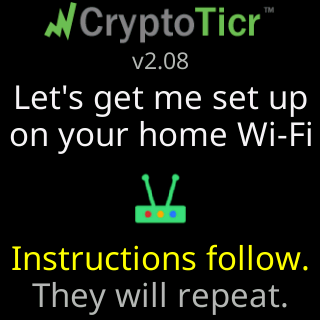
How do I know which firmware version my ticker has?
 9:41192.168.1.107
Open the settings page and read the Firmware: line at the top right, for example v2.09. Tapping the line opens that version’s What's new? list.
Without the page, watch the ticker start: the version is under the logo on the start screen at every power-up. See Which firmware do I have?.